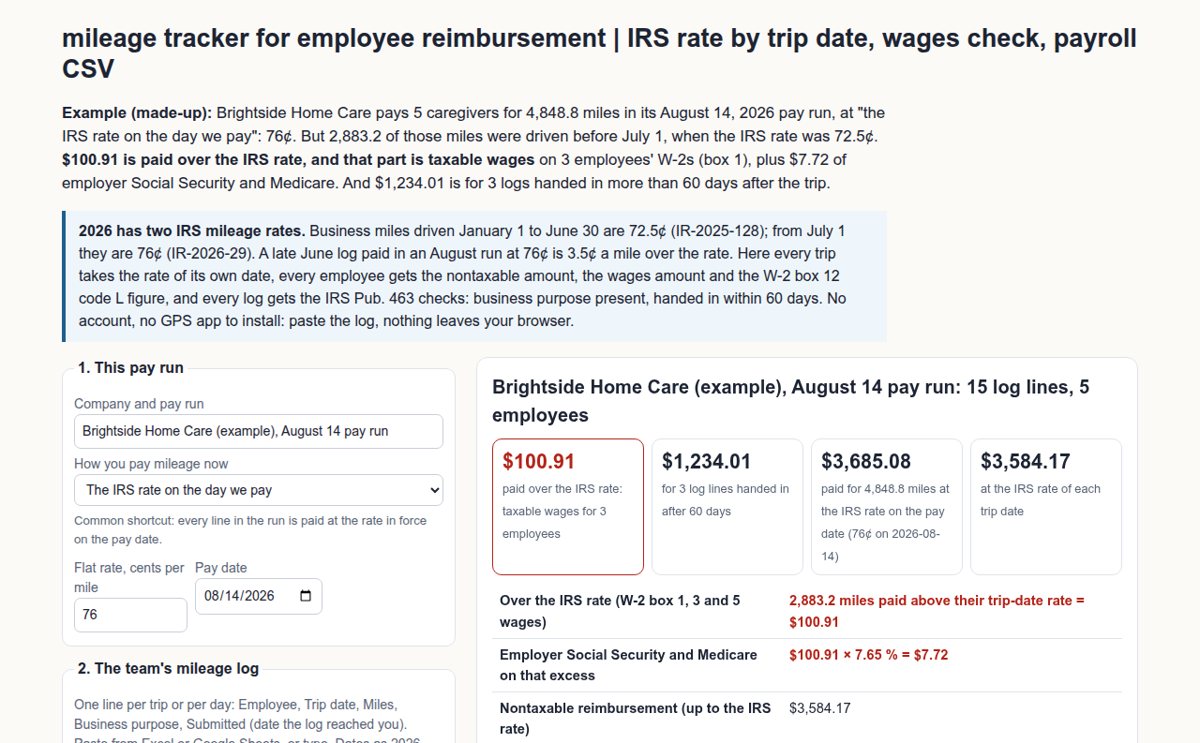
Example (made-up): Brightside Home Care pays 5 caregivers for 4,848.8 miles in its August 14, 2026 pay run, at "the IRS rate on the day we pay": 76¢. But 2,883.2 of those miles were driven before July 1, when the IRS rate was 72.5¢. $100.91 is paid over the IRS rate, and that part is taxable wages on 3 employees' W-2s (box 1), plus $7.72 of employer Social Security and Medicare. And $1,234.01 is for 3 logs handed in more than 60 days after the trip.
2026 has two IRS mileage rates. Business miles driven January 1 to June 30 are 72.5¢ (IR-2025-128); from July 1 they are 76¢ (IR-2026-29). A late June log paid in an August run at 76¢ is 3.5¢ a mile over the rate. Here every trip takes the rate of its own date, every employee gets the nontaxable amount, the wages amount and the W-2 box 12 code L figure, and every log gets the IRS Pub. 463 checks: business purpose present, handed in within 60 days. No account, no GPS app to install: paste the log, nothing leaves your browser.
Brightside Home Care (example), August 14 pay run: 15 log lines, 5 employees
Per employee: what goes on payroll
| Employee | Miles | Paid | Up to IRS rate (nontaxable) | Over IRS rate (wages) | W-2 box 12 code L | Checks |
|---|
Every log line
| Employee | Trip date | Miles | IRS rate | Paid rate | Paid | Check |
|---|
Pro: every pay run saved, year-to-date W-2 figures per employee, payroll files
Pro adds 7 things: saved pay runs, the year-to-date W-2 table per employee (box 1 wages and box 12 code L from every saved run), importing the CSV logs your employees send (many files at once), the payroll CSV and the trip-level CSV, a printable reimbursement report for each employee to sign (print or save as PDF), a monthly "logs due" reminder (.ics) and a backup. $12 per month. Get Pro · $12 / month or $99 per year
Have a key?
How this mileage tracker checks a pay run
The rate of the trip date. The IRS business standard mileage rate for 2026 is 72.5 cents a mile for January 1 to June 30 (IR-2025-128) and 76 cents a mile for July 1 to December 31 (IR-2026-29), as listed on irs.gov's standard mileage rates page (updated July 28, 2026). Each log line takes the rate of its own trip date, whatever day you pay it. 2025 (70¢) and 2024 (67¢) lines are read too.
Over the rate is wages. IRS Pub. 463: if an allowance is more than the federal rate, the employer reports the amount up to the federal rate under code L in box 12 of Form W-2 (not taxable) and the excess in box 1 as wages. In the example, Ben Okafor's April to June logs (2,035 miles) were paid at 76¢ instead of 72.5¢: 2,035 × 3.5¢ = $71.22 of wages, and $1,475.38 under code L. The page also prints the employer's share of Social Security and Medicare on the excess at 7.65 % ($100.91 × 7.65 % = $7.72) when the employee is under the Social Security wage base.
The 60-day safe harbor. Pub. 463 treats an employee as accounting within a reasonable period when the expenses are adequately accounted for within 60 days after they were paid or incurred, and any excess is returned within 120 days. A log handed in later is outside that safe harbor and is flagged with its day count, so you can ask your payroll provider before you pay it as nontaxable. A log line needs the date, the miles, the place and the business purpose; a missing purpose is flagged.
Below the rate. Paying less than the IRS rate is not taxable, and the page shows how far under the rate each employee was paid. Some states have their own expense reimbursement rules: check yours. Calculation aid, not tax or legal advice.

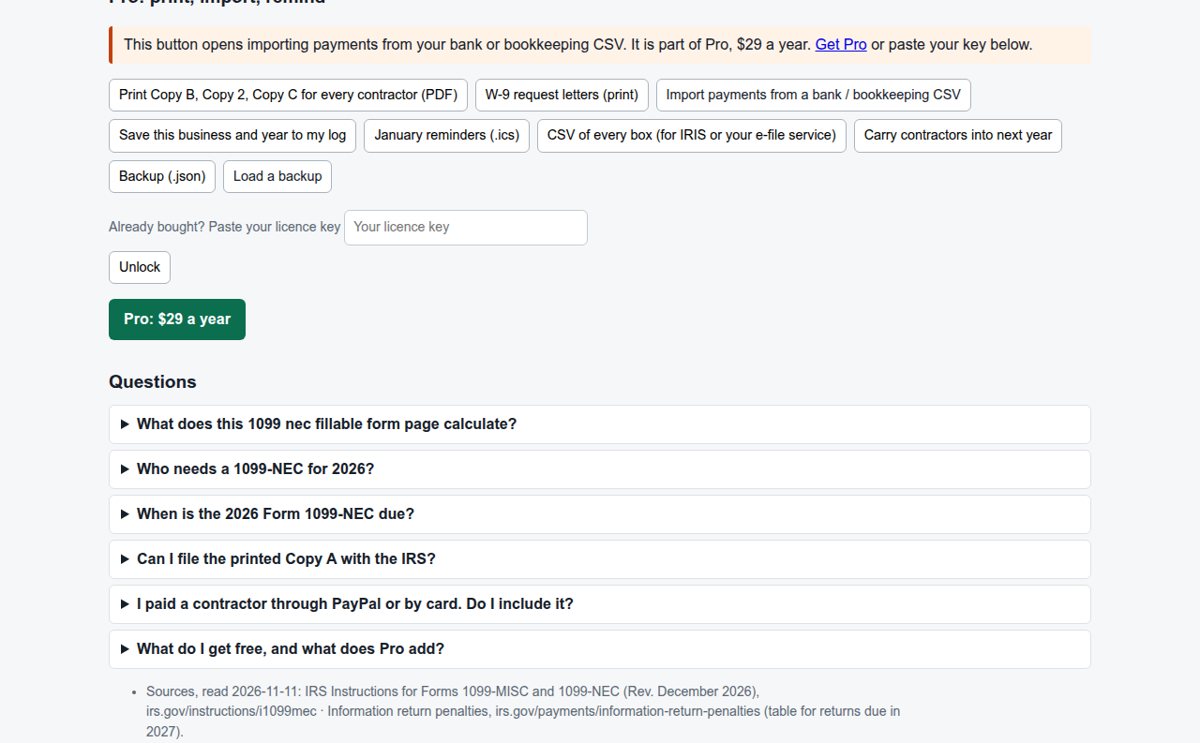 1099 nec fillable form 2026 | contractor log + Copy B
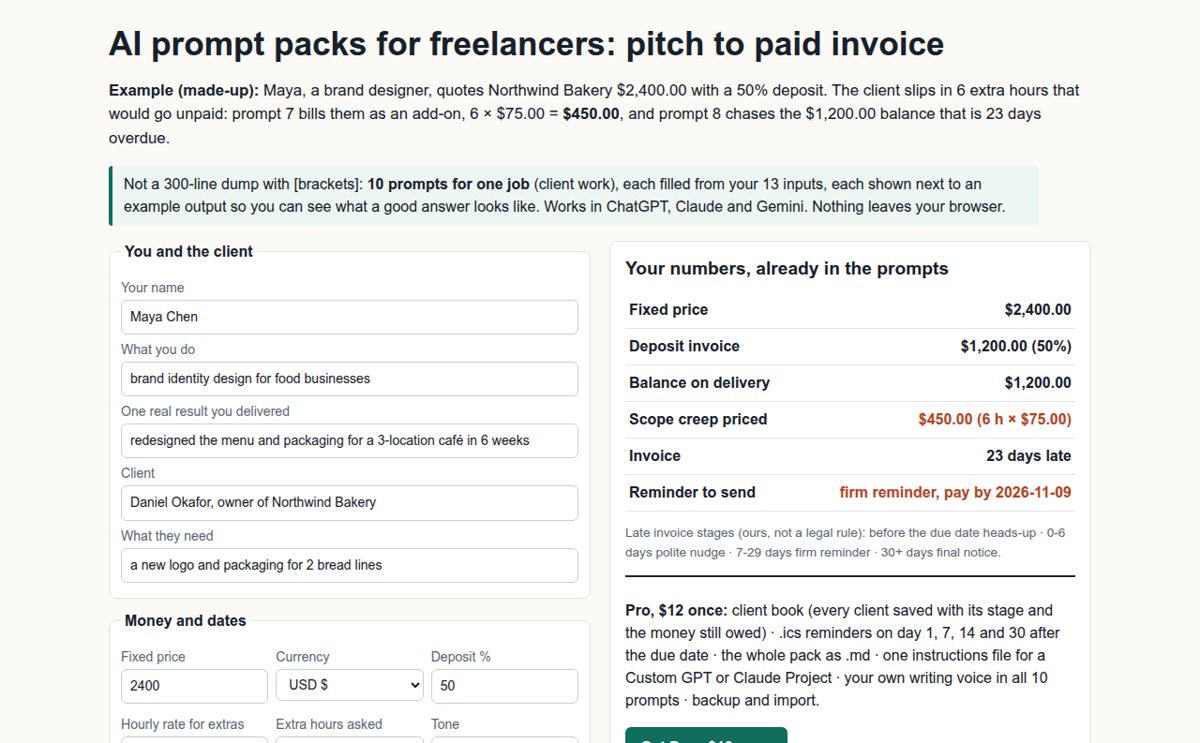 AI prompt packs for freelancers: pitch to paid invoice
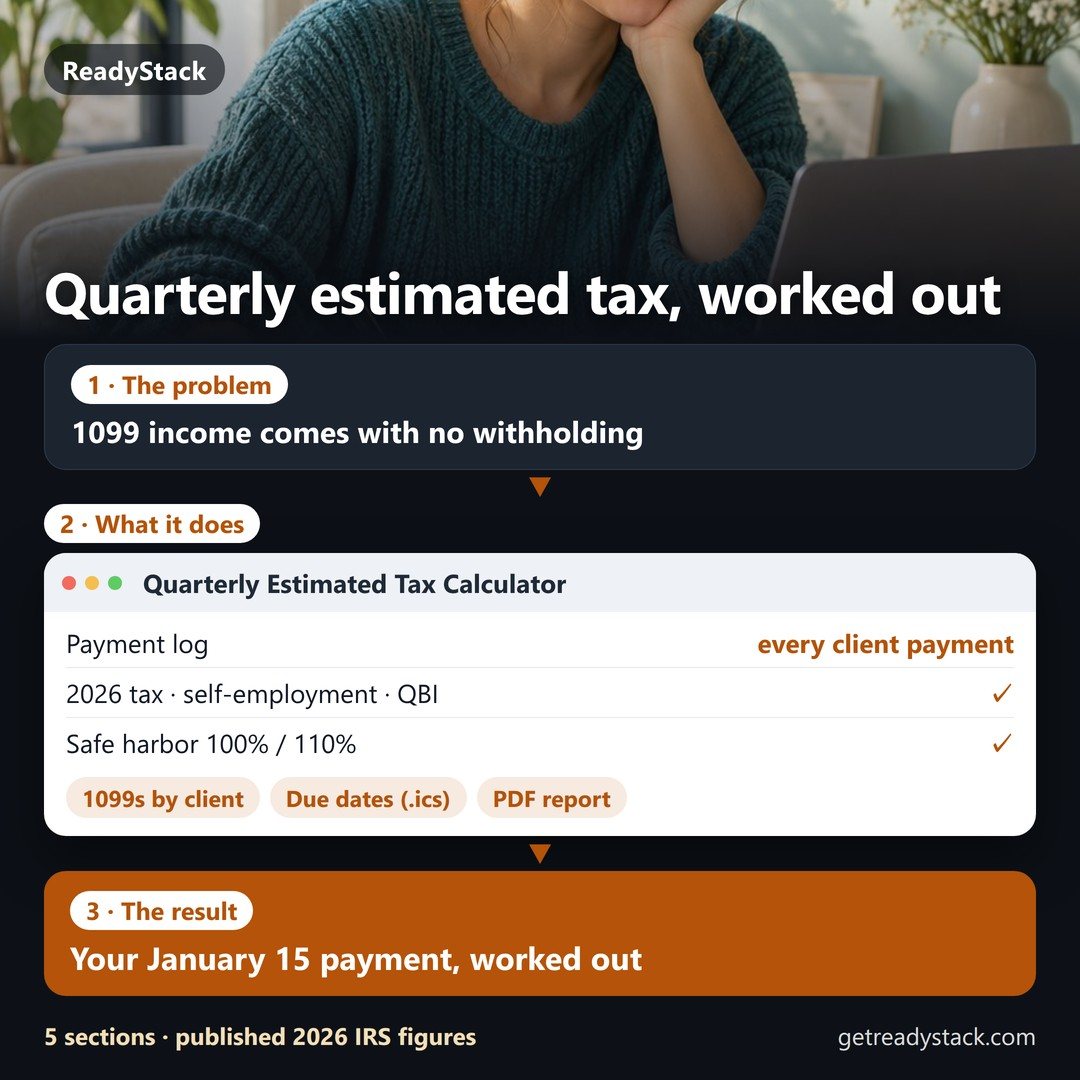 Quarterly estimated tax for 1099 freelancers — worked out from every payment you log
 Client portal and CRM for freelancers: proposals, contracts and invoices in one place
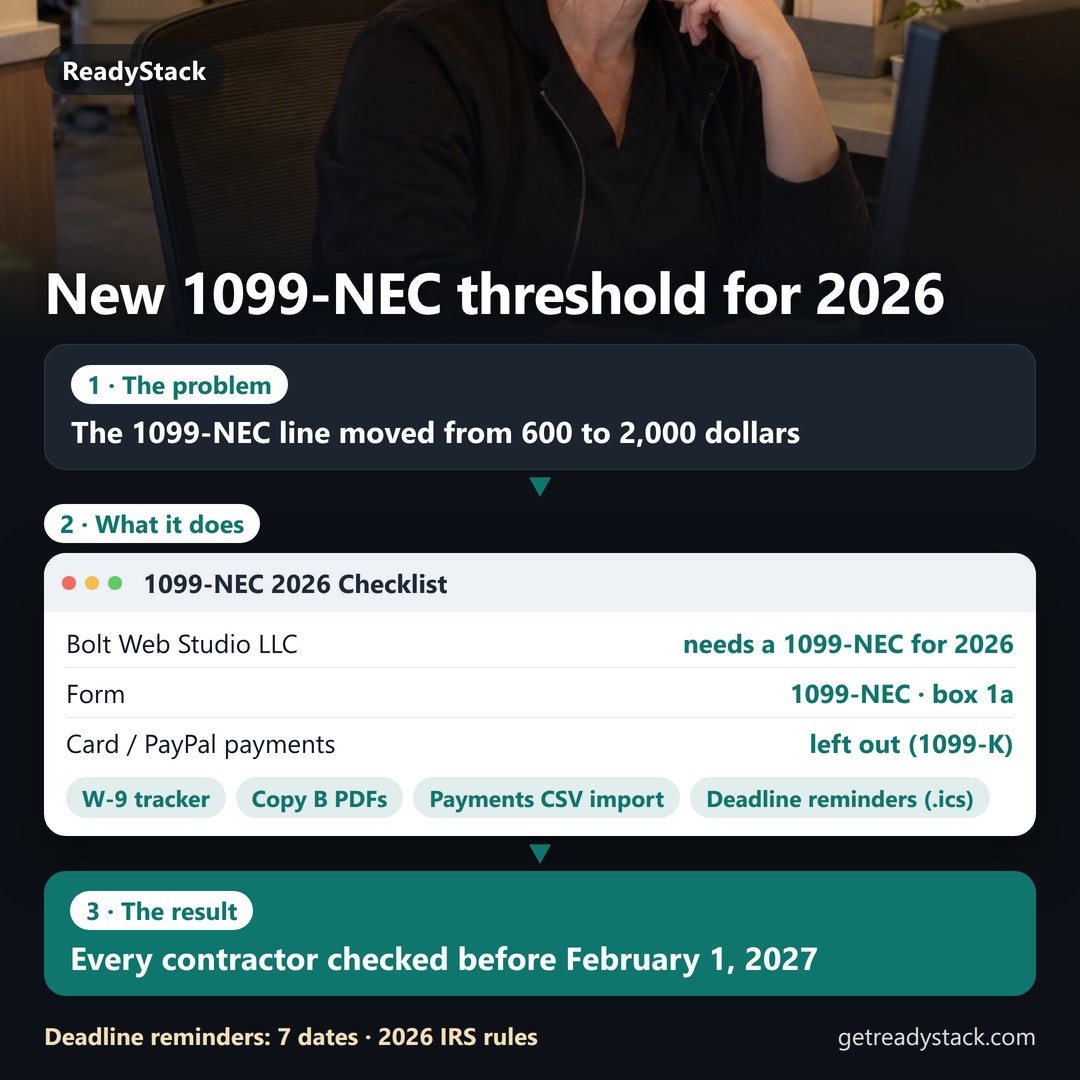 Which contractors need a 1099-NEC for 2026? Check each one against the $2,000 line.
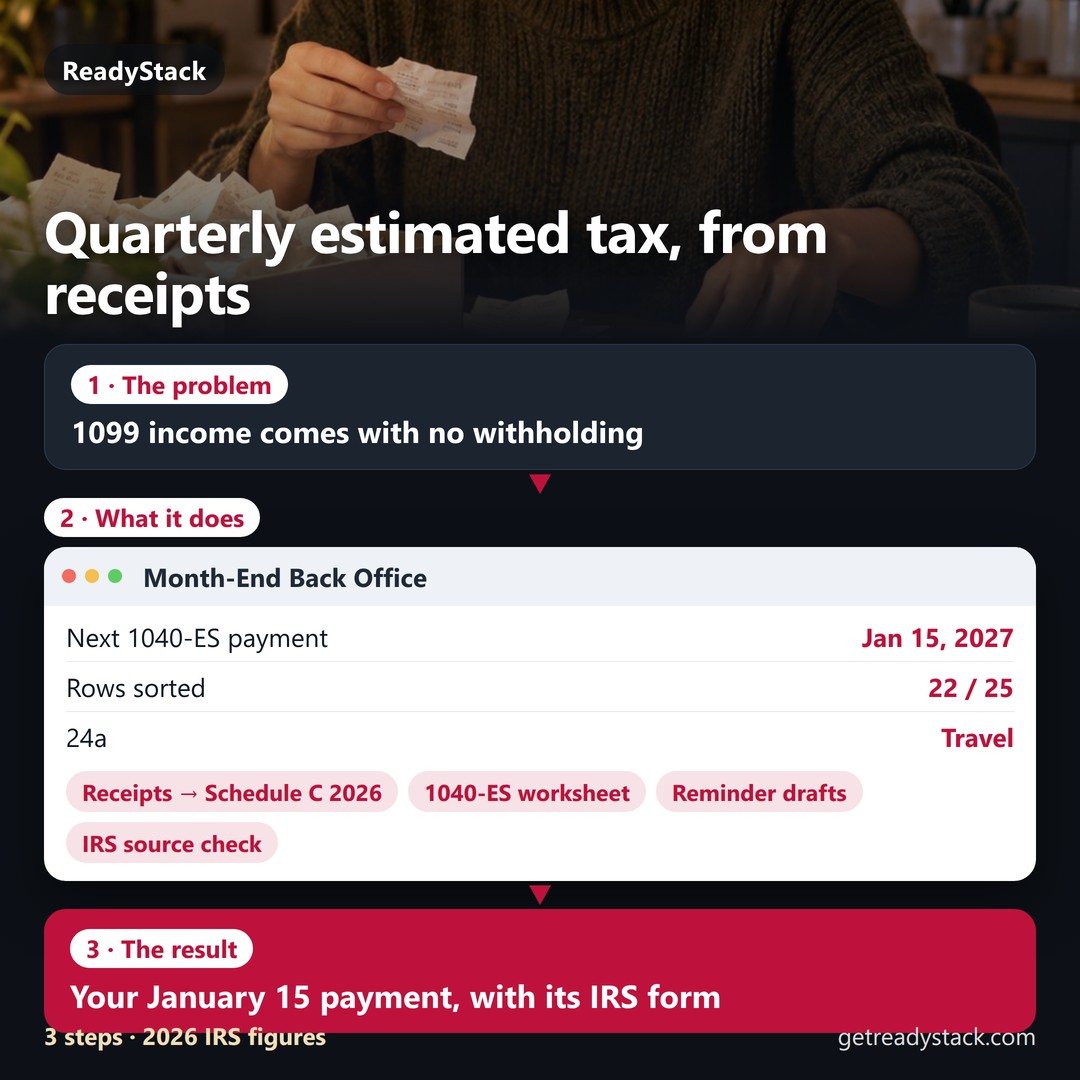 Your January 15 estimated tax payment, worked out from your own month.
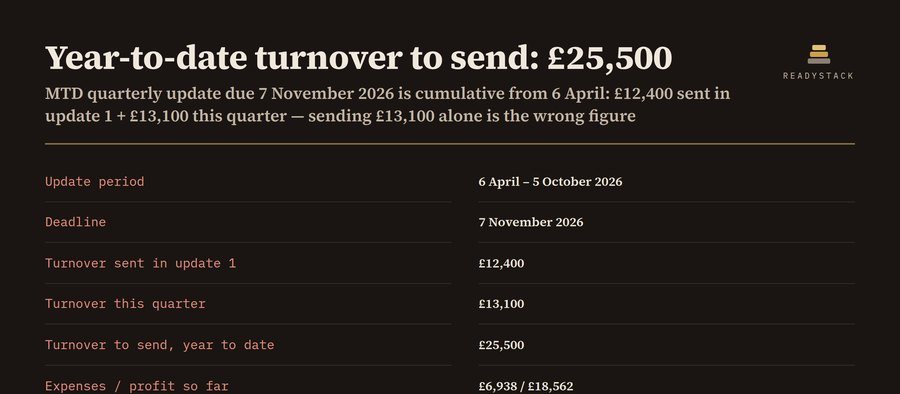 MTD for Income Tax quarterly update: bridging-ready CSV