Use the free versionUnlock the full version
Also on: Whop
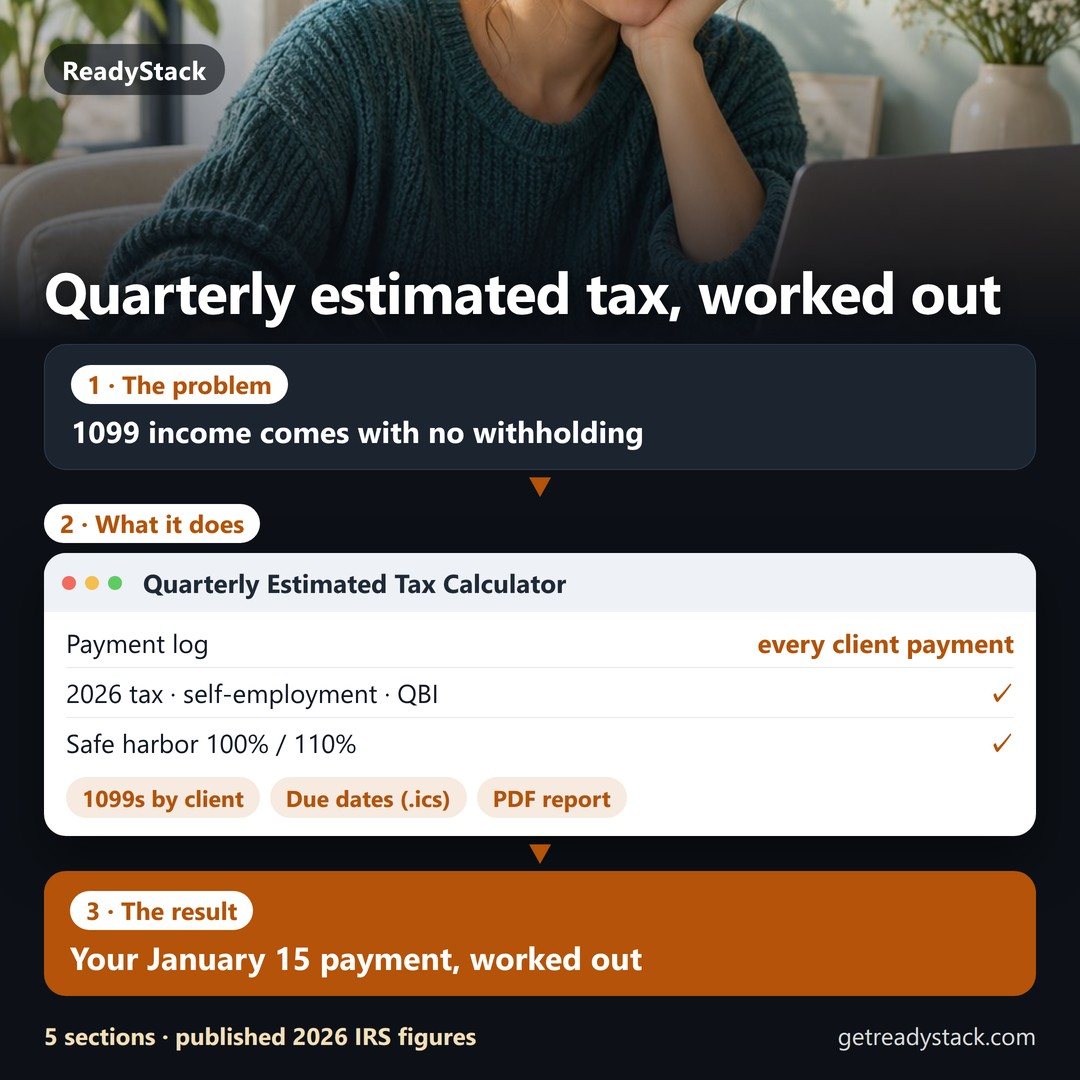
Your January 15 estimated tax payment, worked out from your own month.
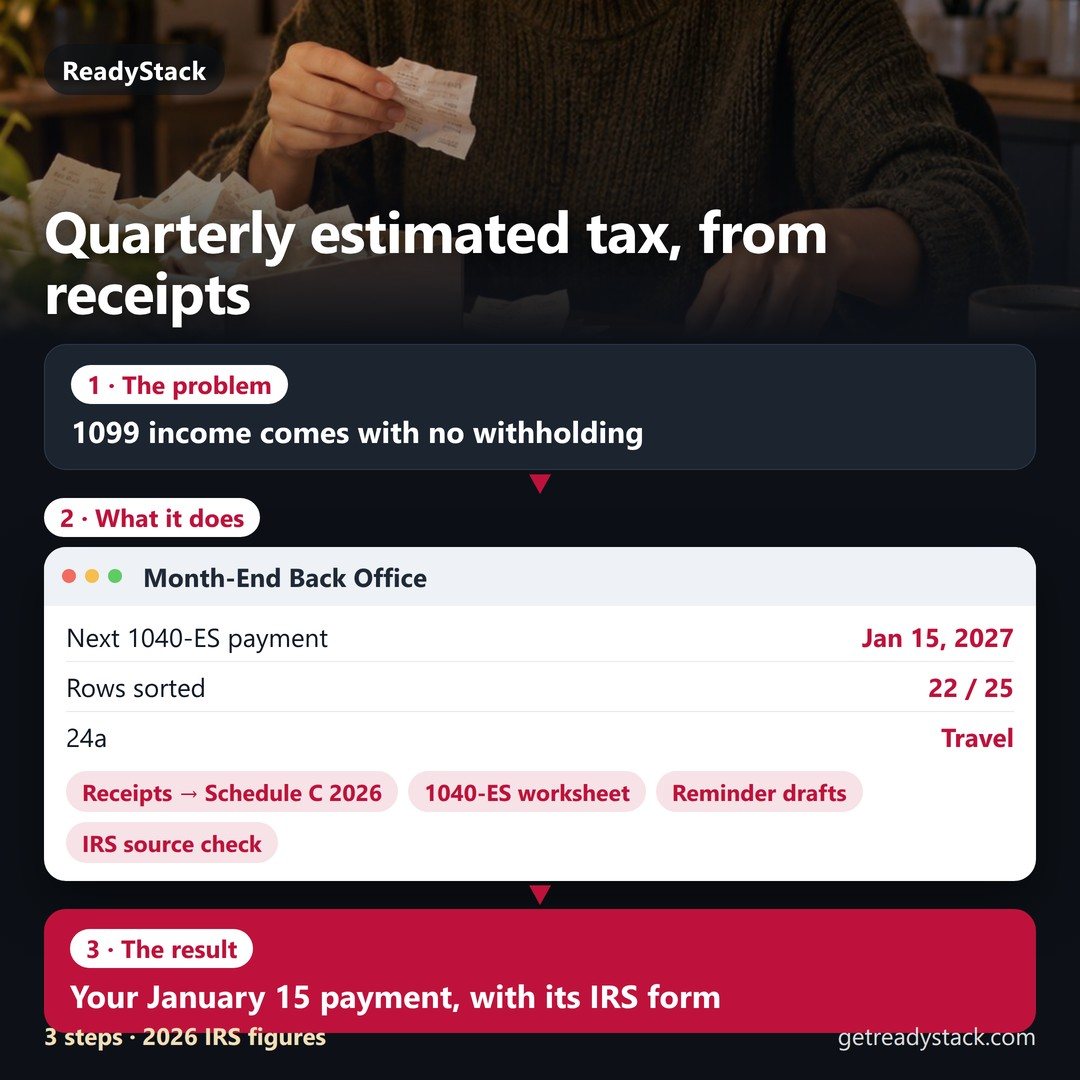
A Claude skill pack for US freelancers: receipts → 2026 Schedule C lines, the Form 1040-ES payment, and reminder drafts for overdue invoices. Every number prints the IRS form it came from and the date it was read.
January 15, 2027 payment (2026 Form 1040-ES worksheet)
-
Not a prompt pack: Python scripts compute every line with the 2026 IRS figures; Claude reads your receipts and asks only about the rows it can't place.
- 2026 rate schedules, not a flat 22%: SE tax to the $184,500 base, QBI $400 minimum, 90% / 100% / 110% safe harbor.
- No bookkeeping app: card CSV, email receipts and receipt photos → 2026 Schedule C lines.
- Every month-end: YTD ledger updated, next payment recomputed, each overdue invoice one reminder step up.
or $99/year · Renews until you cancel in your Whop account.
Sample month-end close: October 2026
Real output of the Pro scripts on the sample freelancer (single, 2025 tax $12,400, three $3,100 payments, 150 sq ft home office), closed on October 31, 2026.
October receipts → Schedule C 2026 lines
Questions before these rows count
What changed since the September close
1040-ES worksheet from the YTD ledger
Reminder draft (final notice, quotes the client's own late-fee terms)
How a month-end runs
- Drop in the month: card or bank CSV, email receipts, photos of paper receipts, your invoice list.
- Say “close October”. Claude reads the receipts; the scripts sort them into Schedule C lines, update the YTD ledger and work out the next 1040-ES payment.
- Answer the few questions (Amazon: supplies or personal?). Your answer is saved, so next month sorts itself. Review the reminder drafts and send them yourself.
What is in it
| Free lite (GitHub) | Pro | |
|---|---|---|
| January 15, 2027 payment, 1040-ES worksheet line by line, IRS sources | ✓ | ✓ |
| Receipts CSV → 2026 Schedule C lines, questions for unsure rows | ✓ | ✓ |
| Overdue-invoice aging and reminder drafts | ✓ | ✓ |
| Receipt photos and email receipts → rows (duplicates skipped) | - | ✓ |
| Month-end close: YTD ledger, next payment from YTD profit, what changed since last month | - | ✓ |
| Remembers your answers per vendor; home office (simplified) line | - | ✓ |
| Reminder log: friendly → firm → final, one step at a time, 7 days apart | - | ✓ |
| Payments log and IRS source check (tells you when the IRS replaces a form) | - | ✓ |
Built on these IRS sources
Not computed: annualized method (Form 2210 Schedule AI), penalty amounts, AMT, capital gains, state tax, QBI limits above the 2026 threshold, depreciation. Tax year 2027 figures are added after the IRS publishes them.
FAQ
Is this tax advice?
No. It is a worksheet calculator that uses the published IRS figures and shows where each one came from. Check the result with the IRS form or your tax preparer.
What do I need?
Claude Code (terminal, desktop app or IDE) and Python 3.8 or newer. Nothing to pip install.
Where does my data go?
Nowhere. Receipts, ledger and drafts are plain files in your folder. The only network call is the Pro key check to getreadystack.com.
Can I skip the January 15 payment?
Form 1040-ES (2026) says you don't have to make it if you file your 2026 return by February 1, 2027 and pay the entire balance due with it.
What happens if I cancel Pro?
The Pro commands stop; the free lite skills keep working and your back-office files stay on your computer.