Use the free versionUnlock the full version
Also on: Whop
Receipt PDF or photo in — vendor, date, total and every tax rate out, checked
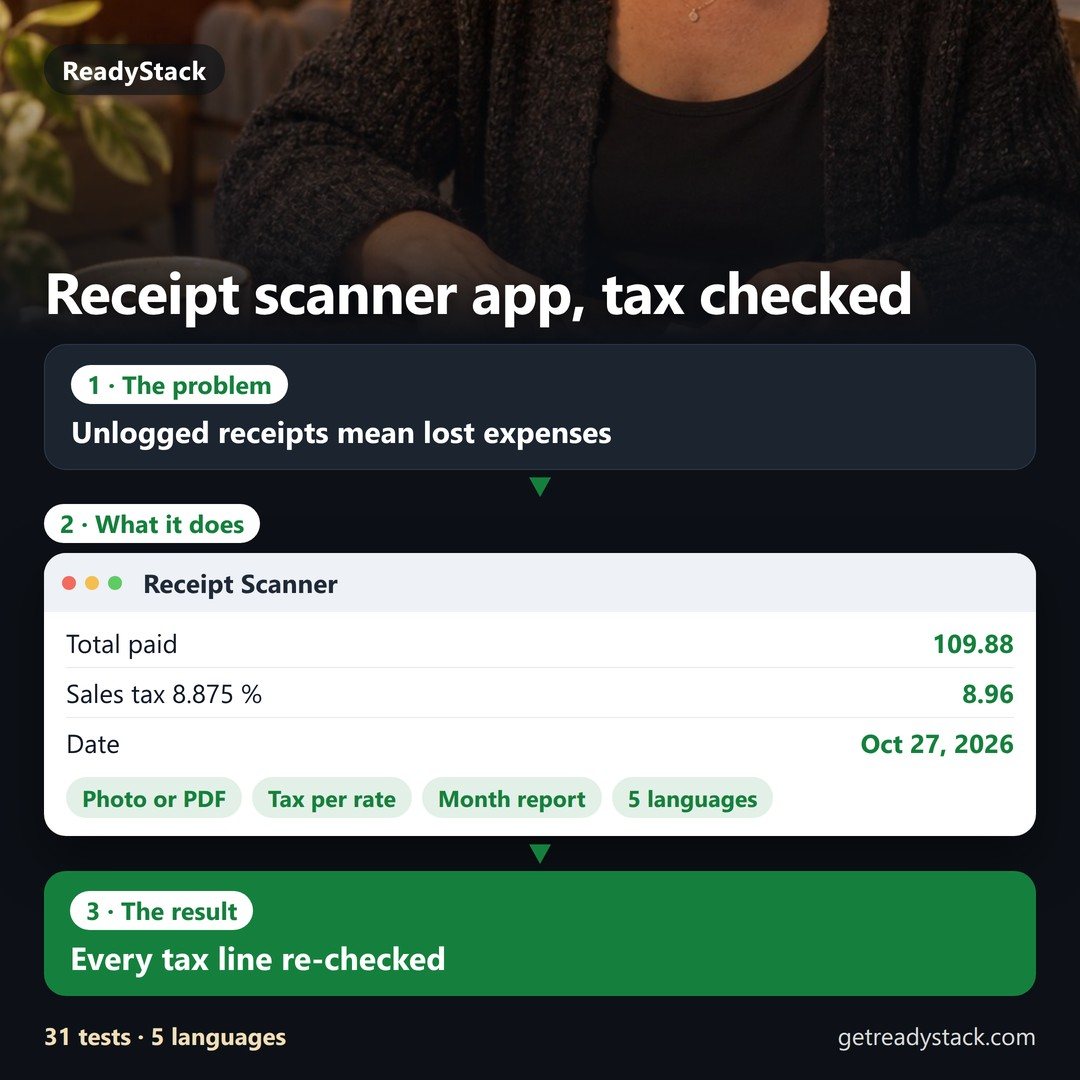
Example (made-up receipt): Hudson Office Supply, $109.88 with $8.96 sales tax at 8.875 % — a receipt you never log is $109.88 missing from Schedule C line 22 (Supplies).
- Every tax rate on one receipt, split and re-checked: net + tax = gross, tax = net × rate, the rates add up to the total — 7 % + 19 % on a German lunch, 8 % + 10 % on a Japanese receipt, sales tax + tip in the US.
- Read in about 5 seconds from a photo or a PDF, no waiting for someone to verify it — 1,000 receipts a month.
- Why monthly: receipts keep coming. Each month: 1,000 reads, the month report, the CSV and a ZIP of the originals for your bookkeeper, a reminder on the 1st. Cancel in your Whop account any time — saved receipts stay in this browser, readable.
Free, no sign-up: read any receipt, one at a time, every field and check on screen. Pro keeps them, reads many at once and closes the month.
Drop a receipt here — photo or PDF
A receipt scanner app for small business that checks its own math: snap it or drop the PDF, and about 5 seconds later every field is on screen, every tax rate split and re-checked against the total.
Photos go to our reader on Cloudflare and are not stored. A PDF's own text is taken out in your browser first, and only that text is read. Saved receipts stay in this browser.
| Rate | Net | Tax | Gross |
|---|
Checks
Keep this receipt and close the month
Reading is free. Keeping, reading many at once and the month package are Pro:
My receipts (this browser)
No receipts saved yet.