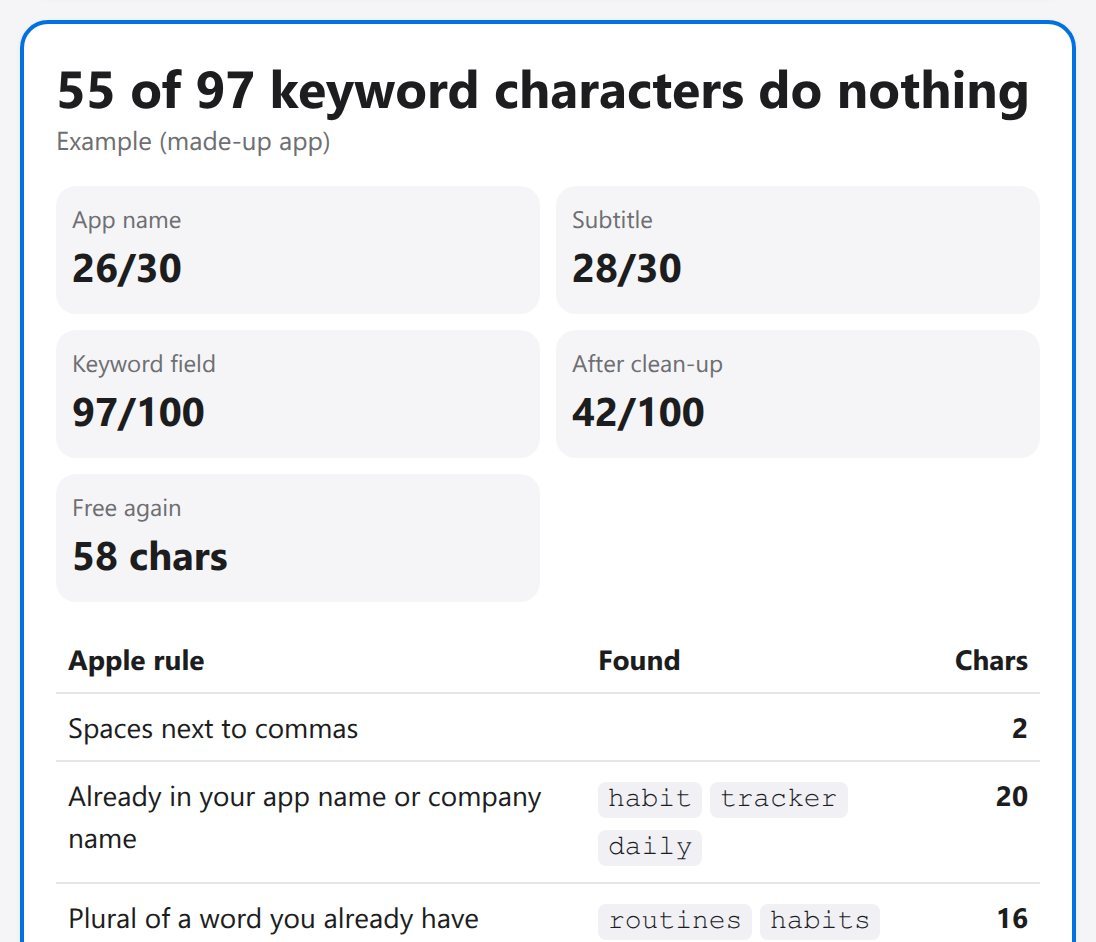
Example (made-up habit app, shown below): its keyword field uses 97 of 100 characters, and 55 of them do nothing. "habit", "tracker" and "daily" are already in the app name, "habits" and "routines" are plurals of words it already has, "productivity" is a category name, "app" is on Apple's avoid list, and there are 2 spaces after commas. Apple's own product page guide says to leave all of these out.
Paste your App Store ID or link. We read your live name and subtitle in the storefront you pick, you paste your keyword field (Apple never publishes it), and you get the cleaned field back, ready to paste into App Store Connect.
The fields above hold the made-up example. Replace them with yours; the check runs as you type.
Pro, $9 per month: your listing in all 16 storefronts side by side (which ones still show English), name, subtitle and keyword field written for up to 11 more App Store locales and checked by the same rules, What's New text per locale, your position for a search term, a saved history per release for several apps, and a file for App Store Connect. Get Pro · $9 / month
Pro: every storefront, every language
1. Your listing in 16 storefronts
Reads the name and subtitle each storefront shows today and marks the ones that fall back to English.
2. Write the missing languages
Name, subtitle and keyword field per locale, written by an AI model, then run through the same Apple rules as the free check. A field that does not fit is written again, never cut. Read it before you paste.
3. What's New, in every locale
4. Where you show up for a search term
5. History per release, several apps
Saves this listing (name, subtitle, keyword field, version) in this browser and shows what changed since the last save.
6. File for App Store Connect
Every locale you checked or wrote, with its character counts, as a text sheet and a CSV.
Already have a key?
The rules it checks, in Apple's words
- "An app name can be up to 30 characters long." "A subtitle can be up to 30 characters long." (Apple, Creating your product page, read Nov 25 2026)
- "Keywords are limited to 100 characters total, with terms separated by commas and no spaces." Avoid "Plurals of words that you've already included in singular form", "Names of categories or the word 'app'", "Duplicate words" and "Special characters — such as # or @". (same page)
- Keywords: "each greater than two characters" · "up to 100 bytes of content" · "Your app is searchable by app name and company name, so you shouldn't duplicate these values in the keyword list." (Apple, App Store Connect Help, Platform version information, read Nov 25 2026)
- Apple's two pages count the keyword field differently: 100 characters on one, 100 bytes on the other. A Japanese character is 3 bytes, an ä or é is 2. We show both counts; App Store Connect decides when you save.
- The "wasted" number counts only the rules above. Words your subtitle repeats from the name are shown on their own line and are not in that number, because Apple does not say how the subtitle is indexed.
- Your keyword field stays in your browser for the free check. Apple does not publish keyword fields, so this tool cannot read anyone else's. It does not estimate search volume.
- Not affiliated with Apple. App Store is a trademark of Apple Inc.
Questions
What does the free check do?
Paste your App Store ID or link and pick a storefront. We read the name and subtitle that storefront shows today. You paste your keyword field from App Store Connect, and the tool counts characters and bytes and flags every word Apple's own guide says wastes space: words already in your name or company name, duplicates, plurals, category names, the word app, # or @, and spaces after commas. You get a cleaned field to paste back. Use it on as many apps as you like.
Why can't it read my keyword field by itself?
Apple keeps the keyword field private. It is never shown on the App Store and no public Apple service returns it. The name and subtitle are public, so we read those live, and you paste the keyword field from App Store Connect. For the free check it stays in your browser and is not sent to our server.
What does Pro add?
Your name and subtitle in 16 storefronts side by side, with the ones still showing English marked. Name, subtitle and keyword field written for up to 11 more App Store locales and checked by the same rules. What's New text per locale, your position for a search term, a saved history per release for several apps, and a text sheet and CSV for App Store Connect.
How is the AI text checked?
Every written field runs through the same rules as the free check. Words already in the name or company name, duplicates, plurals, category names and the word app are removed. If the name, subtitle or keyword field is over Apple's limit, the model is asked again, and the text is never cut off. It can still pick an odd word, so read each locale before you paste it.
Is the position the same as in the App Store app?
It is the order of the App Store web search at apps.apple.com for that storefront, first page only, read when you ask and kept for 6 hours. If that page does not answer, we use Apple's public Search API and the page says which one we used. The App Store app on a phone can order results differently, for example by device or by personal history.
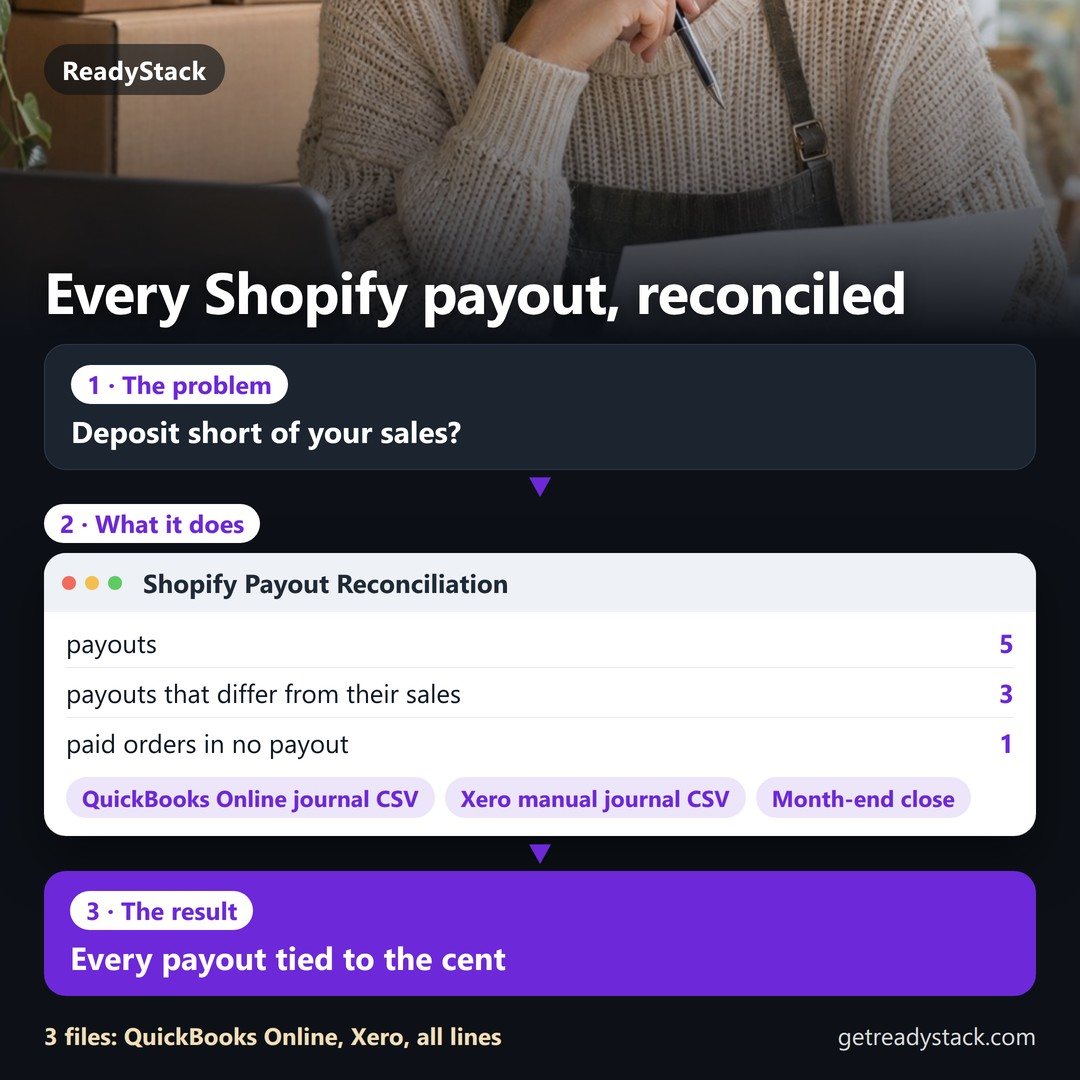 Shopify Payout Reconciliation: every payout tied to the cent, missing orders found, journal entries for QuickBooks and Xero
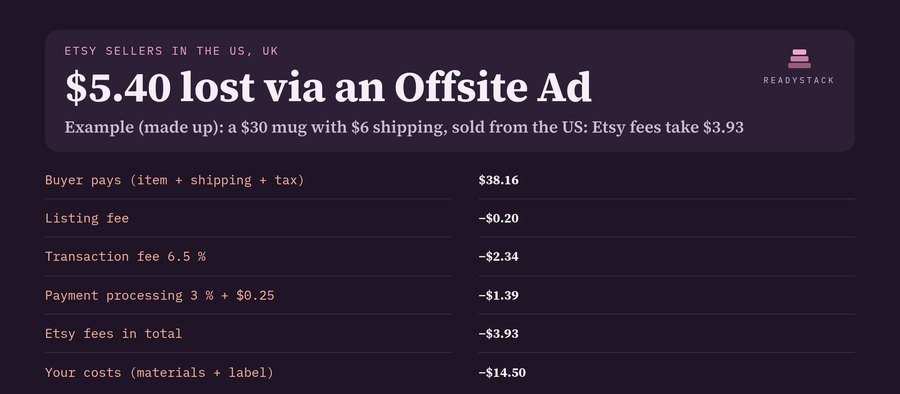 Etsy Fee Calculator: Country Fees, Profit and Monthly Report
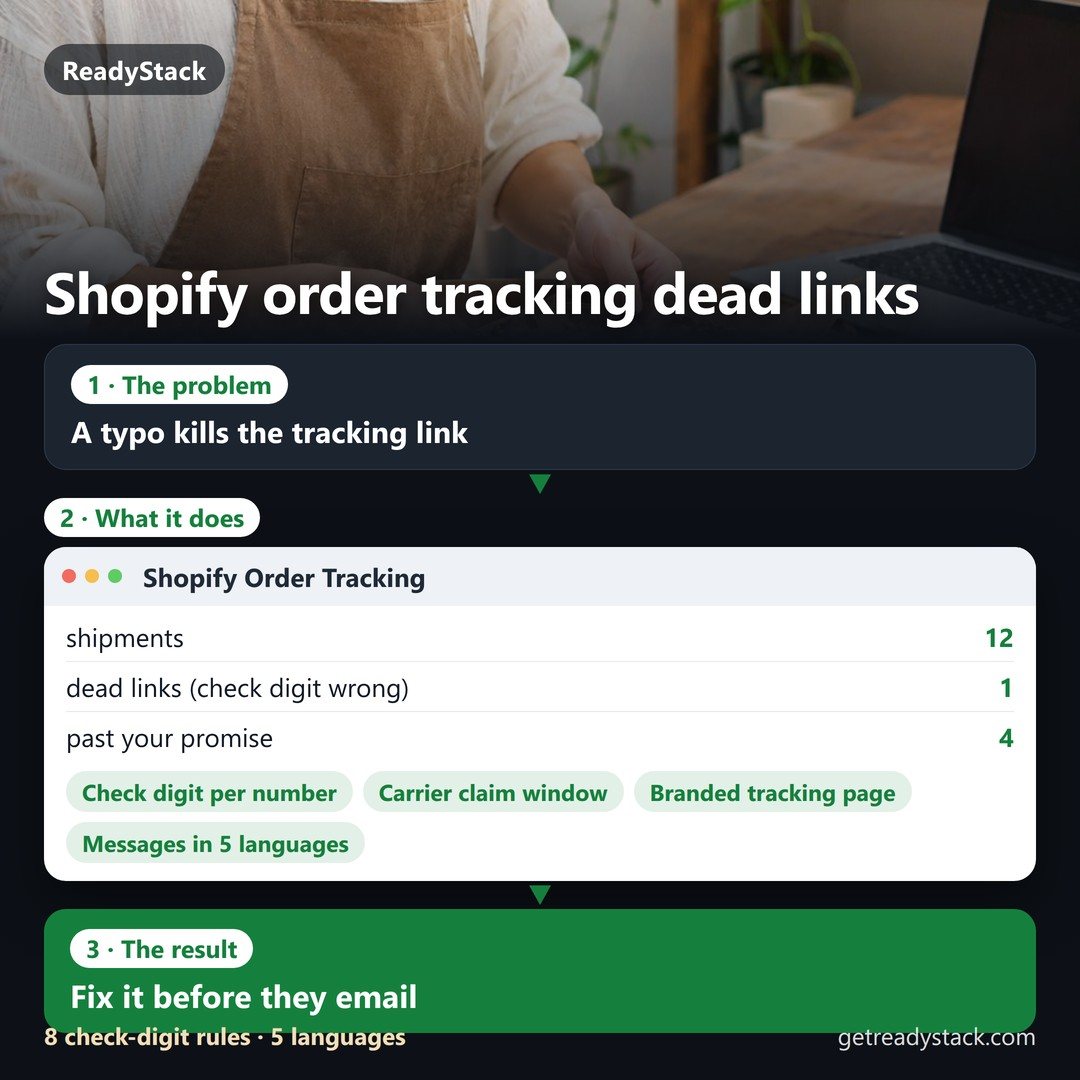 Shopify Order Tracking: your branded tracking page, late parcels and carrier claim deadlines
 shopify meta pixel checker: page scan, consent and change log
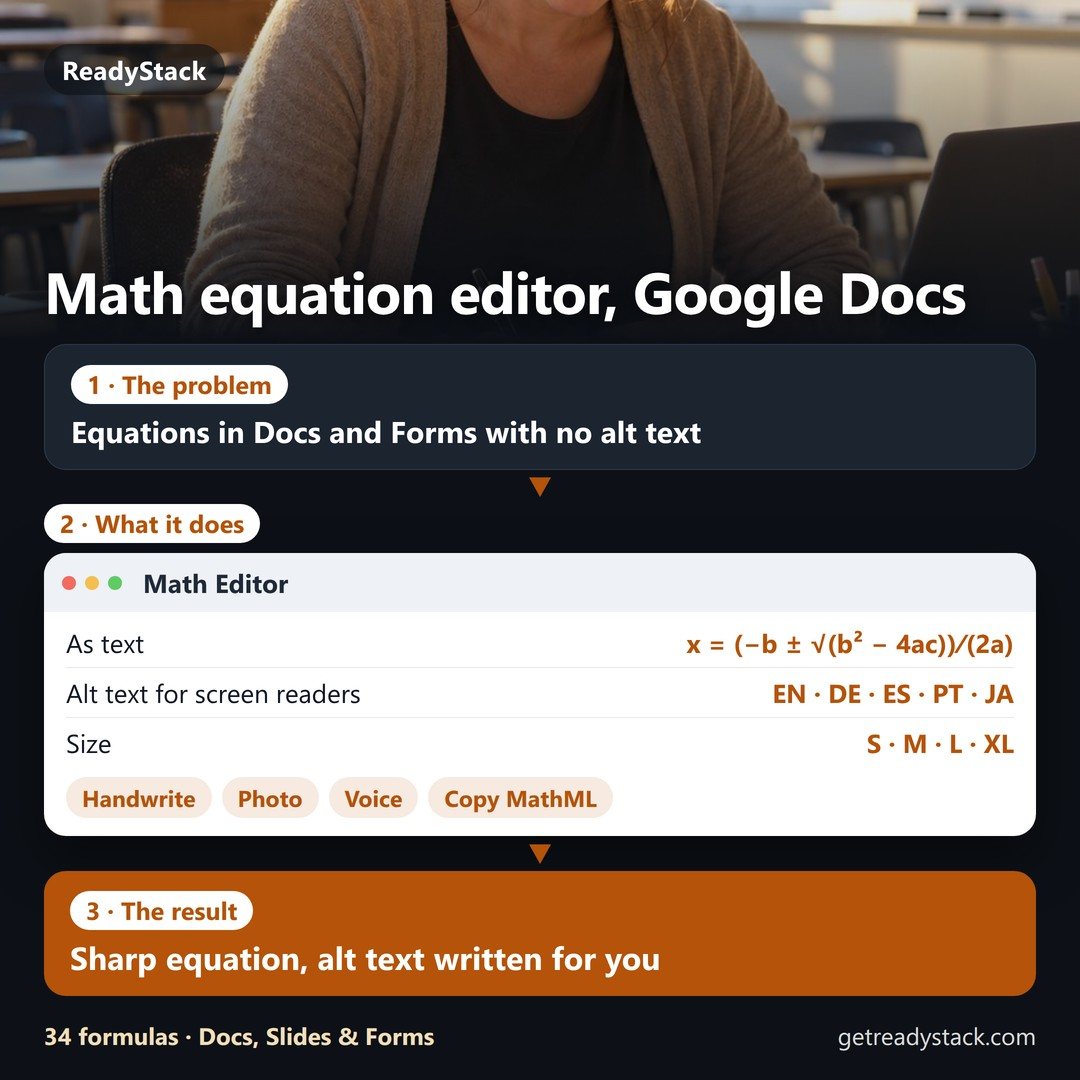 Math equation editor for Google Docs, Slides and Forms — alt text written for you
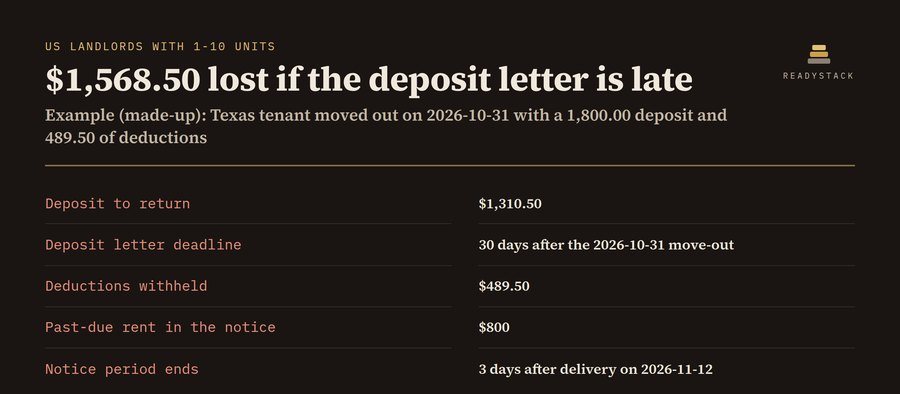 rental property templates: deposit, rent notice and receipt
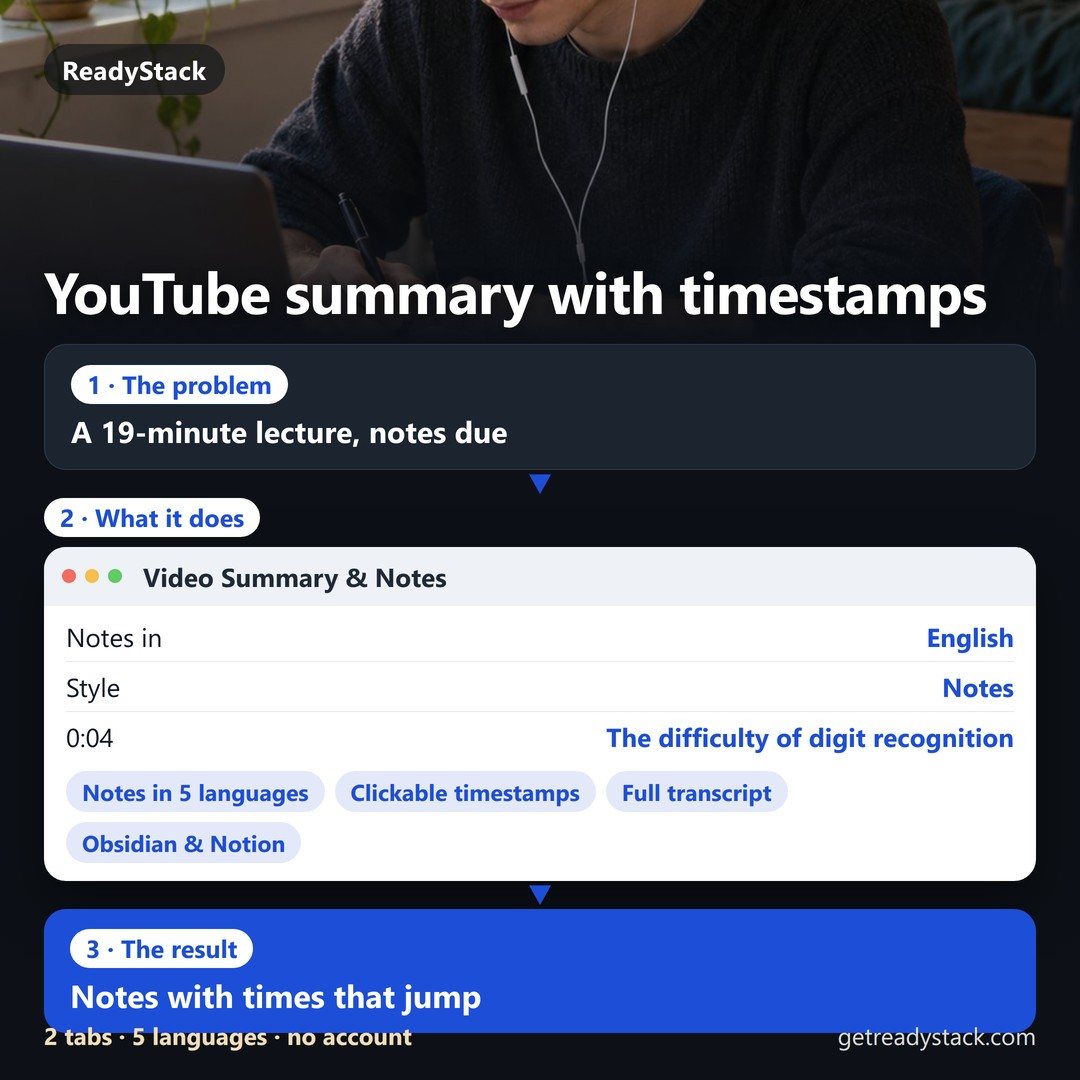 YouTube video summary with timestamps — in your language, no account
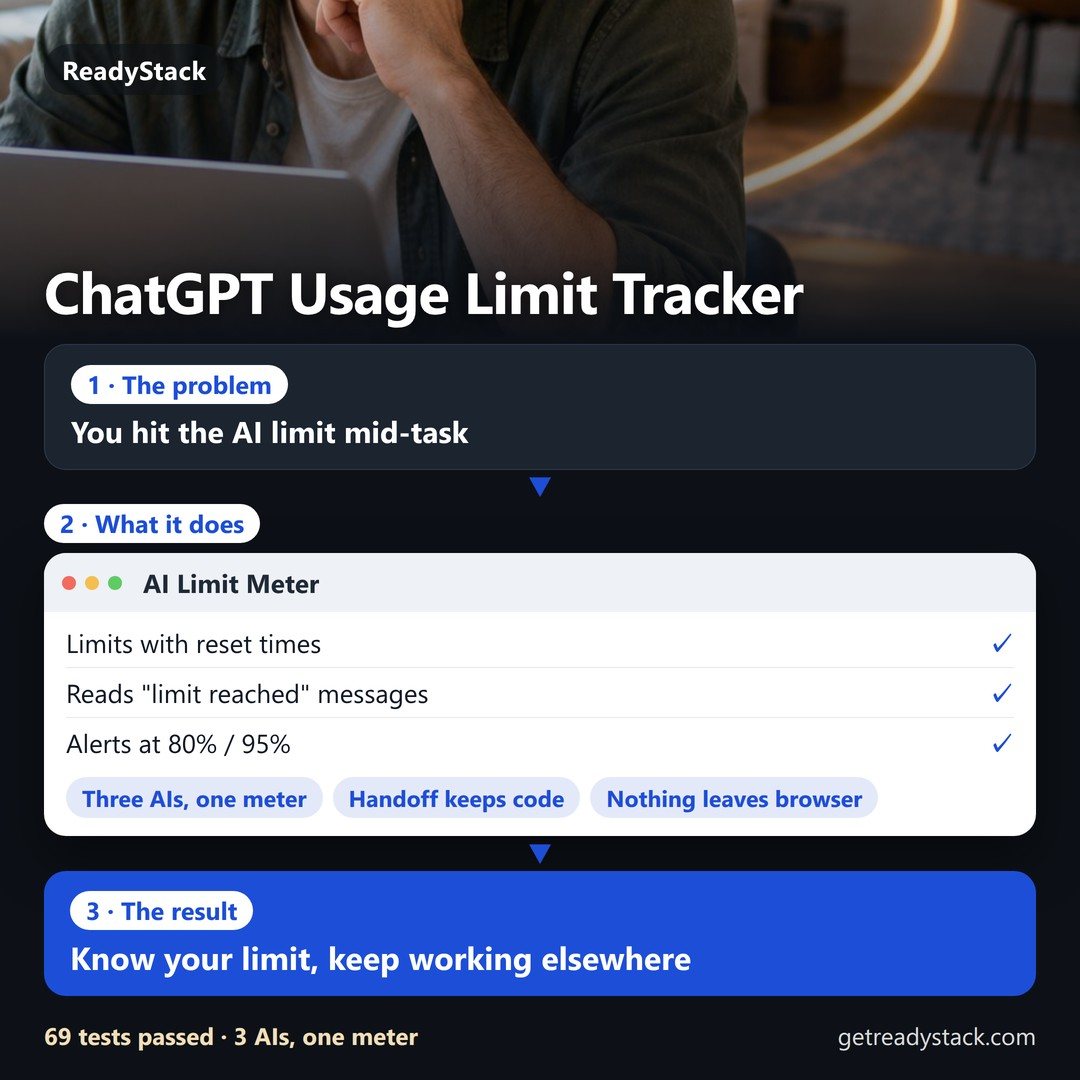 How much ChatGPT, Claude and Gemini you have left — and a way past the limit.
 client reporting dashboard for agencies: monthly KPI report
 Keyboard sound app for your browser: mechanical typing sounds on every website and no install