Use the free versionUnlock the full version
Also on: Whop
Math equation editor for Google Docs, Slides and Forms — alt text written for you
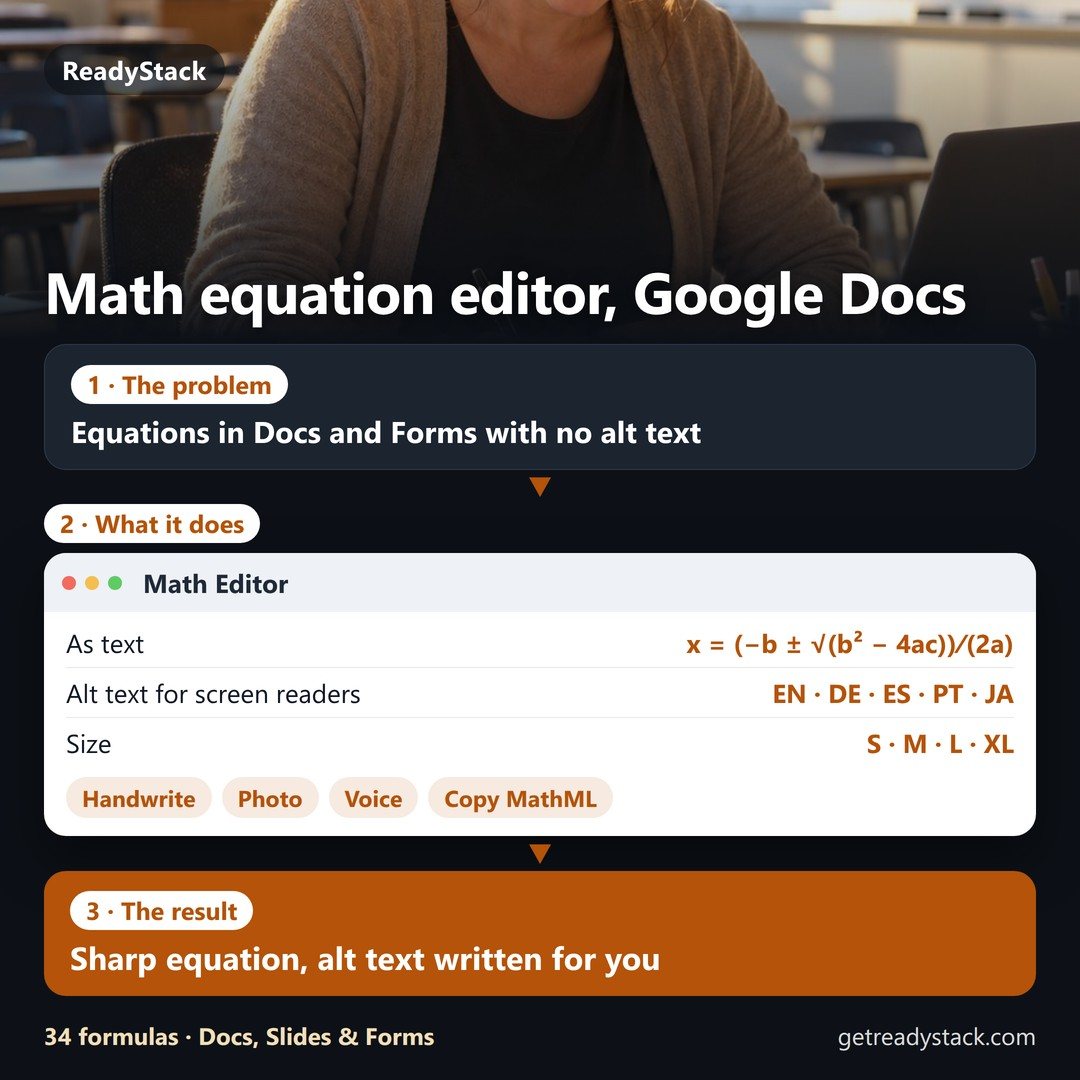
Type, handwrite or say math and put it into Google Docs and Slides as a sharp image with alt text in 5 languages, or into Google Forms as text. Free editor, no sign-in.
Right here: the quadratic formula, already rendered, with the alt text a screen reader will read. Change it and your equation is ready as you type.
Premium: $4.99 / month or $39 / year per teacher — Forms text, handwriting, photo and voice, class sets.
 Math Editor
Type like a calculator: / makes a fraction, ^ a power, sqrt a root, pi → π. Or paste LaTeX.
LaTeX
Write with a mouse, pen or finger. The result opens in the editor so you can fix any symbol.
Worksheets, textbook pages, a whiteboard photo. Only the picture you choose is read, when you press the button.
Say it like you would to a class: “x equals negative b plus or minus the square root of b squared minus 4ac, all over 2a”.
As text:
Premium for teachers
- Math in Google Forms as text: question titles, answer choices and student answers — readable by screen readers, nothing to upload.
- Handwrite it, snap a photo or say it — it becomes an equation you can edit. 300 reads a month, renewed every month.
- Class sets: keep each unit's equations and reuse them in every week's quiz. Export and import to share with a colleague.
Still free without Premium: typing, inserting into Docs and Slides with alt text, copying, downloads, history and formulas — plus 3 Premium actions a day.
If you cancel, your class sets and history stay on this device and still insert.
Licence key
Paste the key from your Whop receipt. Only the key is sent, to check it.
- Type, handwrite or say an equation and insert it at your cursor in Google Docs or Slides: a sharp image with alt text for screen readers, written for you in English, German, Spanish, Portuguese or Japanese. No sign-in.
- Math in Google Forms as real text — question titles, answer choices and student answers (x² + ¾x − 1 = 0). Screen readers read it, nothing to upload.
- Built for every week's quiz: keep equations in class sets and reuse them; handwriting, photo and voice reading (300 a month) renews every month.
Free, no account: the editor, inserting into Docs and Slides with alt text, copy as image, LaTeX or MathML, 34 ready formulas — plus 3 Premium actions a day.
As a browser extension for Microsoft Edge and Firefox it sits in a side panel next to your document and inserts at the cursor in one click.