Keyboard sound app for your browser: mechanical typing sounds on every website and no install
Every sound here is made in your browser from numbers, so there is nothing to download, no installer to allow and no admin rights to ask IT for.
Example of the result this page gives you
Example (made-up), already computed below: a 71-key work message typed with the Clicky sound plays a 4,200 Hz click and a 260 Hz bottom-out 12 ms later on every letter, a deeper 161 Hz thock on the 12 space bar presses, and never the same take twice in a row. On a Windows work laptop a $14.99 Mac-only keyboard sound app (TapNoise, regular price) is money wasted: it does not run there. This one runs in the browser.
Put your own numbers into the free version below — no sign-up.
Your result shows up right here, as you type.
Want to keep it, print it or do it again next time? That is what the full version adds — see "What you get".
What you get: A volume per key group : letters, space bar, Return, Backspace, modifiers. Set the space bar to 0 and it stays silent. · Key release on or off per sound in the add-on. · Record your typing to WAV on this page: stereo, 44.1 kHz, for a video or a typing ASMR clip.
Example (made-up), already computed below: a 71-key work message typed with the Clicky sound plays a 4,200 Hz click and a 260 Hz bottom-out 12 ms later on every letter, a deeper 161 Hz thock on the 12 space bar presses, and never the same take twice in a row. On a Windows work laptop a $14.99 Mac-only keyboard sound app (TapNoise, regular price) is money wasted: it does not run there. This one runs in the browser.
Every sound here is made in your browser from numbers, so there is nothing to download, no installer to allow and no admin rights to ask IT for. Type in the box: Mac, Windows, Linux, any browser. Pick a sound, set the volume, and hear the bigger keys sound bigger.
Free here: all 8 sounds on this page, any amount of typing. Pro $3.49 once: all 8 sounds in the Edge and Firefox add-on on every website, a volume per key group (mute the space bar), and record your typing to a WAV file.
The 8 sounds, in numbers
Each sound has 18 takes: 6 for letters and 3 each for the space bar, Return, Backspace and modifier keys. The space bar, Return and Backspace play lower and longer, with a stabiliser rattle 9 ms after the bottom-out.
Pro: the keyboard sound app on every website
All 8 sounds in the add-on for Microsoft Edge and Firefox: Gmail, Google Docs, Notion, ChatGPT, Slack in the browser, any text box. The free add-on plays Creamy.
A volume per key group: letters, space bar, Return, Backspace, modifiers. Set the space bar to 0 and it stays silent.
Key release on or off per sound in the add-on.
Record your typing to WAV on this page: stereo, 44.1 kHz, for a video or a typing ASMR clip.
One key for this page and the add-on, on every computer you use.
What it does not do: the sounds play while you type in the browser, not in desktop apps such as Word or Terminal. The add-on is in review at the Edge and Firefox stores; until the listing is live, Pro works on this page.
Bottom-out: a short tone at the sound's body pitch (Clicky 260 Hz, Thock 140 Hz) that fades in its body time (20 ms, 38 ms), plus a burst of filtered noise for the case and plate.
Click: Clicky, Tactile, Typewriter and Spring add a sharp leaf or bar sound first; on Clicky the bottom-out follows 12 ms later.
Bigger keys: space bar = body pitch × 0.62 and body time × 1.6 (Clicky: 260 Hz × 0.62 = 161 Hz), Return × 0.8, Backspace × 0.85, plus the stabiliser rattle.
Takes: every press varies pitch by up to 5 %, fade by up to 12 % and loudness by up to 8 % from its take; each key has its own home take and the same take never plays twice in a row, so holding "a a a a" does not machine-gun.
Stereo: Q and 1 sit at the left (−0.7), the right edge of each row at the right (+0.7), the space bar in the middle.
Latency: after your first key the box shows the output delay your browser reports; Bluetooth headphones add their own delay on top.
Mac app prices read on 19 Nov 2026 from clacky.app/best-keyboard-sound-apps-mac (Klack $4.99, TapNoise $14.99 for 1 Mac). Not affiliated with any keyboard or switch maker.
Keyboard sound app that runs in your browser: 8 mechanical keyboard sounds (Clicky, Thock, Creamy, Typewriter …) with deeper space bar and Return, stereo that follows the key, and nothing to install.
Is it free?
Yes. The free version on this page works without an account. The full version ($3.49) adds: A volume per key group : letters, space bar, Return, Backspace, modifiers. Set the space bar to 0 and it stays silent. · Key release on or off per sound in the add-on. · Record your typing to WAV on this page: stereo, 44.1 kHz, for a video or a typing ASMR clip.
How do I use it?
1. Put your own numbers into the free version below — no sign-up. 2. Your result shows up right here, as you type. 3. Want to keep it, print it or do it again next time? That is what the full version adds — see "What you get".
Ask about this tool
One question, answered by the person who built it. Your email only if you want the answer sent.
For a team or company: for an invoice with your company details, a quote or several licences, write to [email protected].
Who is behind this page
ReadyStack is a small team. We build each tool for one job people keep asking about, from the rules and sources named on the page, and we run it on the worked example you see here before it goes live.

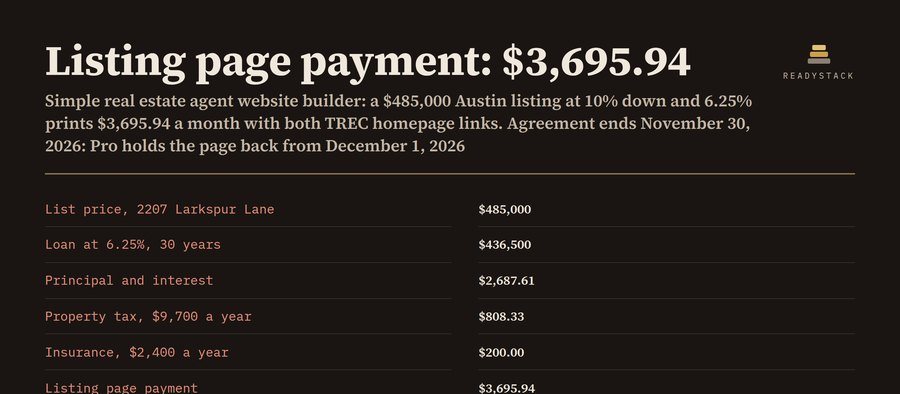 Simple real estate agent website builder
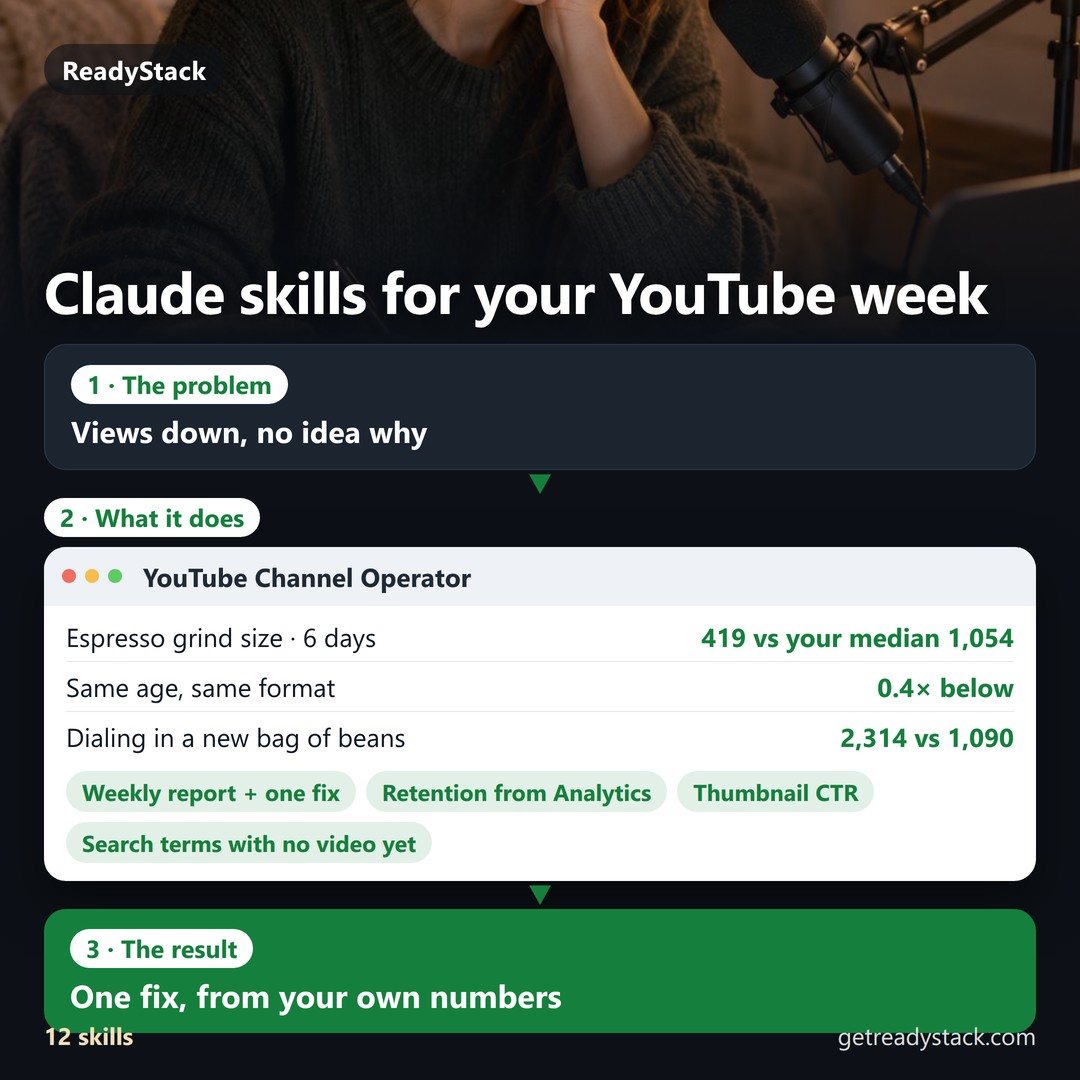 Claude skills youtube – YouTube Channel Operator
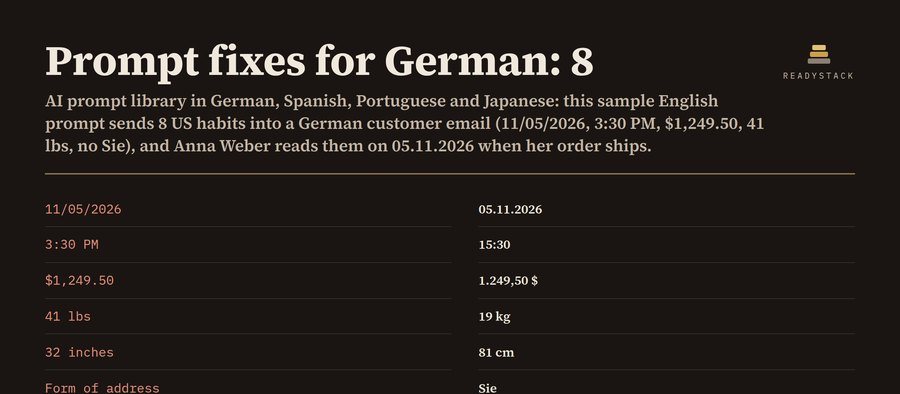 AI prompt library in German, Spanish, Portuguese & Japanese
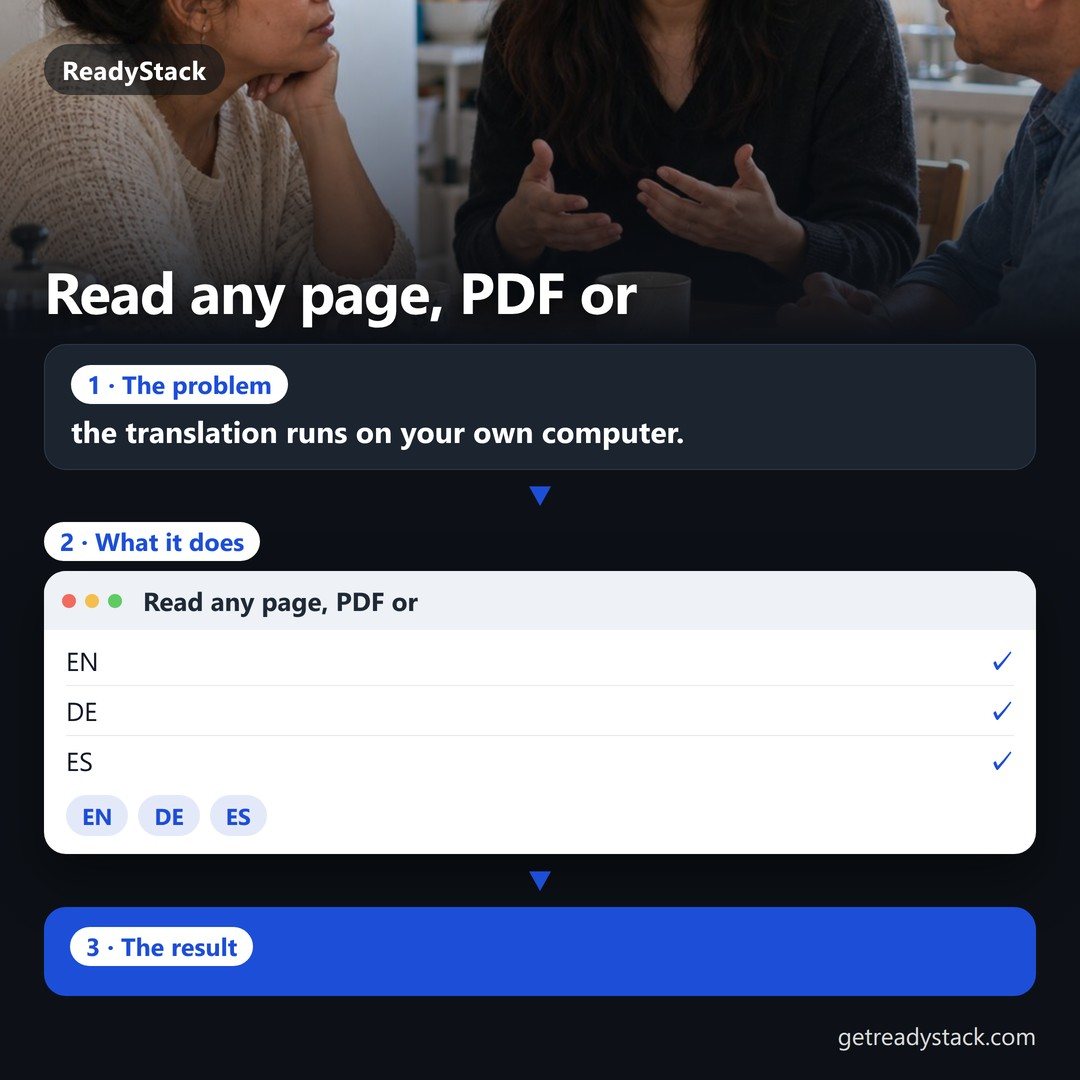 Read any page, PDF or video in two languages at once — the translation runs on your own computer.
 CS2 aim training routine: daily plan, block timer and transfer check
 税金・手取り計算 2026(令和8年)