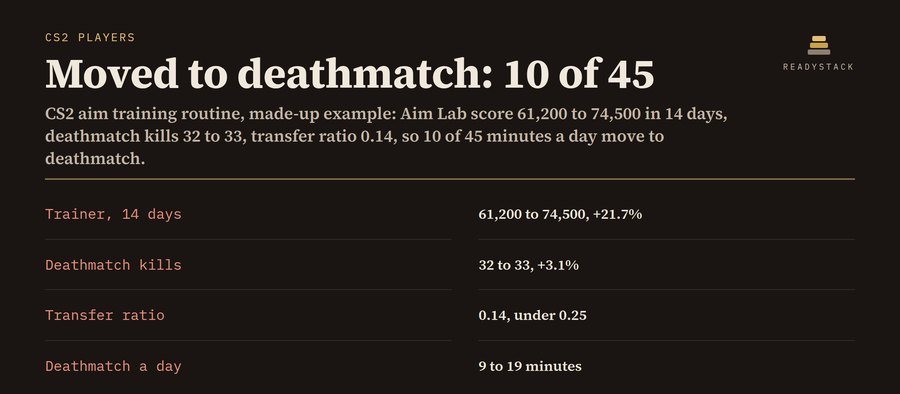
Example (made-up): 45 minutes a day, 5 days a week, weak spot flicks. In 14 days the Aim Lab score went from 61,200 to 74,500 (+21.7%), but kills in a 10-minute deathmatch only went from 32 to 33 (+3.1%). That is a transfer ratio of 0.14, under 0.25. So 20 trainer minutes a day were not showing up in matches, and the routine moves 10 of 45 minutes to deathmatch: 50 minutes a week back where the aim meets movement, peeks and recoil.
"Absolutely not worth the time you could just use playing actual games." (an Aimlabs review on Steam). This routine measures the thing that matters: your trainer number and your deathmatch kills, side by side. When the first rises and the second does not, it moves minutes to deathmatch and tells you how many. This CS2 practice routine tracker and training schedule runs in your browser, with no account, no install and no game files touched.
Today's routine
| Block | Minutes | Was | Today's drill |
|---|
Your first week, dated
| Day | Routine |
|---|
Rules, written out: minutes are split warm-up / isolated aim / counter-strafe and spray / crosshair placement / deathmatch by weak spot: flicks 10/45/10/15/20%, spray 10/25/30/15/20%, crosshair placement 10/25/10/35/20%, counter-strafing 10/25/25/20/20%, rounded to whole minutes (largest remainder). Transfer ratio = deathmatch change ÷ trainer change. If the trainer rose 5% or more and the ratio is under 0.25, half of the isolated-aim minutes move to deathmatch. Under 5% the trainer is flat: raise the task one step, minutes stay. cm/360 = 360 ÷ (DPI × sensitivity × 0.022) × 2.54, with 0.022 the CS2 default m_yaw (totalcsgo.com, read 2026-11-12). This is a practice planner, not a promise of rank.
Pro, $5.99 per month or $39 per year: a daily log of minutes, trainer number and deathmatch kills; a weekly progress chart; the routine re-checks itself from your log (first 3 vs last 3 days of the last 28) and moves the minutes for you; routine history; training-day reminders (.ics); print; CSV and backup. Get Pro · $5.99 / month
Pro: daily log, weekly chart, routine from your log
Weekly progress
| Week of | Days | Minutes | Trainer avg | DM kills avg | Trainer vs last week | DM vs last week |
|---|
Routine history
Your key
CS2 aim training routine · runs in your browser · nothing uploaded · not affiliated with Valve, Aim Lab or KovaaK's
More tools for the same work
Questions and answers
What does this page do?
A CS2 aim training routine for your minutes a day and your weak spot, a block-by-block timer, your cm/360 from DPI and sensitivity, and a check that tells you if trainer gains show up in deathmatch kills.
Is it free?
Yes. The free version on this page works without an account. The full version costs $5.99 / month.
How do I use it?
1. Enter your details in the free version below. 2. See your result right away on this page. 3. Need more? The full version adds what is listed under "What you get".
Ask about this tool
One question, answered by the person who built it. Your email only if you want the answer sent.
For a team or company: for an invoice with your company details, a quote or several licences, write to [email protected].
More in Other tools & files See all →
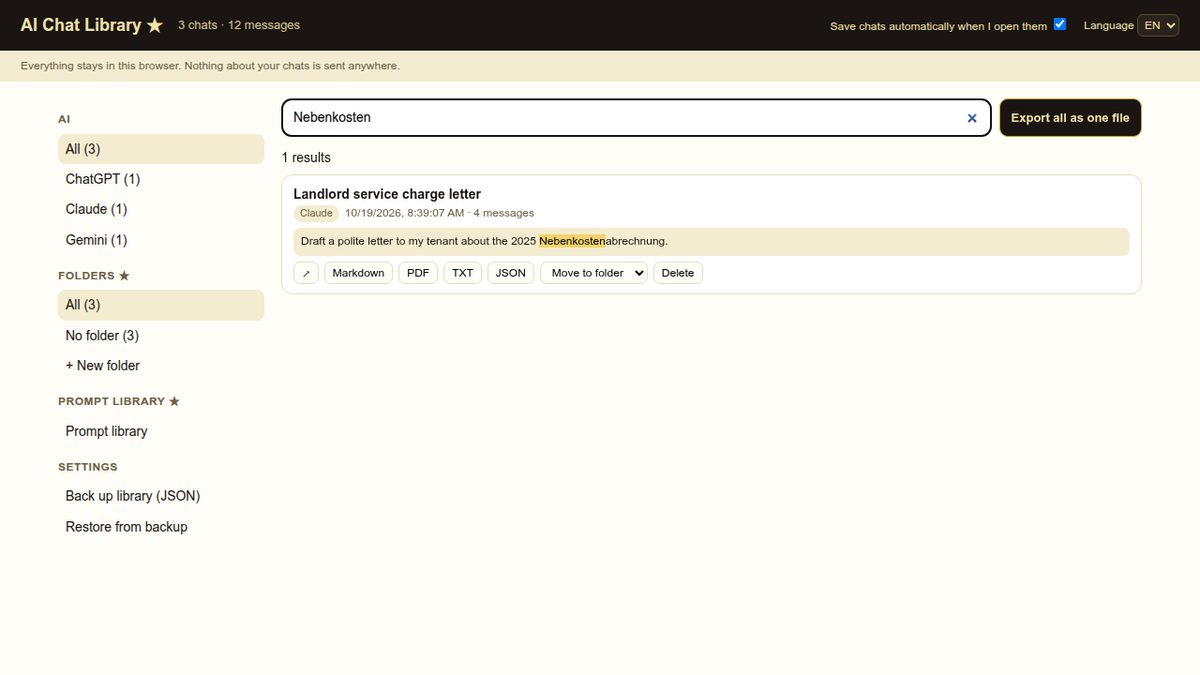 Every ChatGPT, Claude and Gemini chat — saved on your computer, searchable in one place.Keep every ChatGPT, Claude and Gemini chat on your own computer. Export any chat to Markdown, PDF, TXT or JSON for free.Paid
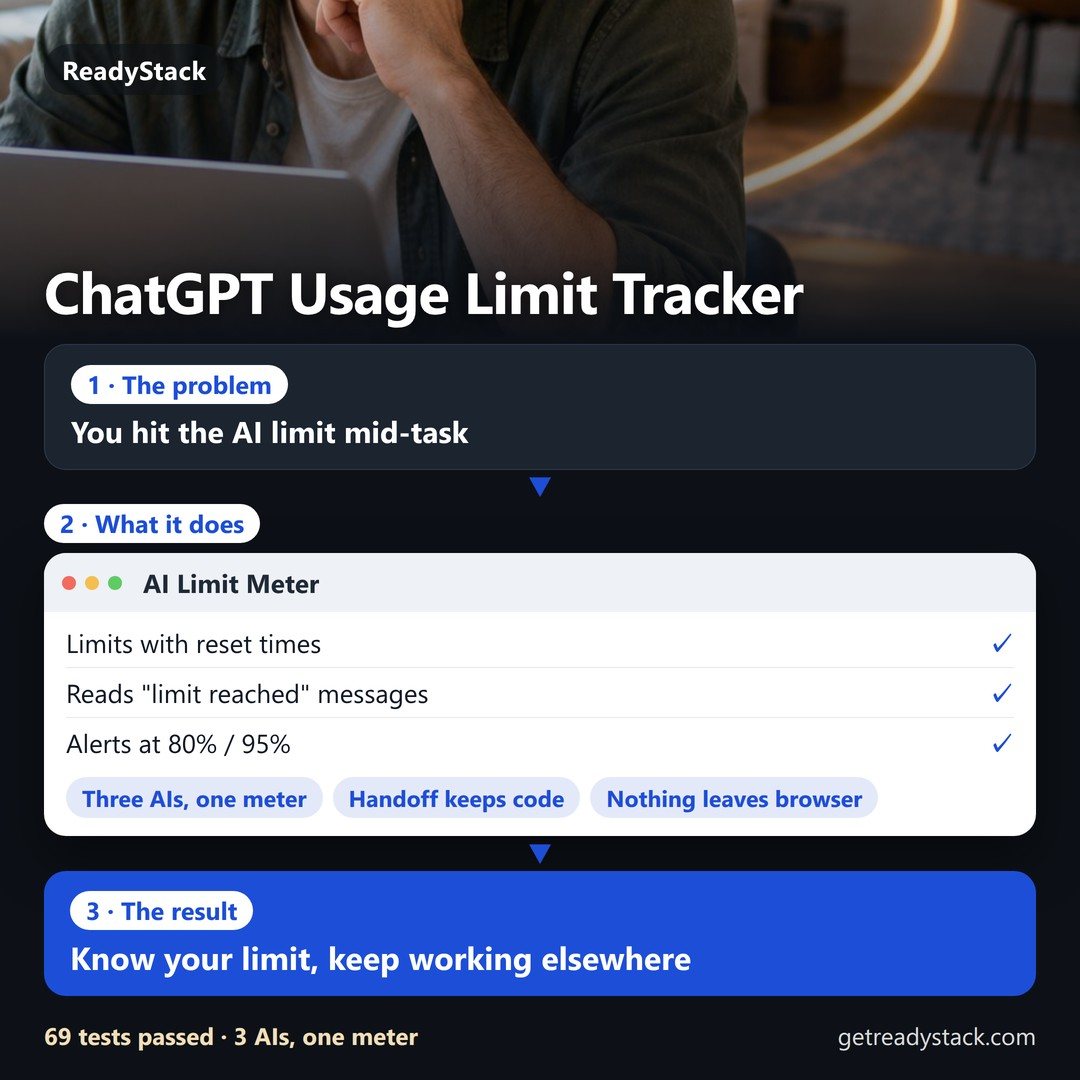 How much ChatGPT, Claude and Gemini you have left — and a way past the limit.See how much ChatGPT, Claude and Gemini you have left and when each limit resets. At the limit, move the chat to another AI with every code…Paid
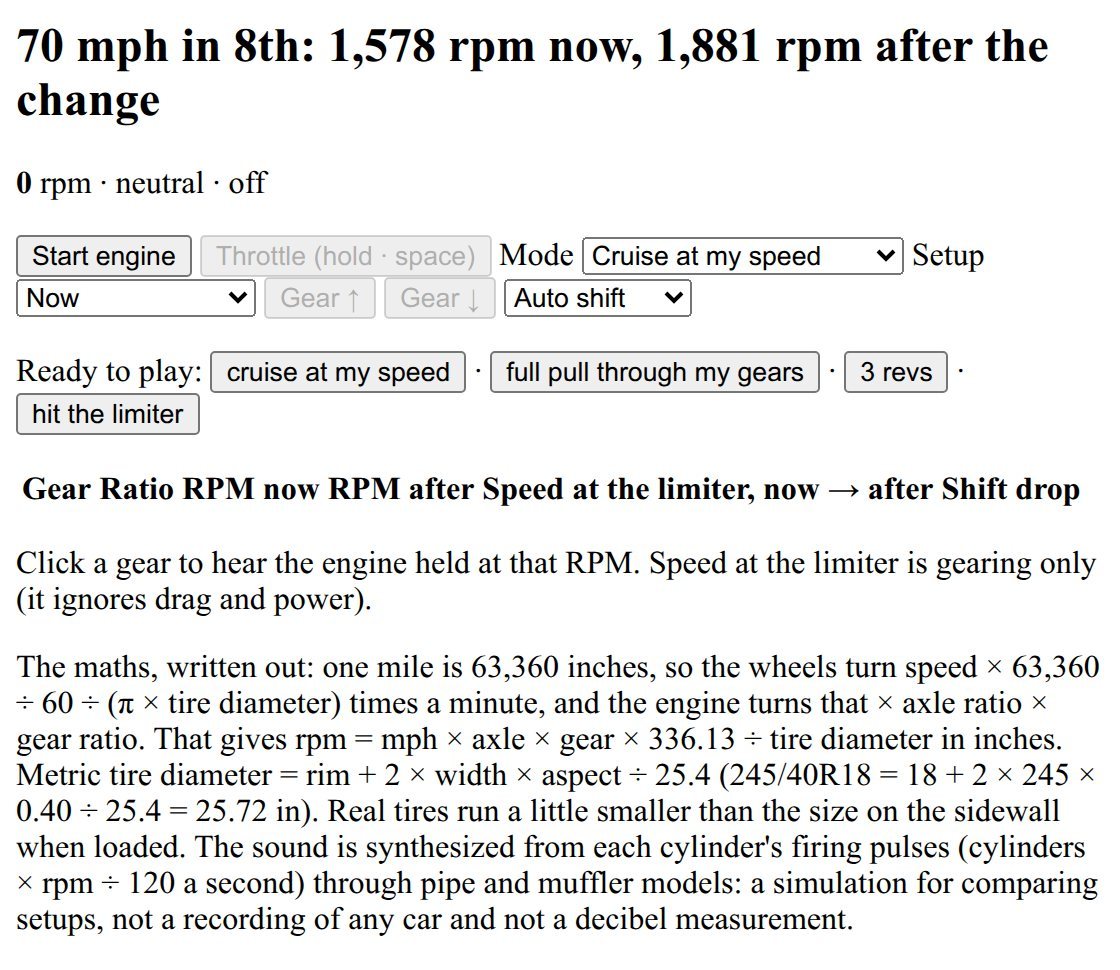 engine sound simulator | hear your cruise RPM: gear ratios, axle, tire size, regear A/BEngine sound simulator in the browser: enter your gear ratios, axle ratio and tire size, pick a speed, and hear your engine at the real RPM…Paid
 LinkedIn outreach tools — a prospect queue with AI notes, follow-up dates and reminders. You click send.A side panel for Edge and Firefox plus a web version: AI connection notes and two follow-ups in 5 languages from what you paste, a prospect…Paid
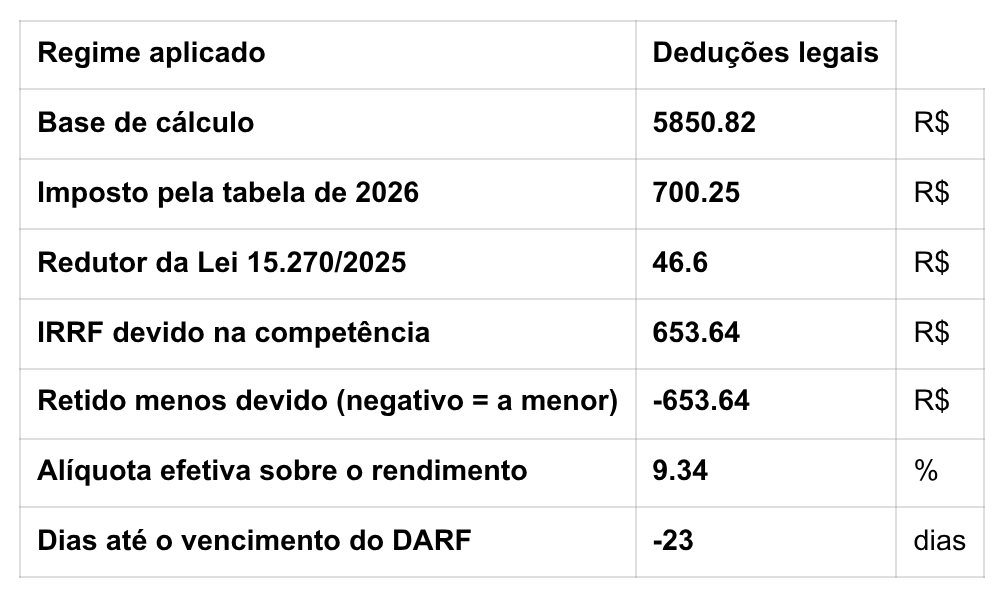 Calculadora CLT e MEI 202612 calculadoras com as regras de 2026: hora extra, salário líquido com dois empregos, IRRF no holerite, férias vencidas, rescisão, eSocial…Paid
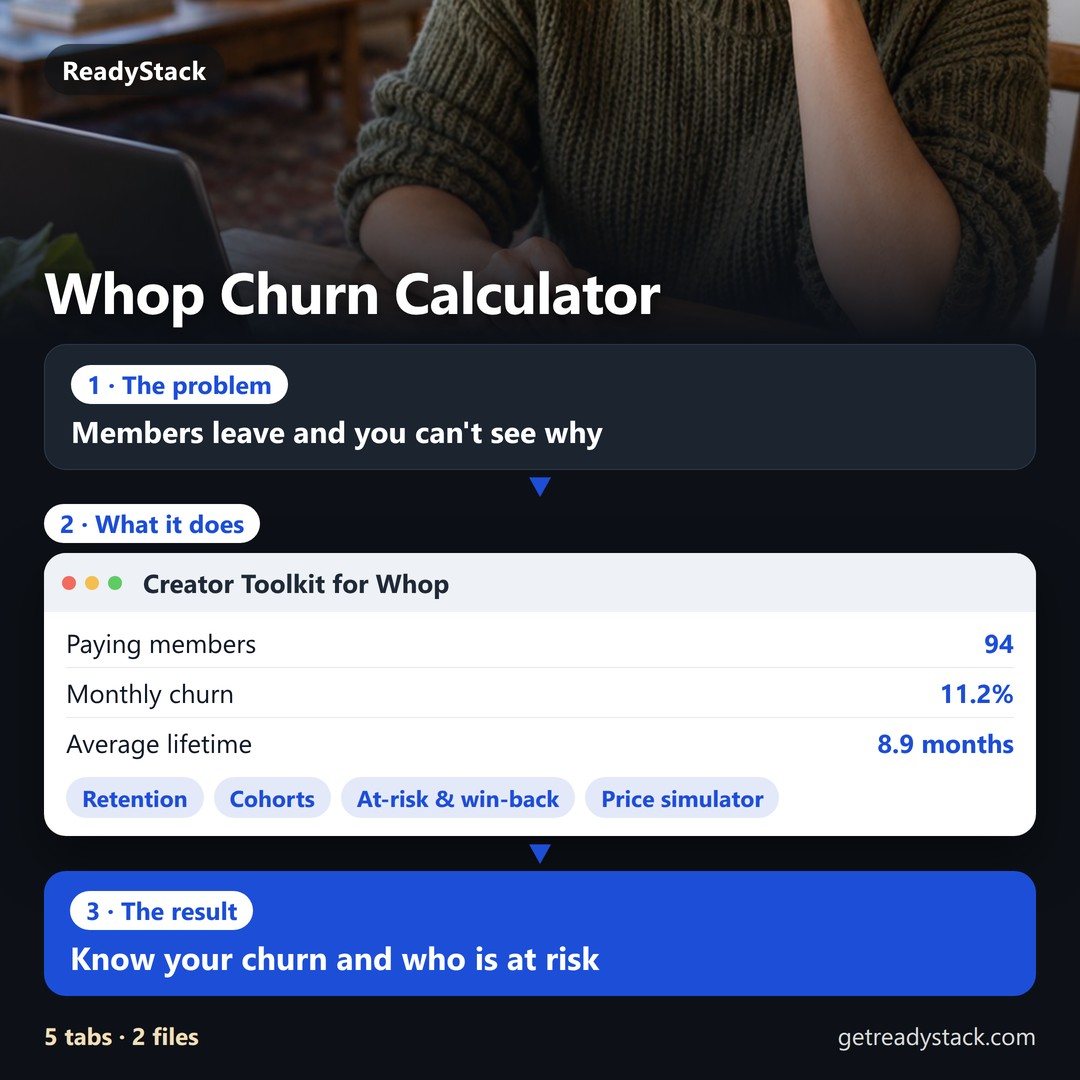 Creator Toolkit for WhopRuns in your browser, no Whop permissions. Example from the sample data: 190 members over 14 months on a $49 and a $19 plan.Paid
ReadyStack
Calculators, templates and deadlines for the rules that change every year — free in your browser.