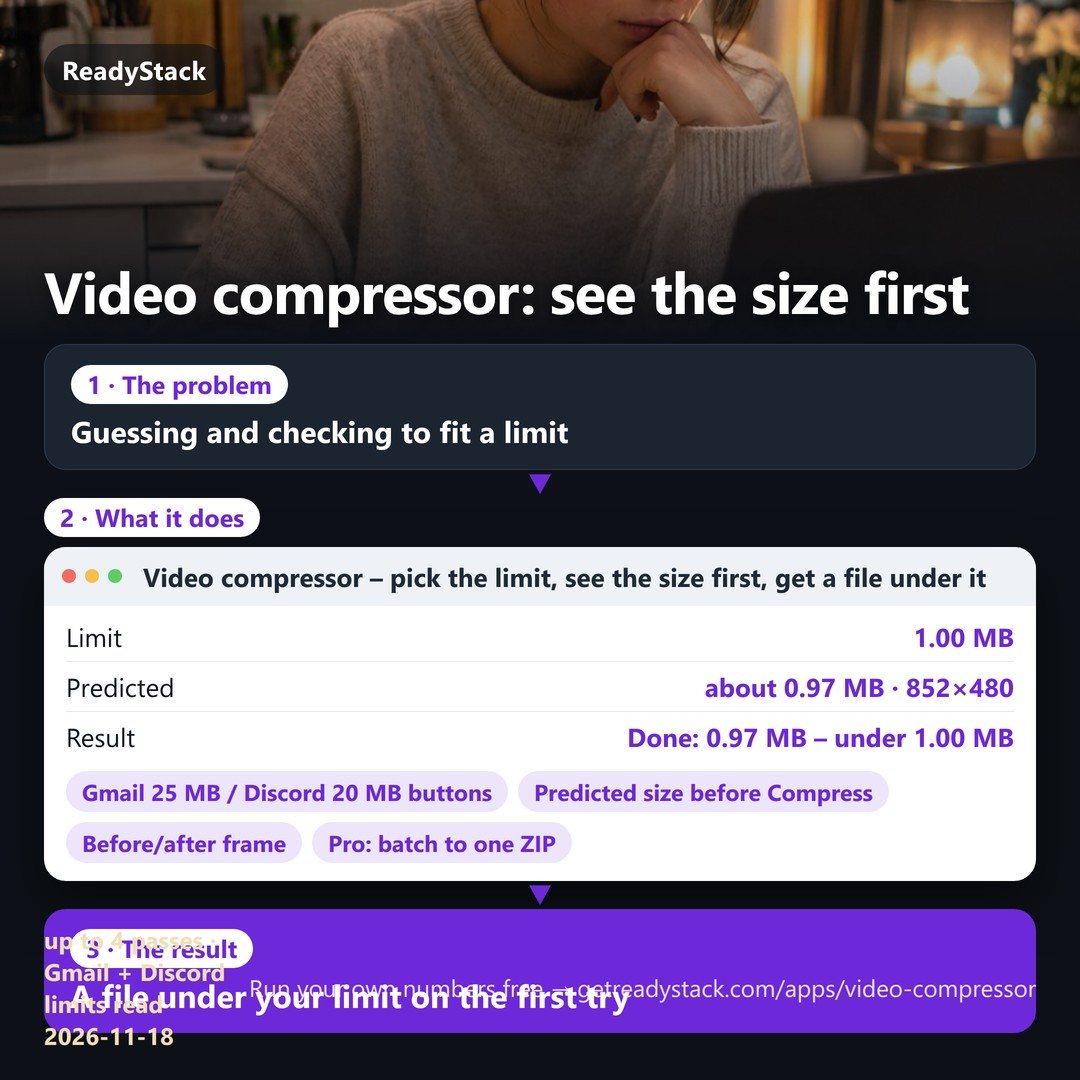
Compress video to size · compress video for email and Discord · reduce video file size – on your own device
- Pick Gmail 25 MB, Discord 20 MB or type any MB: the predicted file size and frame size show BEFORE you press Compress. If a pass comes out over the limit, it is re-encoded lower on its own, so you do not guess and check.
- The video never leaves your device: it is encoded in this browser tab. No upload cap, no ads over the button, no account, no watermark.
- Pro, for the clips you send every week: a whole folder at once into one ZIP, every file under the same limit · your own saved limits (client portal, LMS, team chat) · a history of every file with CSV export · an extra pass that spends unused room on quality.
1 · Where is it going?
· source
2 · Before you compress
3 · Result
Sound was saved as Opus because this browser has no AAC encoder: it plays in Chrome, Edge, Firefox, Android, Windows and recent Safari; for an older iPhone, compress in Chrome or Edge on Windows/Mac, or tick “Remove sound”.
Same frame, before and after
All files (Pro)
| File | Original | Compressed | Status |
|---|
Pro – for clips you send every week
- Many videos at once → one ZIP, each under the same limit
- Your own saved limits (client portal, LMS, team chat…)
- History of every file on this device + CSV export
- Extra pass that uses unused room for a sharper picture
One video at a time stays free and complete: size before, compress, compare, download.
Pro monthly · $4.99 / month Pro yearly · $34.99 / year
History (this device)
Pro shows the history of every file you compressed on this device and exports it as CSV.
| Date (UTC) | File | Original | Compressed | Limit |
|---|
Nothing is uploaded
The file is read and encoded inside this browser tab with the browser's own video encoder (WebCodecs). The only request this page makes besides its own files is the licence check when you type a key.
Why is the size shown before I compress?
The size of a video is bitrate × length. We take your limit, keep 3% for the MP4 index, give the sound its share and print the rest as the video bitrate and frame size. If the encoder still overshoots, the next pass lowers the bitrate by the overshoot – and if the encoder ignores the bitrate, the frame gets smaller – at most 4 passes.
Which limits do the buttons use?
Gmail: 25 MB per message for personal accounts (above that Gmail turns the file into a Drive link). Discord: 20 MB without Nitro, 50 MB with Nitro Basic. Each button shows the date we read the official help page.
Does a long or 4K video work?
Yes, as long as your device can decode it; the file is read in pieces, not uploaded. Long 4K files take minutes on a laptop. The result is held in memory, so very large results need a computer rather than a phone. Tested so far in desktop Chrome; phone browsers are not tested yet.
Encoder library: mediabunny (MPL-2.0) · licence
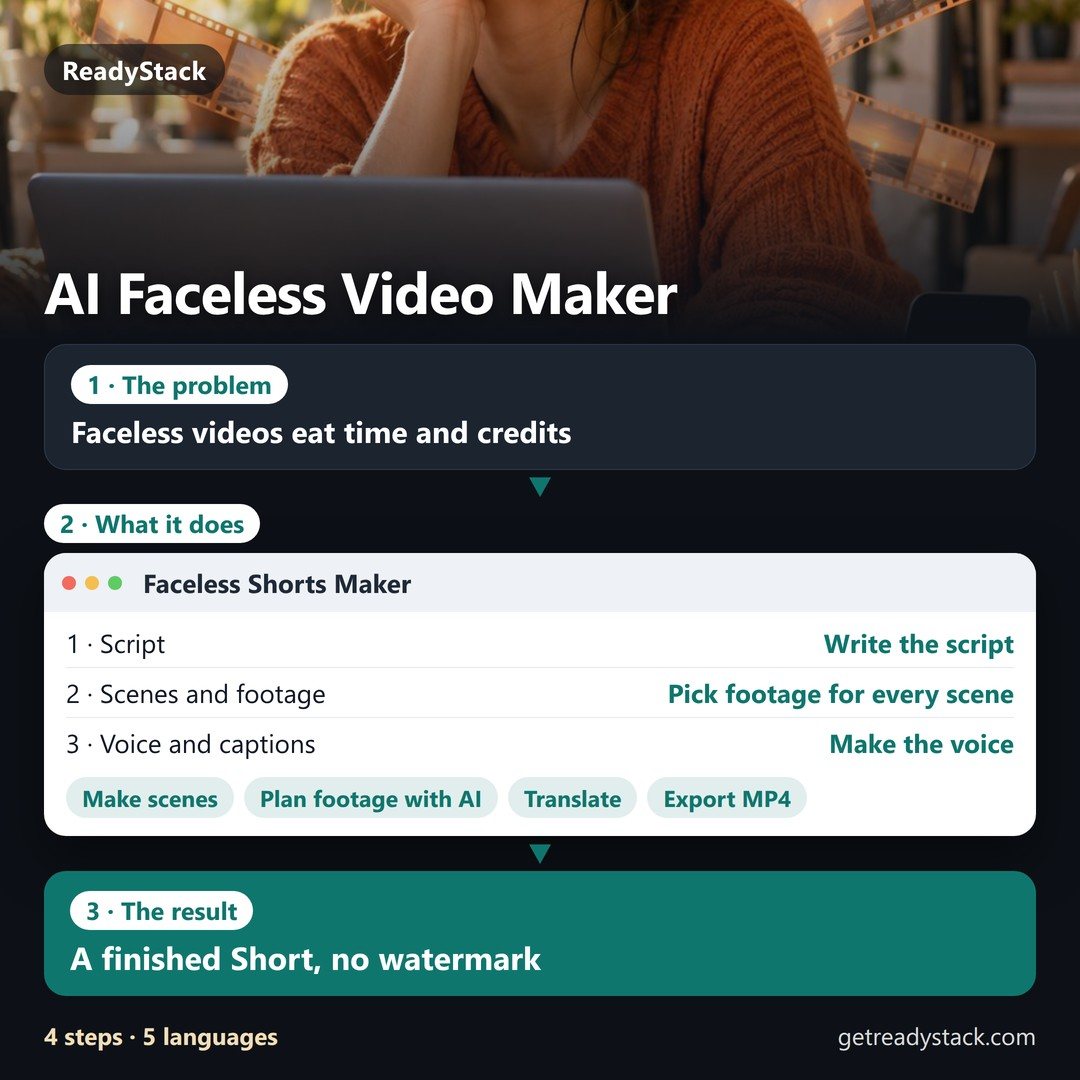 Faceless Shorts Maker
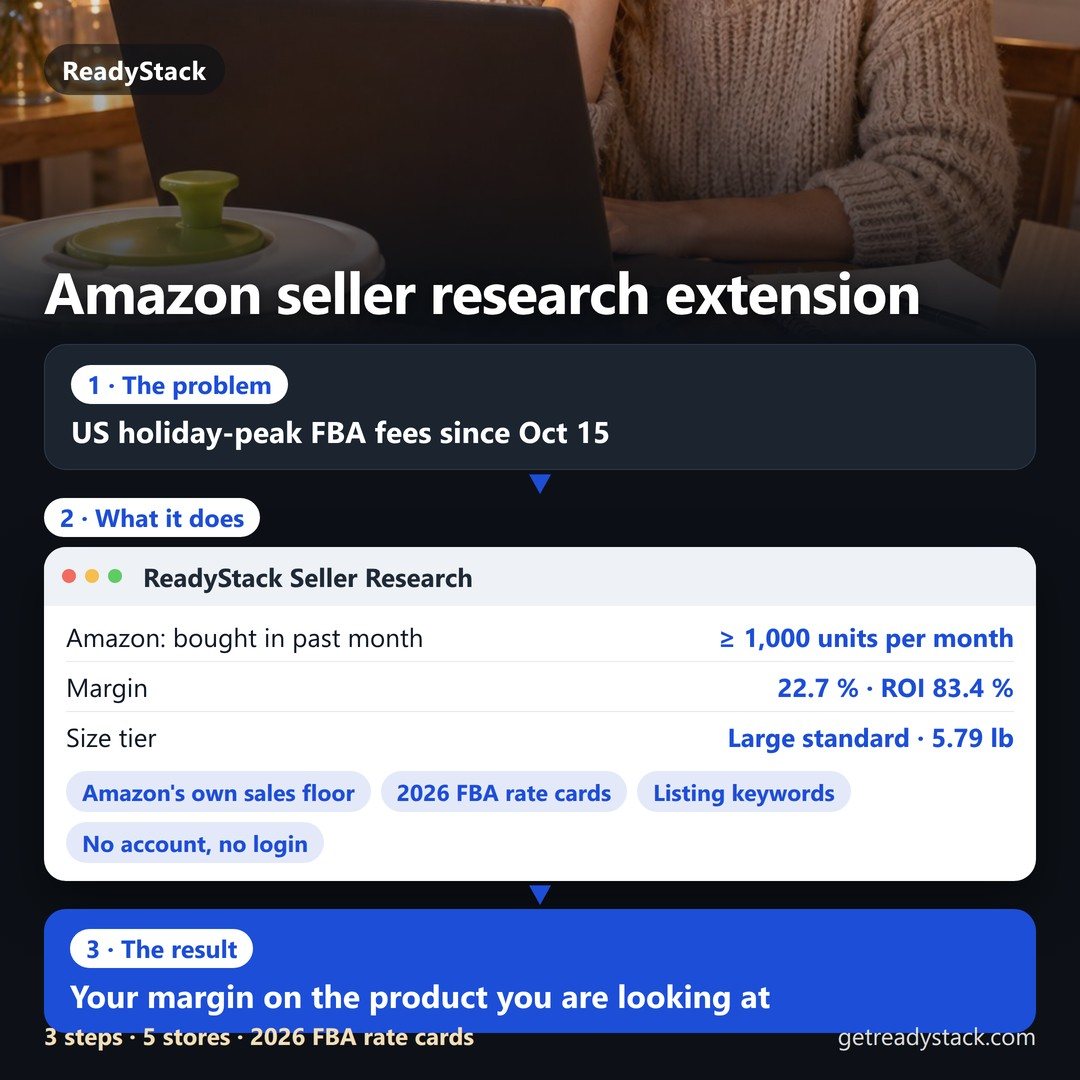 Amazon Seller Research Extension — sales floor from Amazon's own badge, 2026 FBA fees and margin
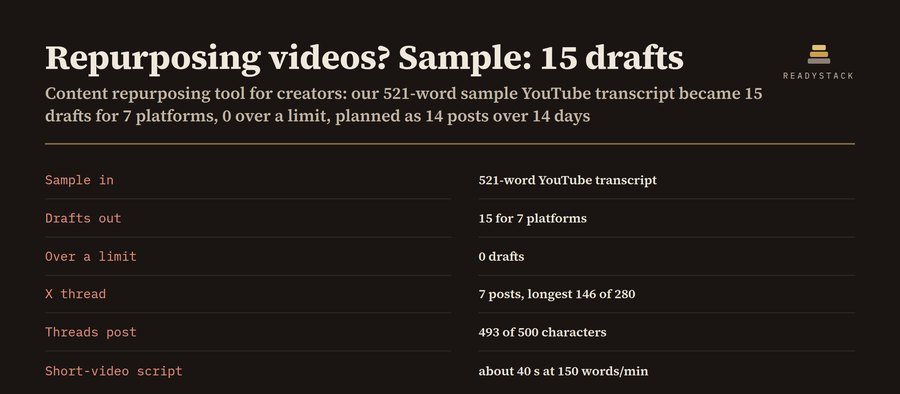 Content Repurposing Tool for Creators
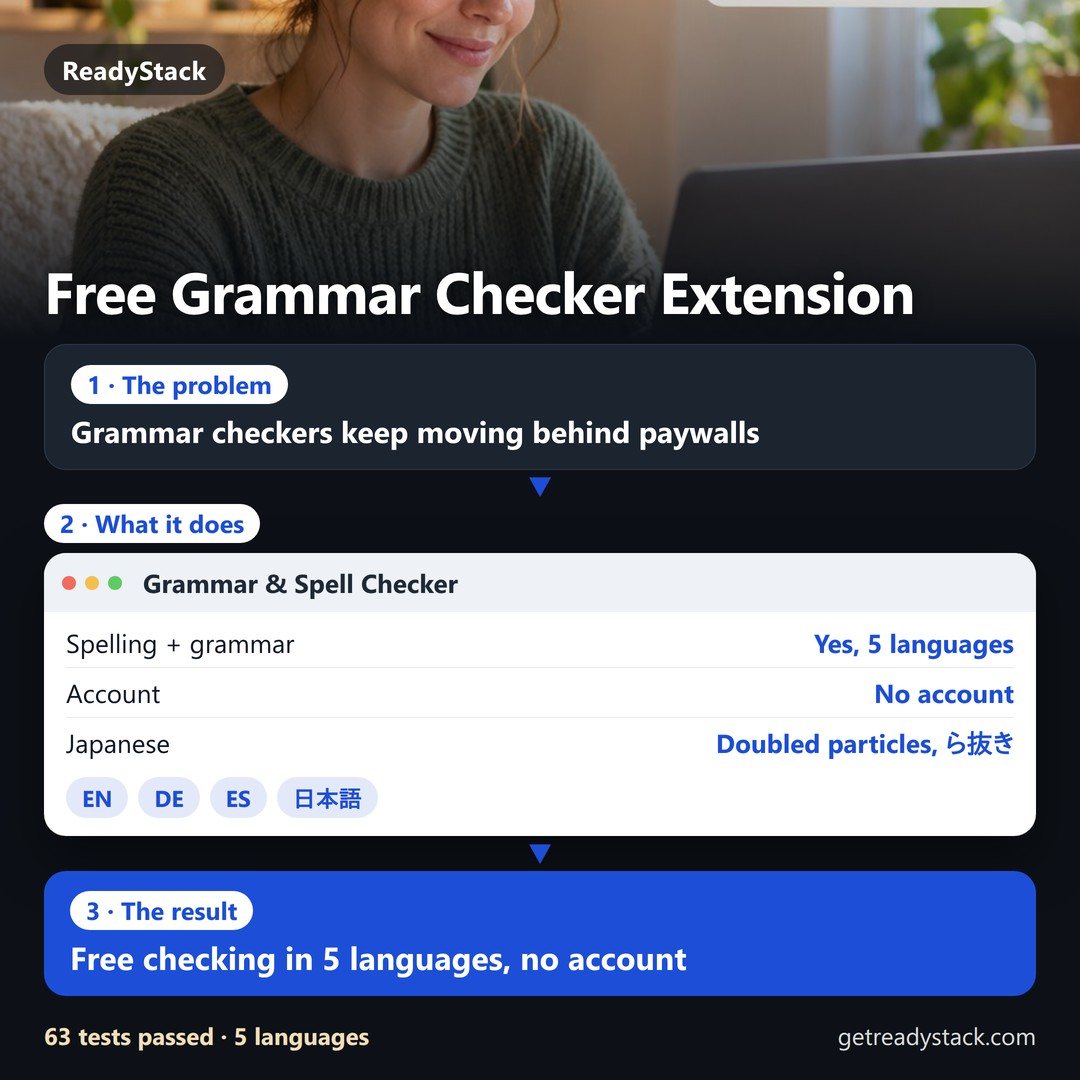 Spelling and grammar in 5 languages. The checker stays free.
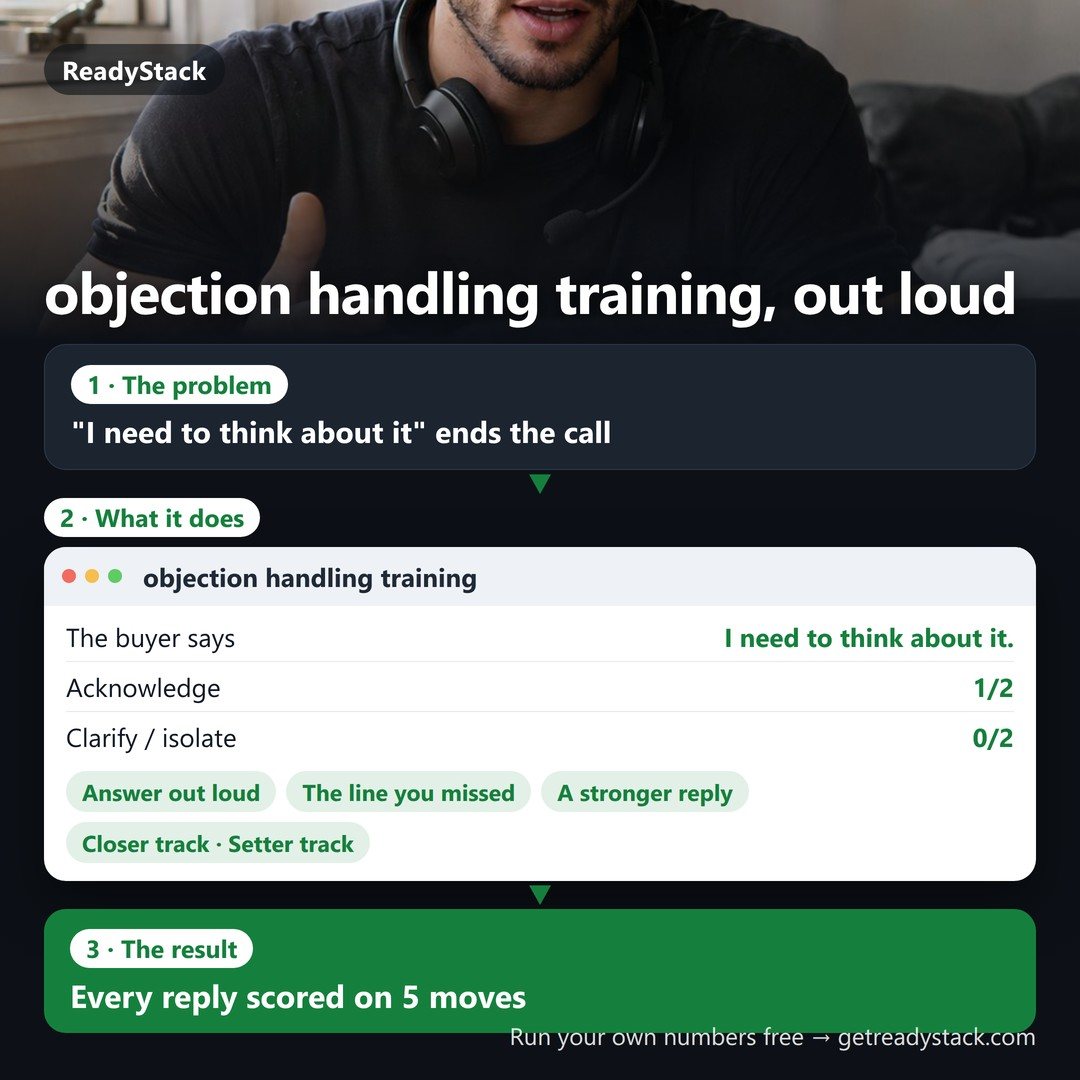 objection handling training: answer real buyer objections out loud, every reply scored
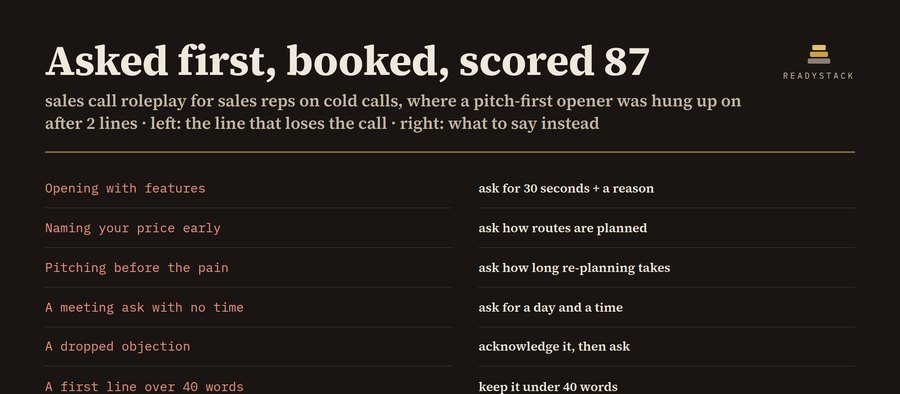 Sales call roleplay practice