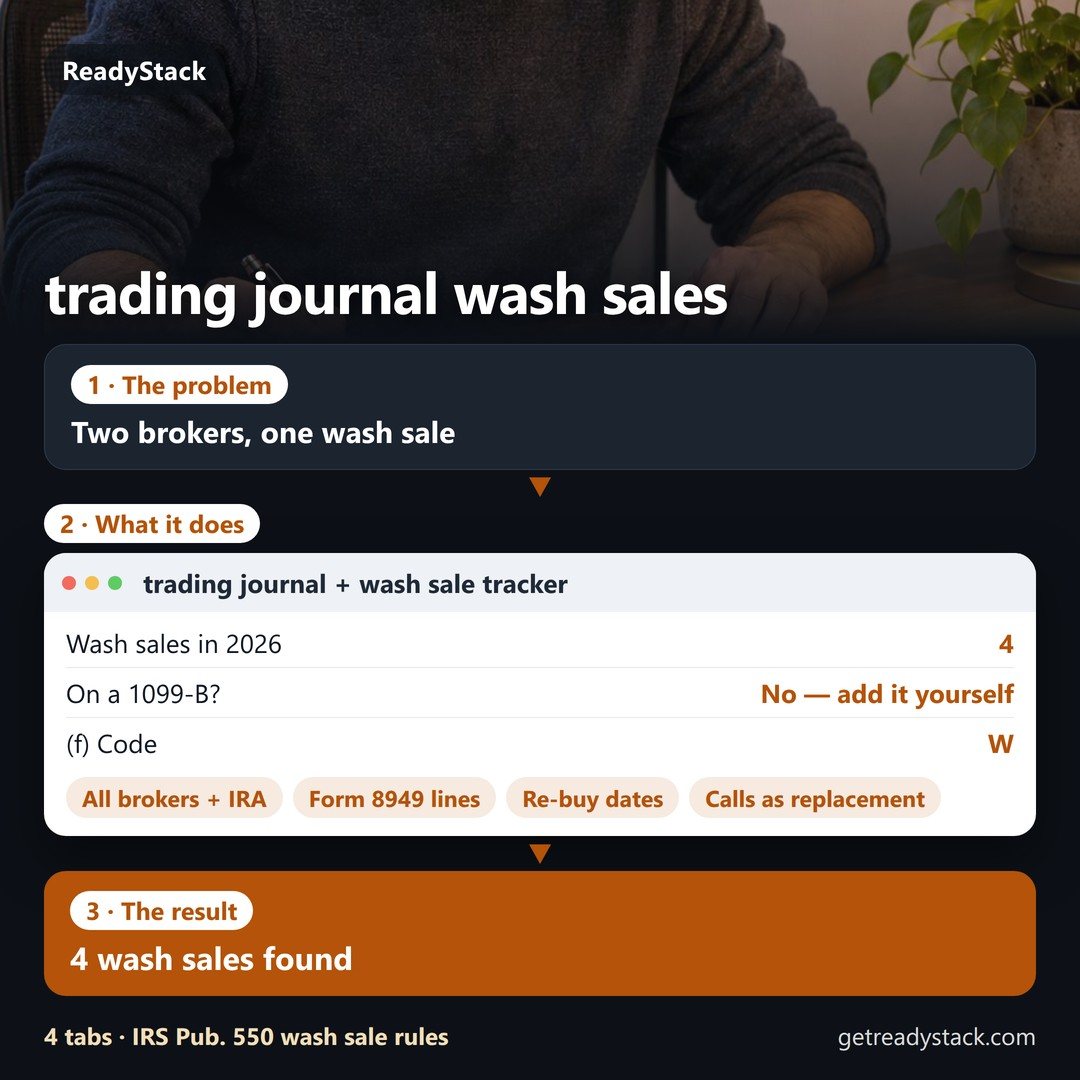
trading journal · options trading journal · wash sale · Form 8949 · tax year 2026
Example (made-up): Broker A sells 50 KYTE on August 14, 2026 at a $1,000 loss and the IRA buys 50 KYTE eleven days later — the whole $1,000 is disallowed for good, and neither 1099-B shows it. Across the example's three accounts, 4 wash sales disallow $3,100, and $2,600 of that is on no 1099-B.
Your broker only checks wash sales inside one account and the same security (IRS Pub. 550, box 1g). This journal reads all your broker files together — other brokers, your IRA, calls bought on a stock you sold at a loss — and writes the Form 8949 line for every sale.
Your accounts
Export the trade history or activity CSV from each broker (Robinhood, Schwab, Fidelity, Webull, Interactive Brokers, tastytrade, E*TRADE or any CSV with date, action, symbol, quantity and price). It is read in this browser; nothing is uploaded.
Settings
Wash sales and journal
Pro: all accounts, Form 8949 on paper, every month
- All your accounts at once — several brokers, the IRA, a spouse's account on a joint return — with the cross-account wash sales and the "not on any 1099-B" list
- Form 8949 worksheet: print / PDF by Part and box with totals, and a CSV with Wash Sale and Adjustment columns for tax software
- Entries-and-exits sheet: every closed trade with entry and exit date and price, P&L and wash flag, on paper
- Re-buy calendar (.ics) with the first safe day for every loss
- Saved journal in this browser: add each month's file, duplicates are skipped, December losses washed by January buys carry into next year
Free, for one account: the full journal and every wash sale in it on screen, any number of trades, the re-buy dates and the check before a sale.
How it counts (IRS rules read November 2, 2026)
- Lots. Each account and each security is matched first-in, first-out. Proceeds are net of fees; basis includes fees.
- The window. A sale at a loss is a wash sale when the same security (or a call option on it) is bought 30 days before or after the sale in any of your accounts, including an IRA or Roth IRA (Pub. 550, Wash Sales).
- Which shares. When fewer or more shares are bought than sold, the replacement shares are taken in the order they were bought (Pub. 550, "More or less stock bought than sold"). Shares left over from the same purchase as the shares sold are not counted as replacements, and a buy that only closes a short is not a replacement.
- Where the loss goes. The disallowed loss is added to the basis of the replacement shares and their holding period includes the old one. When the replacement is in an IRA, the loss is not added anywhere — it is gone.
- Form 8949. Code W in column (f) and the disallowed loss as a positive number in column (g). On a box A/D row whose basis on the 1099-B misses an adjustment from another account, the 1099-B basis goes in column (e) with code B and the fix in column (g) (Form 8949 instructions, 2025).
- Not checked here. Commodity futures and foreign currency are outside the wash-sale rule (Pub. 550) and are skipped. Crypto, assignments and exercises, stock splits and "substantially identical" funds of different issuers are not decided for you — use the "same security" setting for pairs you treat as identical.
A worksheet from your own trades, not tax advice. Your return is yours or your preparer's to sign.
Questions
My broker already shows wash sales in box 1g. Why do I need this?
Box 1g covers a re-buy in the same account with the same CUSIP (Pub. 550). A re-buy at another broker, in your IRA, in your spouse's account or through call options is not on any 1099-B, and Pub. 550 says the loss is still not deductible. The "Not on any 1099-B" number is that part.
Which files can I use?
Activity or transaction CSVs from Robinhood, Charles Schwab, Fidelity, Webull (orders), Interactive Brokers (activity statement or flex), tastytrade and E*TRADE, or any CSV with date, action/side, symbol, quantity and price columns. Each account shows how many rows were read and every skipped row with the reason, so a wrong import shows itself.
Does it trade, connect to my broker or tell me what to buy?
No. It reads files you give it and does arithmetic on them. No broker login, no market data, nothing about what to trade.
Where is my data?
Your trades stay in this browser: the tool sends no trade data anywhere. The only request it makes is the licence key check at getreadystack.com. Pro saves your accounts in this browser's storage.
What happens when I cancel?
The subscription renews until you cancel it in your Whop account. After it ends, the all-accounts view, the Form 8949 print and CSV, the calendar and the saved journal lock; your trades stay in your browser and one account stays free.
I trade futures on a prop-firm account.
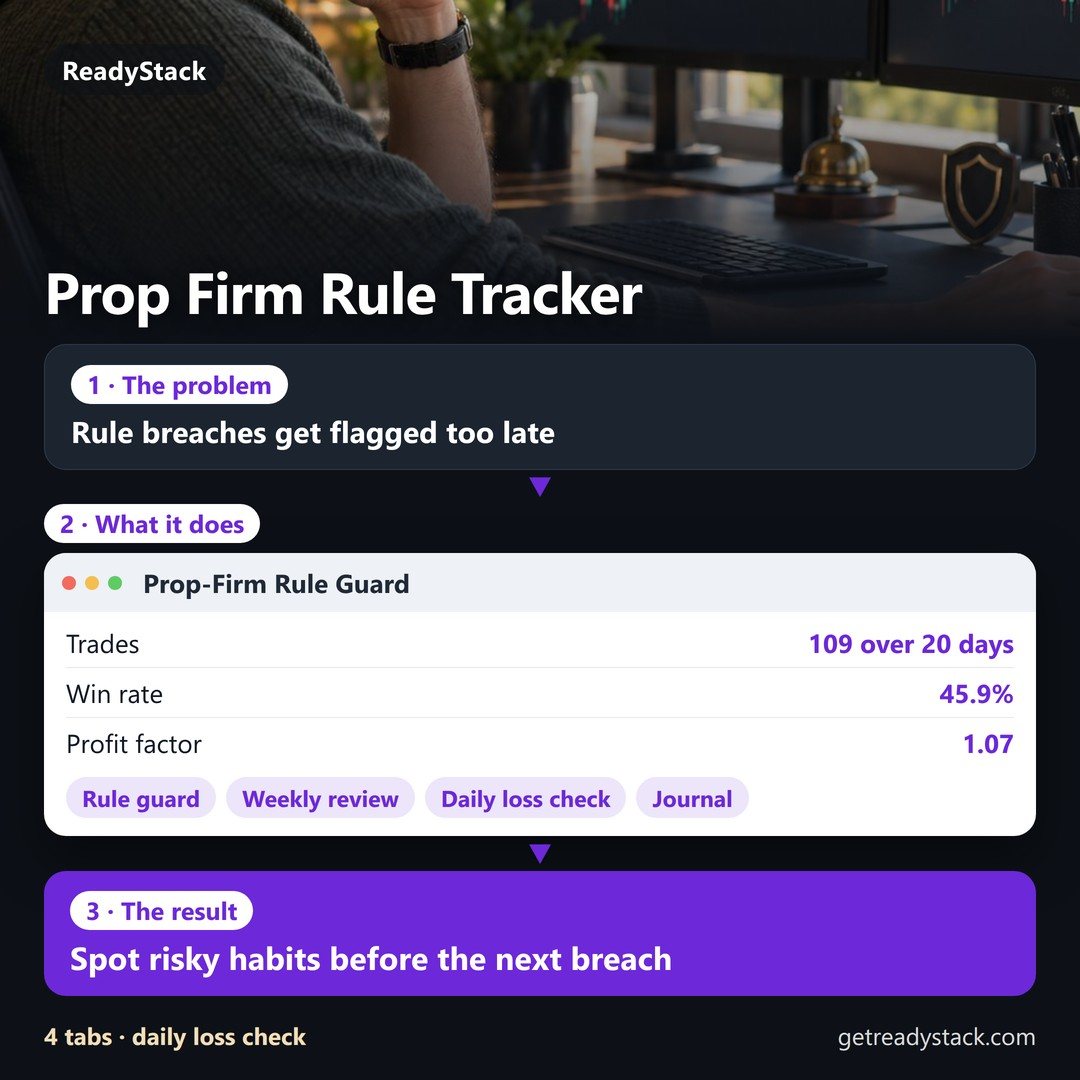
Futures are outside the wash-sale rule. Our prop firm trading journal (a futures trading journal) is built for that: daily-loss and drawdown rules checked before your next trade.
Sources
- IRS Publication 550, Investment Income and Expenses — Wash Sales (for 2025 returns, read 2026-11-02)
- Instructions for Form 8949 (2025) — codes W and B, columns (e)–(h), boxes A–F (read 2026-11-02)
- Instructions for Schedule D (2025) — losses over gains deductible up to $3,000 ($1,500 married filing separately) (read 2026-11-02)
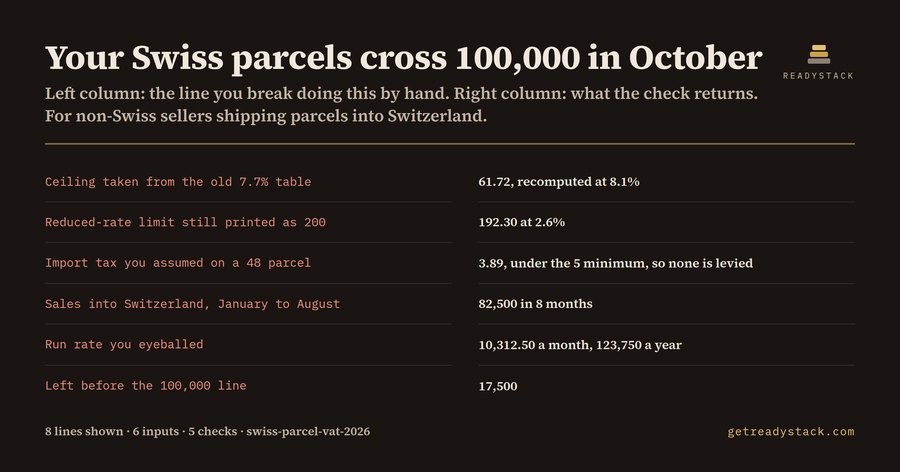 Swiss parcel VAT: ceiling, crossing month, registration deadline
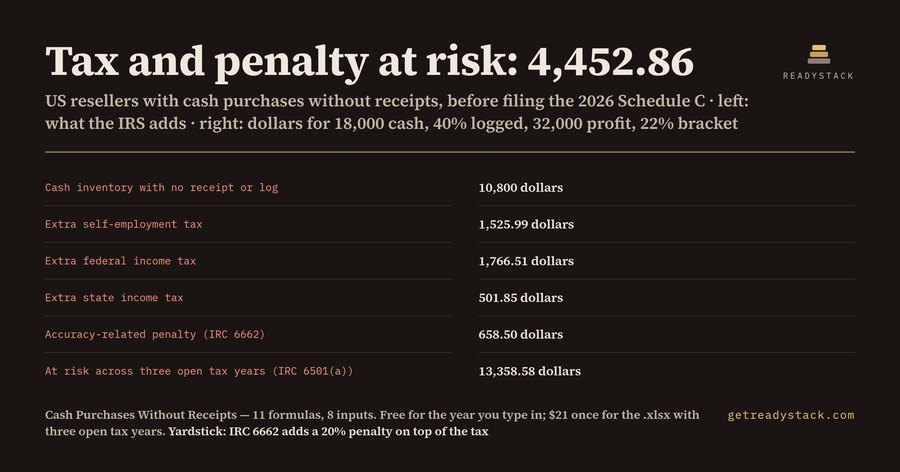 Cash Purchases Without Receipts: Reseller Tax Risk 2026
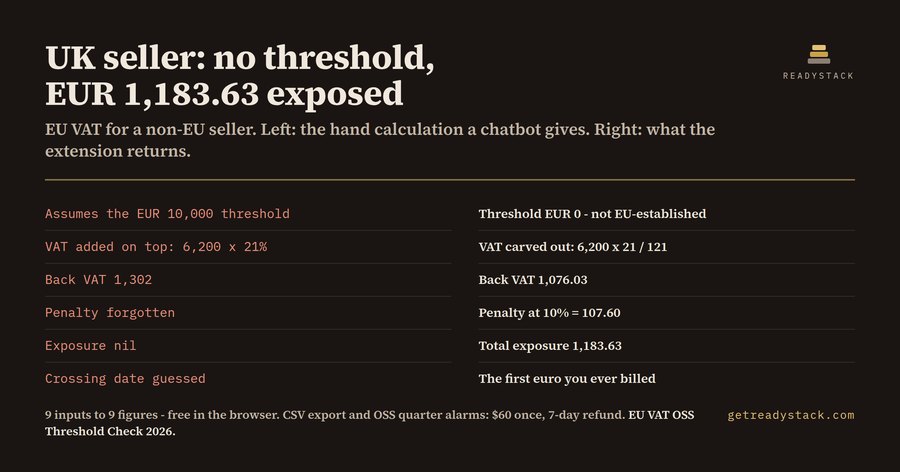 Which EU VAT threshold applies to you, and what is behind you
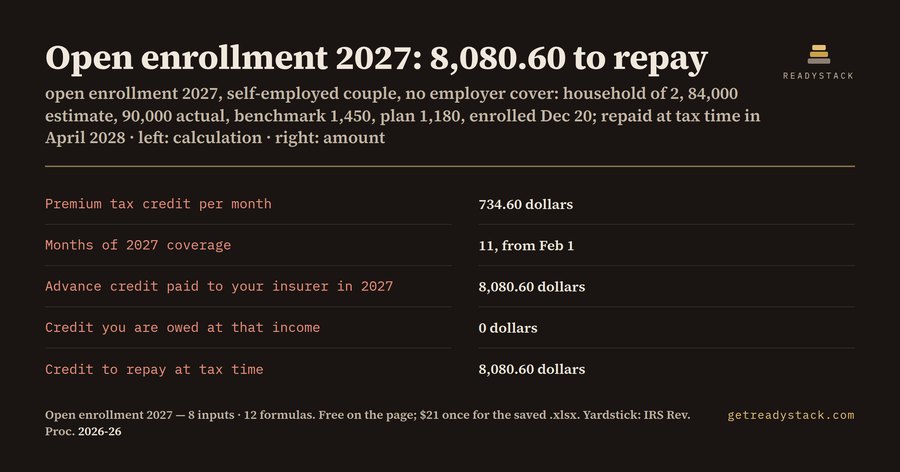 Open Enrollment 2027: Deadline + Tax Credit Calculator
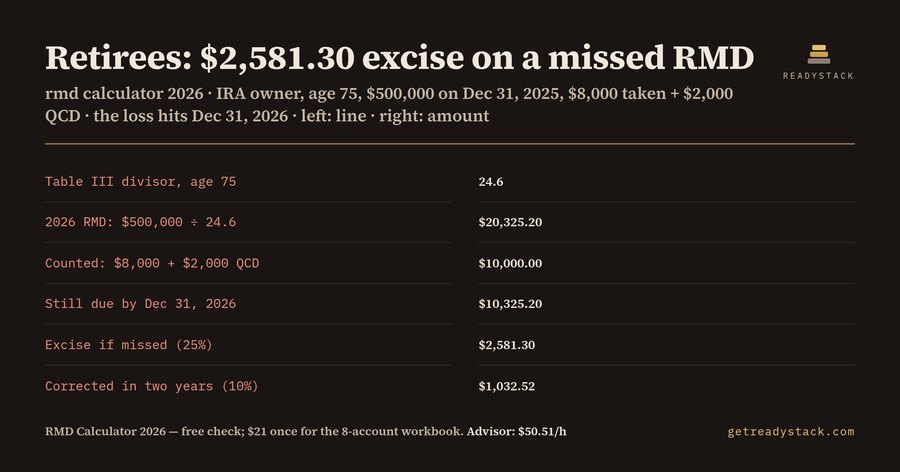 RMD Calculator 2026 for IRA & 401(k) Owners 73+