For Etsy sellers, handmade and digital: your statement, read line by line
- Fees exact to the cent. Read from Etsy's own monthly statement: transaction, processing, listing, Offsite Ads, regulatory operating fee, VAT on fees, currency conversion, shipping labels and returned orders.
- Your costs per listing. Type materials, labor and packaging per listing; every order and every listing shows profit after them.
- The losers first. Listings that lost money this month are at the top, before anything else.
- Nothing is uploaded. Your files are read in this browser and stay in this browser's storage.
Free: the price calculator and one month at a time for one shop, every number shown. Pro: $29/month or $249/year.
1Price one order (no file needed)
Every fee line for one order, then your profit and margin. Or turn it around: the price you need for the profit you want.
2One month from your Etsy CSV
Import the monthly statement, the Sold Order Items file, or both. They are read in this browser; nothing is uploaded.
Import a file above, or try the sample month.
3Every month, every shop (Pro)
Each month you import is kept with your cost library, so the trend and the listing ranking build themselves.
Free vs Pro
Free
- Price calculator with every fee line, and the reverse: the price for the profit or margin you want
- One month from your Etsy CSV: every fee type, profit per order and per listing, money-losing listings first
- One shop, all five languages, no account, nothing uploaded, no watermark
Pro: $29/month or $249/year
- Saved cost library per listing, applied to every month you import
- All months kept: month-by-month trend, listing ranking across months, "lost money in 3 of the last 4 months"
- A monthly tax set-aside line at the percentage you choose
- Several shops, CSV and PDF export, backup and restore
Subscriptions renew until you cancel in your Whop account. After paying you get a licence key; paste it below to open Pro here.
Questions
Where do I find the two CSV files?
Monthly statement: Shop Manager → Finances → Monthly statements, pick the month, Download CSV. Sold Order Items: Shop Manager → Settings → Options → Download data, choose Orders → Order Items and the month. Import either one or both.
Why import both files?
The statement has Etsy's exact fees for each order. The order items file says which listing and how many were sold. Together they give exact fees per listing, and your costs per item are multiplied by the right quantity.
Does it include VAT on Etsy's fees and currency conversion?
Yes. From a statement, every VAT and conversion line is summed as Etsy charged it. In the price calculator, VAT is added to each fee line when your country charges it (standard rate, check your invoice) and conversion is 2.5% when your listing currency differs from your bank currency.
Where does my data go?
Nowhere. Files are read with your browser and kept in this browser's storage. The only request this page makes on its own is the licence check, which sends the key you typed.
Is this tax advice?
No. It is an Etsy profit tool. The tax set-aside line only applies the percentage you type.
What happens when Etsy changes a fee?
The fee table is dated on this page and updated here. Imported statements always carry the fees Etsy actually charged, so month results stay exact either way.
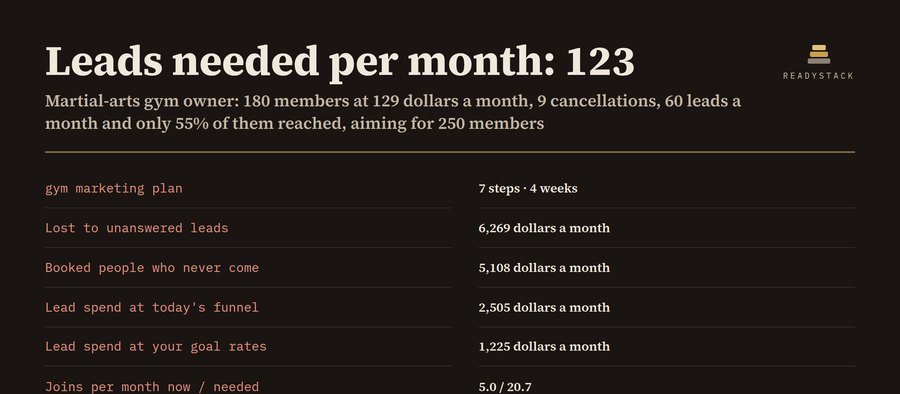 Gym Marketing Plan and Lead Follow-Up Tracker
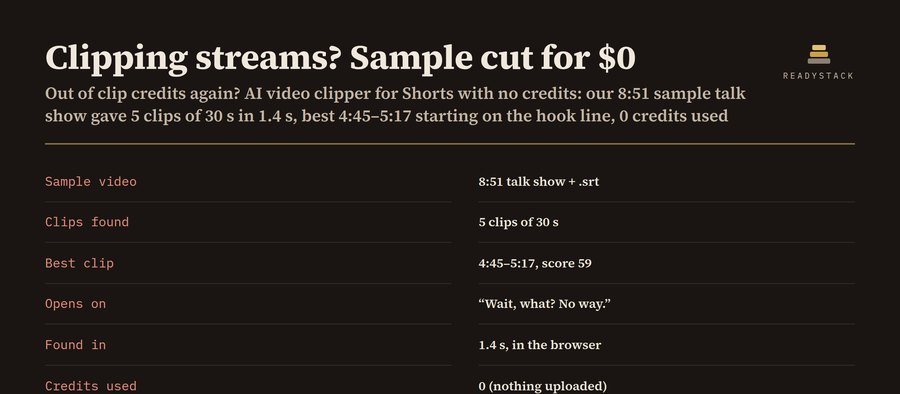 AI Video Clipper for Shorts, No Credits
 Multilingual social media post planner with analytics
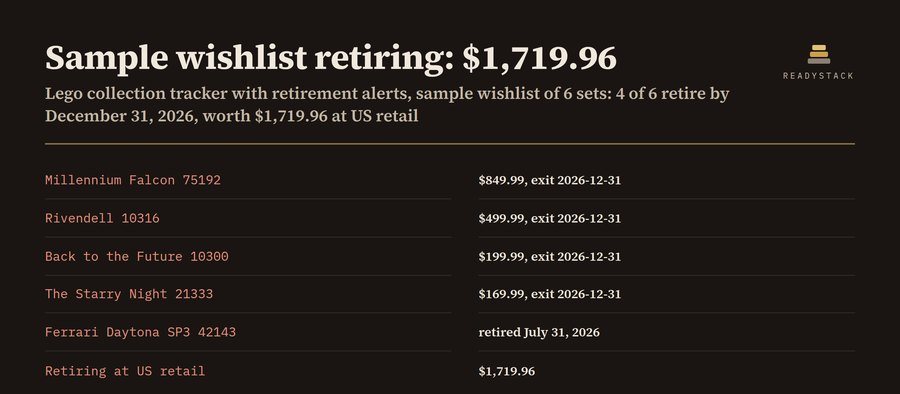 Lego Collection Tracker with Retirement Alerts
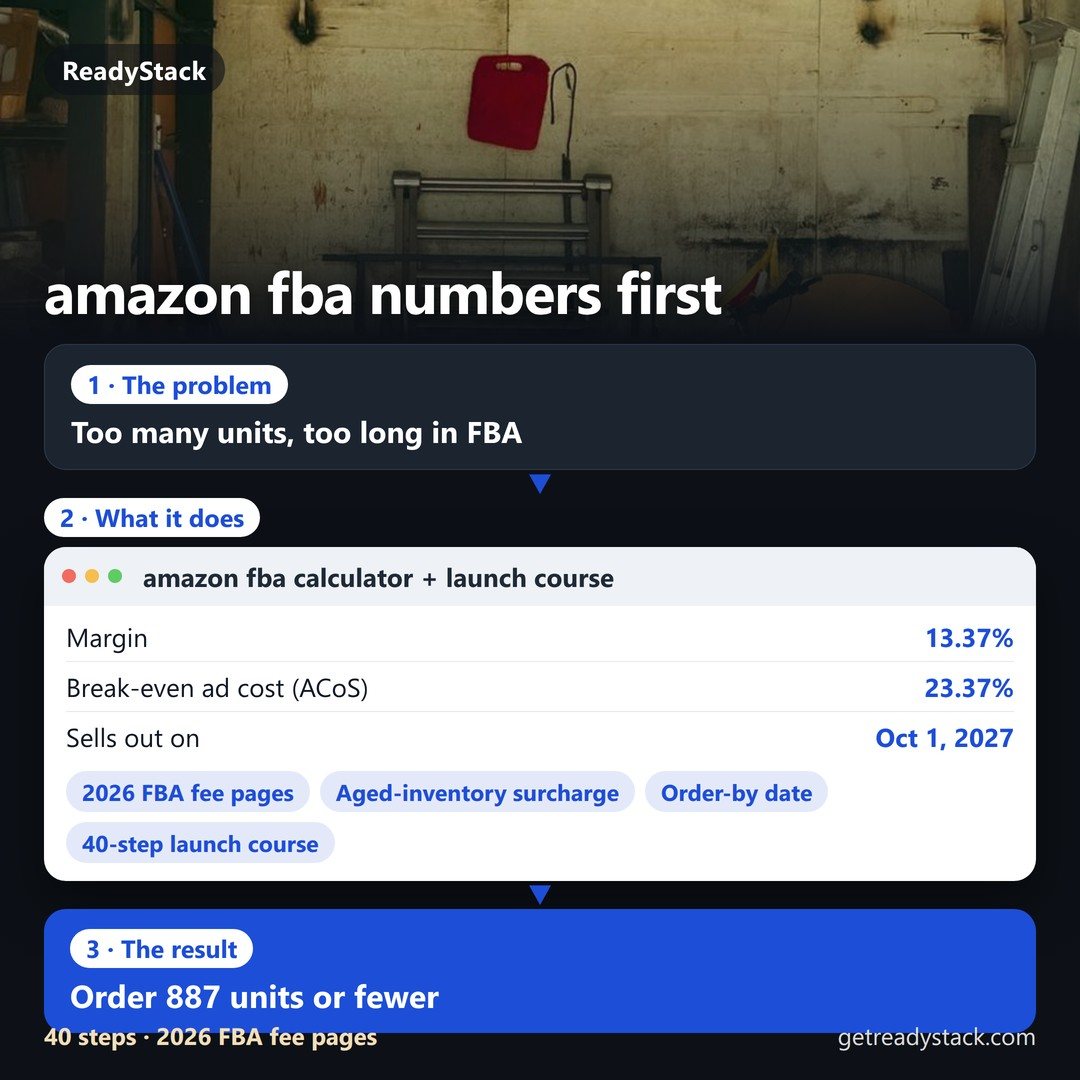 amazon fba calculator + launch course 2026: your product's fees, cash and reorder date