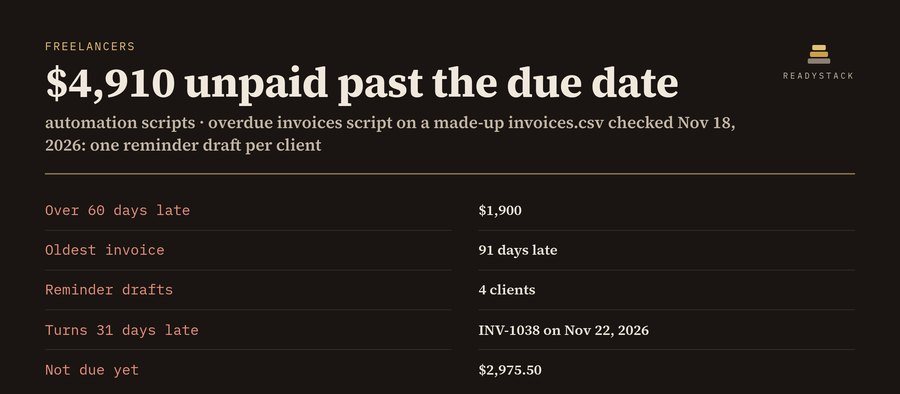
Free: any of the five scripts on your own file, every row, the whole result on screen. Pro: the Python script with your settings written in, the result files, saved setups and a weekly schedule. $29 once or $6.99 per month.
Your file and settings
Using the made-up example file.
Pick the column to split by and, if you like, an amount column to total per file, in the column boxes above.
Pro: take the script home and let it run every week
- The Python script with your settings written in: your column names, rules and options. Python 3.8 or newer, standard library only, so there is nothing to pip install. Runs on Windows, Mac and Linux, on files of any size.
- The result files now: overdue_report.csv and one reminder .txt per client, contacts_clean.csv, the categorized transactions, the rename plan, one CSV per client.
- Saved setups: keep a setup per client or per bank and open it with one click next time.
- Weekly schedule: the exact Windows Task Scheduler command and the Mac or Linux cron line for your paths, plus a double-click launcher.
- Undo for files: the rename script writes an undo log; one command puts every file back.
Pro: $29 once, or $6.99 per month. All five scripts.
How the scripts decide
Overdue invoices: an invoice is open while the paid-on cell is empty (or, if your file has an amount-paid column, while amount minus paid is above zero). Days late = the check date minus the due date. Buckets 1-30, 31-60, 61-90 and 91+ days; "enters next bucket" is the date it moves up. One reminder per client lists all of that client's late invoices; past 30 days the wording is firmer, past 60 it is a final reminder. The script writes the drafts; it does not send email.
Duplicate contacts: emails are compared without spaces and capitals. The first row is kept and empty cells in it are filled from its duplicates. Rows without an email can be matched on the last 10 digits of the phone number.
Bank categories: the first rule whose words appear in the description wins. Money in without a rule is "Income (no rule)", money out without a rule is "Uncategorized", so you see exactly which rules to add.
Rename and sort files: names that would collide get -2, -3. The script shows the plan and changes nothing until you add --go; then it writes an undo log.
Split CSV: one file per value of the column you pick, with the same columns as the original, largest group first.
Amounts like $1,250.00, 1.250,00 € and (59.99) are read; dates as 2026-11-18, 11/18/2026 or 18.11.2026. The page and the Python file use the same rules; both were run on the same test files and gave the same answers.
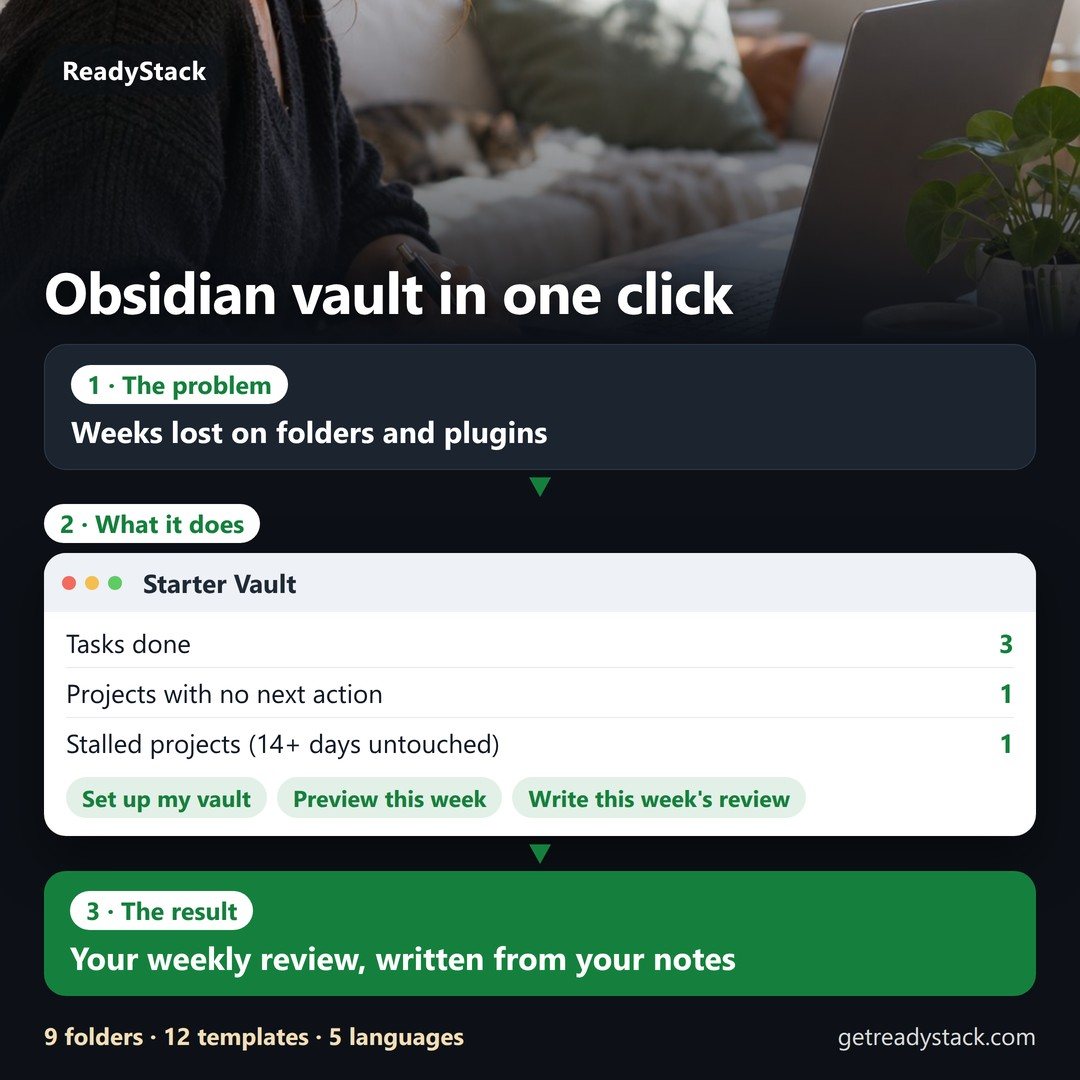

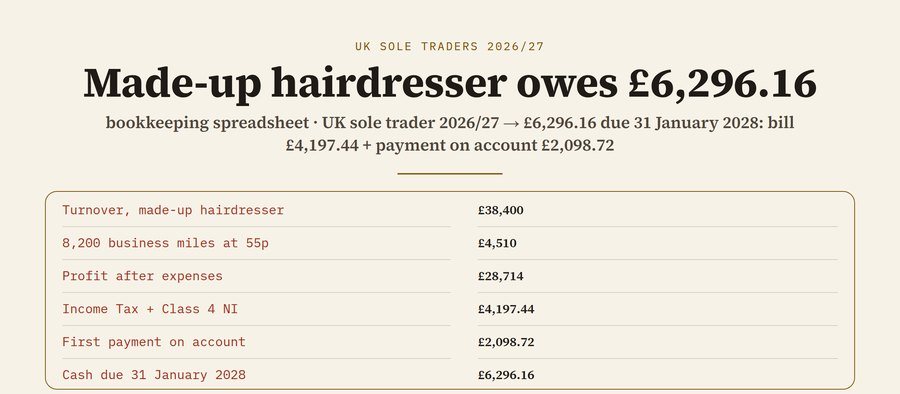 bookkeeping spreadsheet for UK sole traders 2026/27: ledger, SA103S boxes, 55p mileage and the tax to set aside
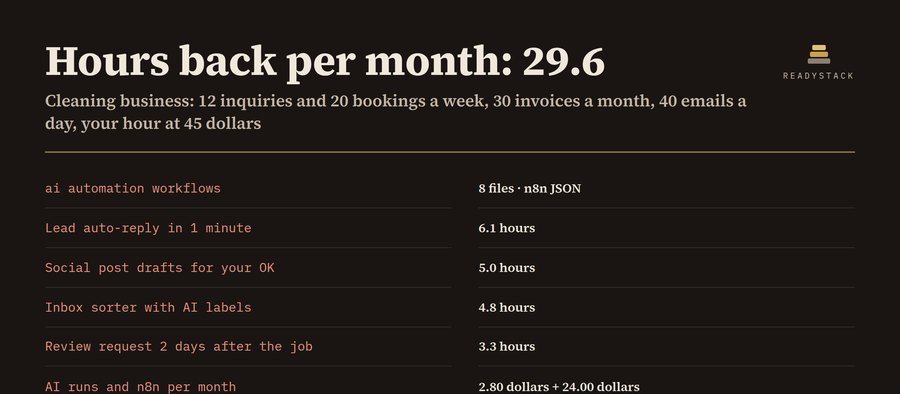
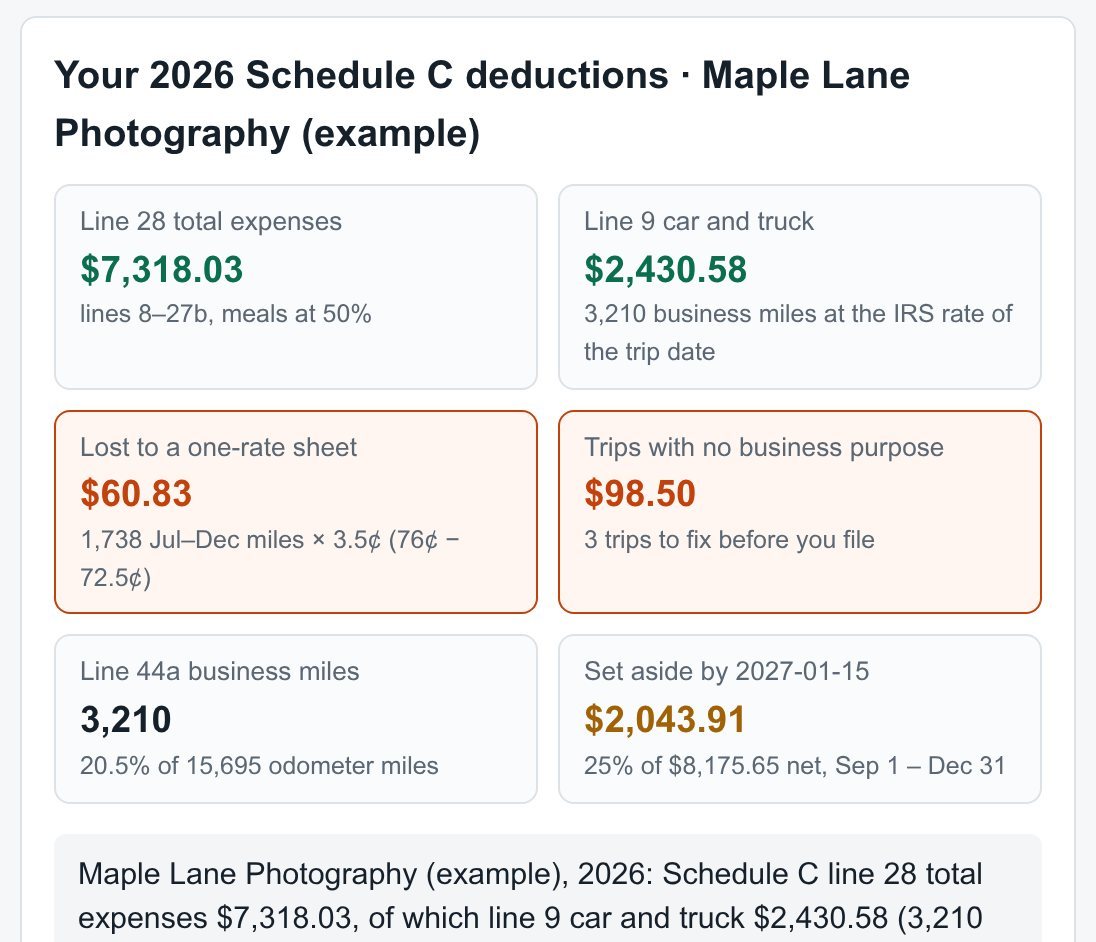 small business planner | Expense & Mileage Tracker | Schedule C 2026 | Estimated Tax Set-Aside
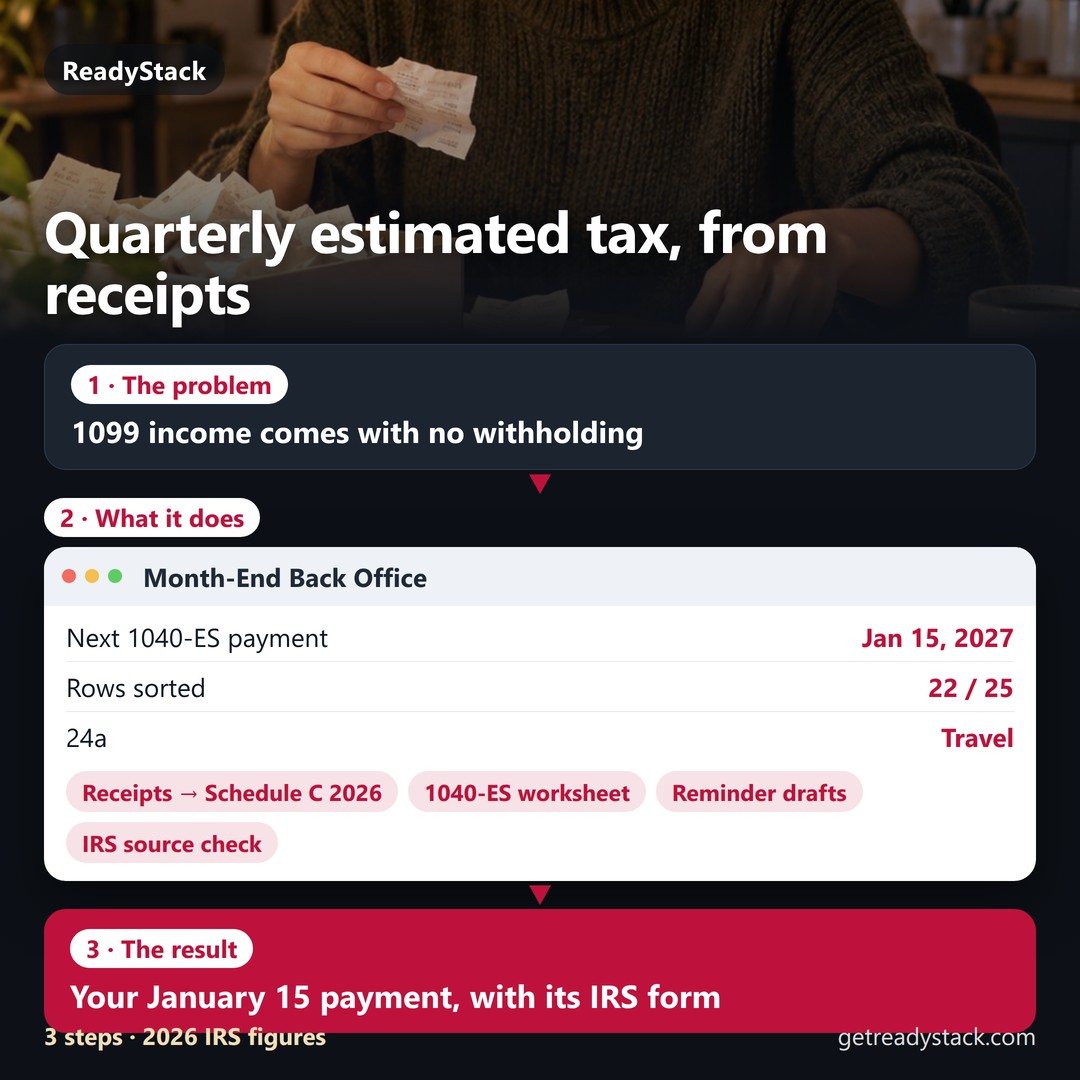
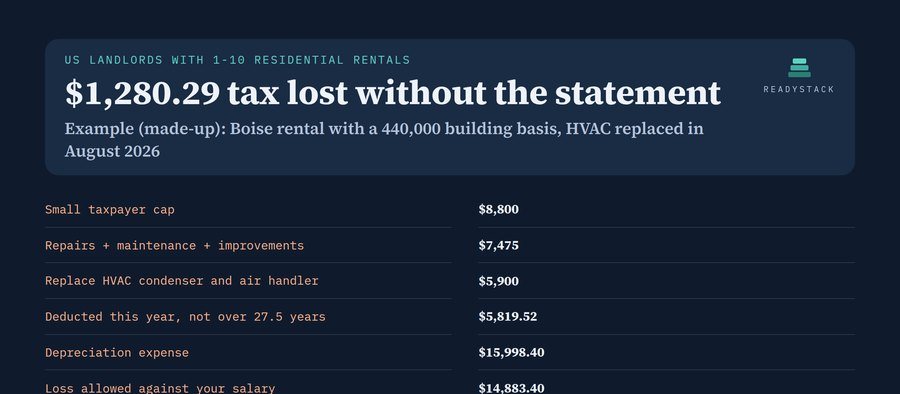 rental property spreadsheet | tax deduction tracker, safe harbors, Schedule E
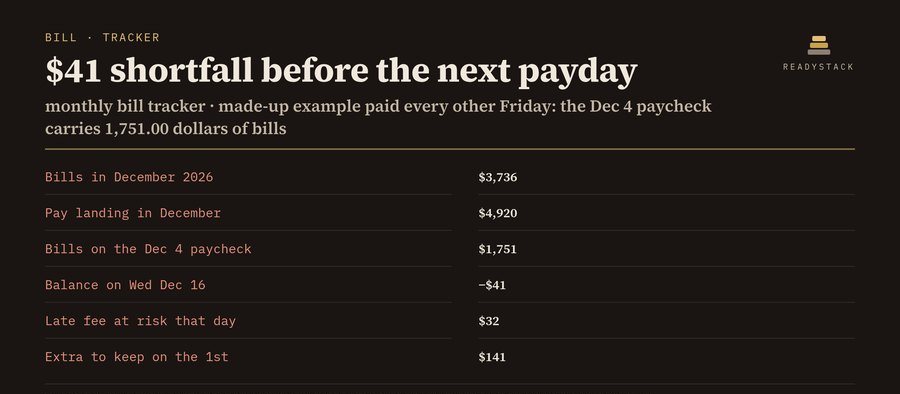 monthly bill tracker | pay-by date, which paycheck, late fee
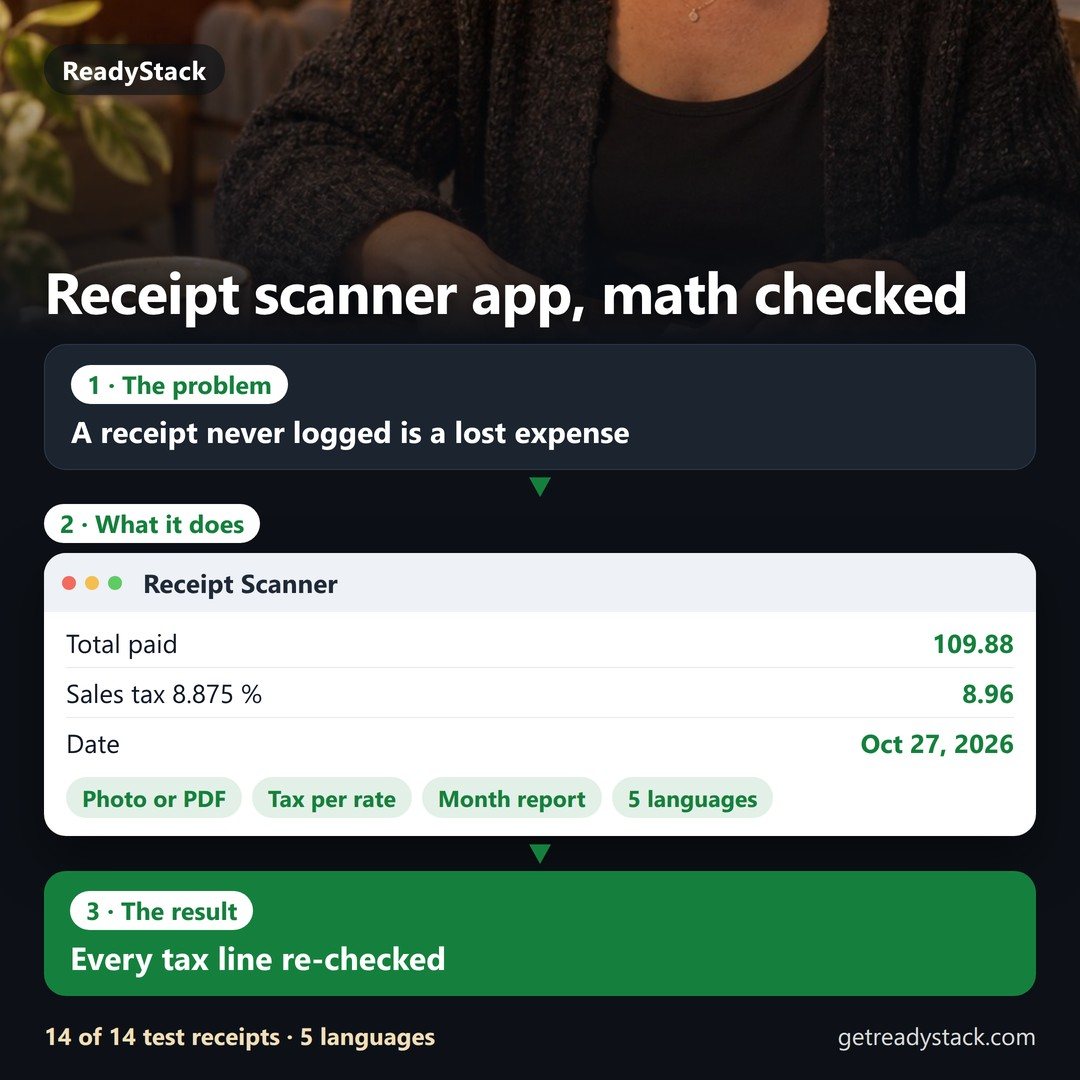 Receipt PDF or photo in — vendor, date, total and every tax rate out, checked