Put your own numbers into the free version below — no sign-up.
Your result shows up right here, as you type.
Want to keep it, print it or do it again next time? That is what the full version adds — see "What you get".
What you get: song log in this browser, as many songs as you make, each with plan, made date, download date and status · downloads per month counted against your plan (Pro 20, Premier 60, Platinum 120) · 10 matching prompts for one channel (same sound, mood and tempo varied)
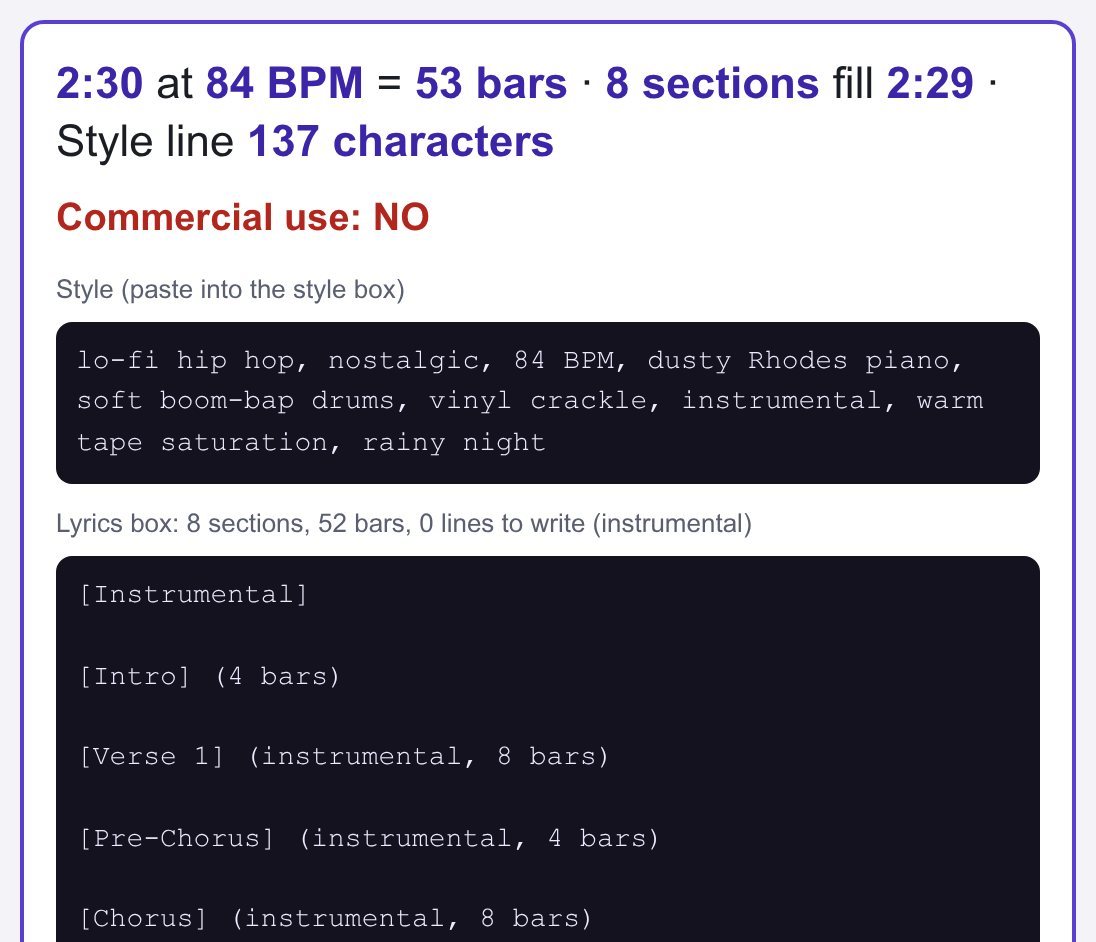
Made-up example: a lo-fi channel needs a 2:30 track at 84 BPM. That is 53 bars, so the builder gives 8 sections that fill 2:29 and a Style line of 137 characters. The song was made on the Free plan, so it may not be monetized, and $10 spent on a Pro month afterwards is wasted for this track: it does not license the song retroactively by default. Change any field and the answer updates.
Your song
Can you monetize it?
Keep every song and its rights in one log
With Pro: save this song with its dates, see which songs you may use commercially and how many downloads each month has used, build 10 matching prompts for one channel, export CSV and .txt, print a release sheet per song, and back up the log.
Song log
Downloads per month
10 matching prompts
Pro: the song log
The builder and the rights answer above are free for every song. Pro keeps the record:
song log in this browser, as many songs as you make, each with plan, made date, download date and status
downloads per month counted against your plan (Pro 20, Premier 60, Platinum 120)
10 matching prompts for one channel (same sound, mood and tempo varied)
CSV of the log, .txt of all prompts, printable release sheet per song, JSON backup and restore
Can I monetize a song I made on the Free plan if I upgrade now?
Not by default. Suno's help center says subscribing to Pro or Premier "does not give you retroactive commercial use licensing for the songs made with a free plan by default". Free-plan songs are for personal, non-commercial use. Make the song again after you subscribe and download it inside your plan.
What changed on 3 September 2026?
Suno's terms revised on 10 August 2026 took effect: you may not commercially use output that you have not downloaded through an approved channel, paid plans get monthly downloads (Pro 20, Premier 60), and downloads given to Free accounts are not eligible for commercial use. Rights for a download you obtained stay after you cancel.
How does the builder size the [Verse] and [Chorus] sections?
One bar of 4/4 lasts 240 ÷ BPM seconds, so 2:30 at 84 BPM is 150 × 84 ÷ 240 = 52.5, about 53 bars. The builder starts from a full song plan and removes or doubles sections until the total is as close as it gets, then prints the real length of that structure.
Are these official Suno tags or a Suno product?
No. This is an independent tool, not made by or affiliated with Suno. Suno's help center does not publish a list of section tags; square-bracket labels such as [Verse] and [Chorus] are the form songwriters commonly type in the lyrics box. No audio samples are included, and how a model follows them varies: listen to your own result and adjust.
Where is my song log stored?
Only in this browser (localStorage). Nothing is sent to a server. Use the JSON backup to move the log to another computer, and the CSV to keep a copy next to your audio files and receipts.
Yes. The free version on this page works without an account. The full version ($9.99 once) adds: song log in this browser, as many songs as you make, each with plan, made date, download date and status · downloads per month counted against your plan (Pro 20, Premier 60, Platinum 120) · 10 matching prompts for one channel (same sound, mood and tempo varied)
How do I use it?
1. Put your own numbers into the free version below — no sign-up. 2. Your result shows up right here, as you type. 3. Want to keep it, print it or do it again next time? That is what the full version adds — see "What you get".
Ask about this tool
One question, answered by the person who built it. Your email only if you want the answer sent.
For a team or company: for an invoice with your company details, a quote or several licences, write to [email protected].
Who is behind this page
ReadyStack is a small team. We build each tool for one job people keep asking about, from the rules and sources named on the page, and we run it on the worked example you see here before it goes live.


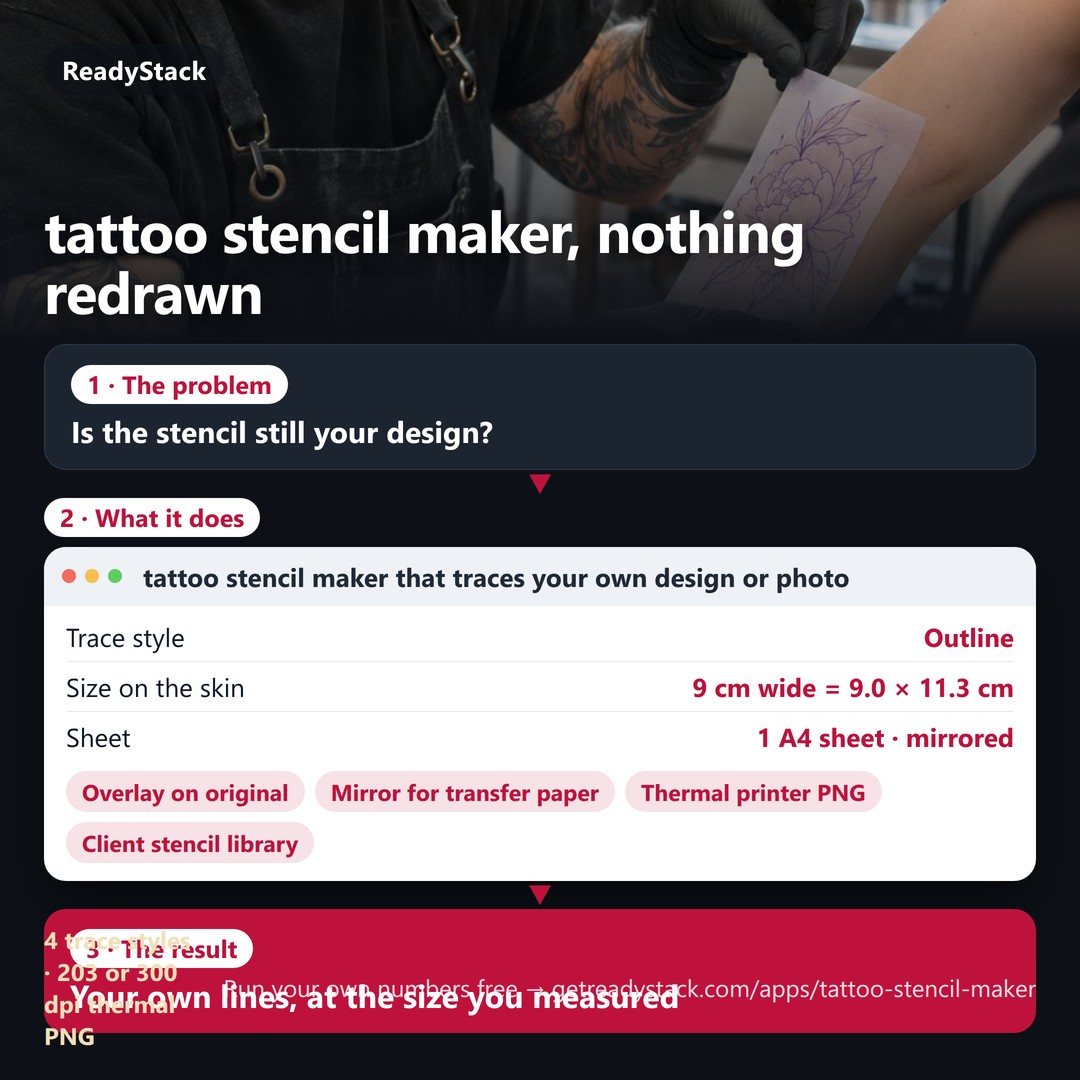 tattoo stencil maker that traces your own design or photo – nothing redrawn, printed at the exact size
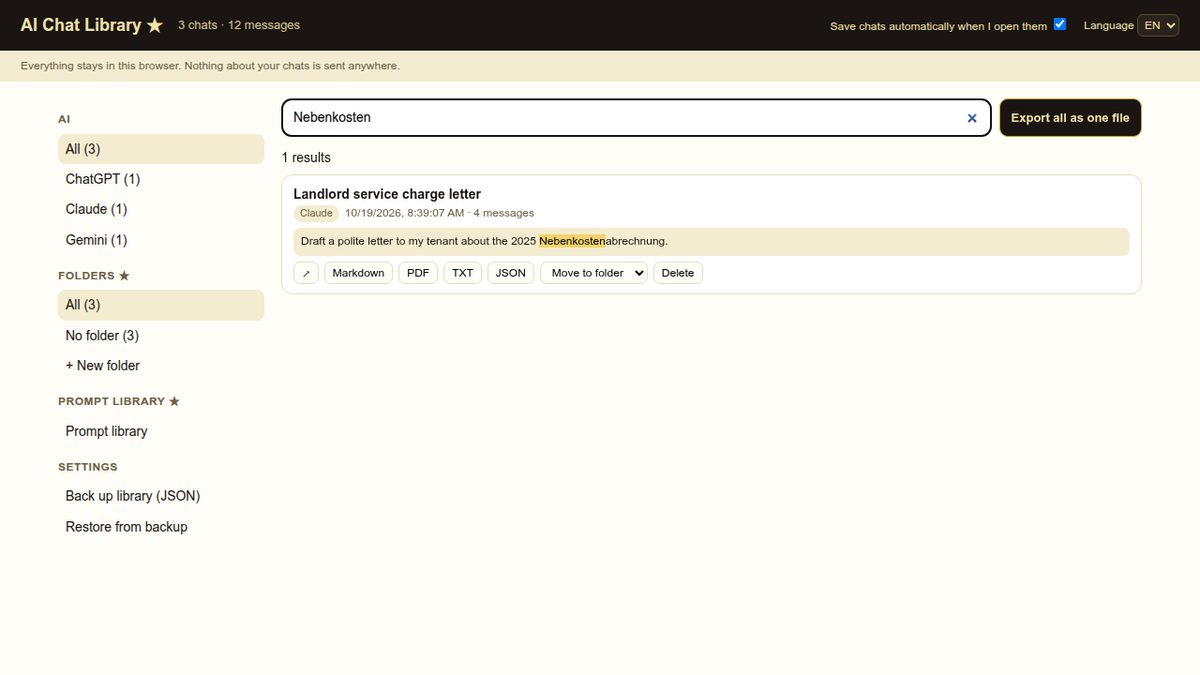 Every ChatGPT, Claude and Gemini chat — saved on your computer, searchable in one place.
 Average speed camera app for Bulgaria’s section control
 CS2 aim training routine: daily plan, block timer and transfer check
 objection handling training: answer real buyer objections out loud, every reply scored
 Video compressor – pick the limit, see the size first, get a file under it