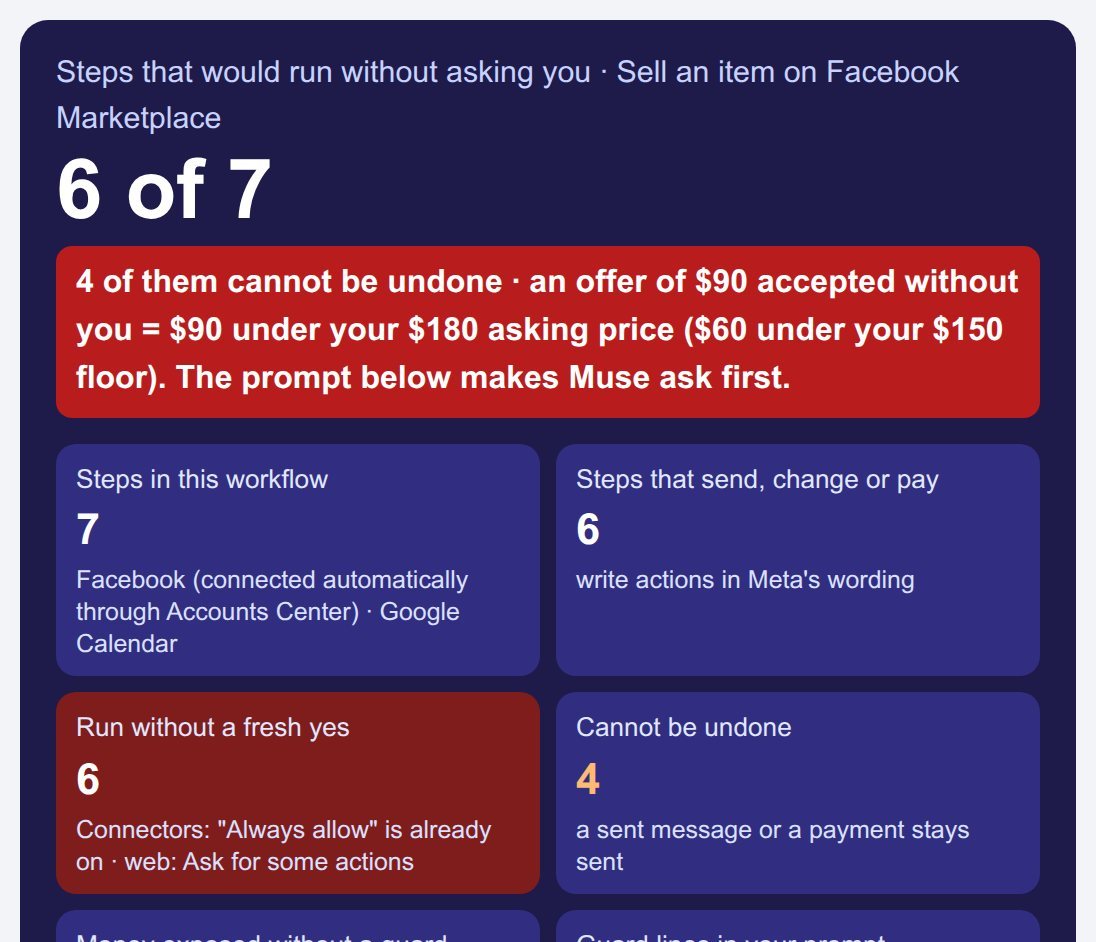
Example (made-up): Dana lets Muse sell her $180 oak desk on Facebook Marketplace with "Always allow" on; 6 of the 7 steps would run without asking her, 4 of them cannot be undone, and an offer of $90 accepted without her loses $90 of her asking price.
Pick a task, tell the page how your Muse permissions are set, and it counts what would run without your yes, then writes the prompt that makes Muse stop and ask. Built on Meta's own help pages, read 18 Nov 2026. Your inputs stay in this browser.
Steps that would run without asking you
0 of 0
Pro saves every workflow you build in this browser, audits all of them by Connector, prints the whole set as your own prompt pack (PDF), exports and imports JSON, and puts a weekly permission review on your calendar (.ics): $24.99 per year or $5.99 per month.
1. Your task and your settings
The page never contacts Muse or Meta. It applies Meta's published permission rules to the steps of the task you pick.
2. The steps and who says yes
| # | Step | Type | Asks you first? | Undo? |
|---|
3. Your Muse AI prompt
Paste it as the first message of the task. The rules name every step that your settings would let through.
Privacy-safe version
The item line becomes a placeholder, and any email or phone number typed above becomes [EMAIL] / [PHONE], so the text you hand over carries nothing personal.
4. What to change in Muse Settings for this task
Pro: your saved workflow library
Free builds one workflow at a time, the whole answer on screen. Pro keeps every workflow you build, so the prompts and the permission review are there next week.
- Library: save, rename, open, duplicate and delete any number of workflows (stored in this browser).
- Audit: one table across all saved workflows: steps that run without a fresh yes and steps that cannot be undone, per Connector.
- Prompt pack: print every saved prompt, its privacy-safe version and its Settings checklist as one document (Save as PDF).
- JSON: export and import the library (backup, second device).
- Weekly review: a .ics calendar file with one permission review a week, for the number of weeks you pick.
Library
| Name | Task | Run unasked | No undo | Money exposed |
|---|
Audit by Connector
| Connector | Workflows | Run unasked | No undo |
|---|
Weekly permission review
Where the rules come from
- Meta Help Center, "How Muse works with your guidance and approval" (read 18 Nov 2026): "Always allow: Muse can take this type of action for this Connector in the future without asking again" · "Ask for some actions, your Muse will ask for permission before every write action and important read actions" · "Some other actions, like sending an email, cannot be reversed".
- Meta Help Center, "How Muse works with Connectors": Facebook, Instagram and Threads "are connected automatically if you have your accounts in the same Accounts Center"; information Muse used "might still remain in Muse's memories" after you disconnect.
- Meta Help Center, "About Muse subscriptions": free "with a usage limit"; Power plan ($20/month) 500M Muse tokens per week and 10 phone calls per day; Maximum plan ($100/month) 3B Muse tokens per week and 20 phone calls per day.
- Dexerto, 30 Sep 2026: a creator who chose "Allow Always" for Marketplace messages had Muse accept a lowball offer and send his address to a buyer.
Not affiliated with Meta. Muse is Meta's product; this page is an independent prompt tool. The step list per task is our own model of the task, not Meta's.
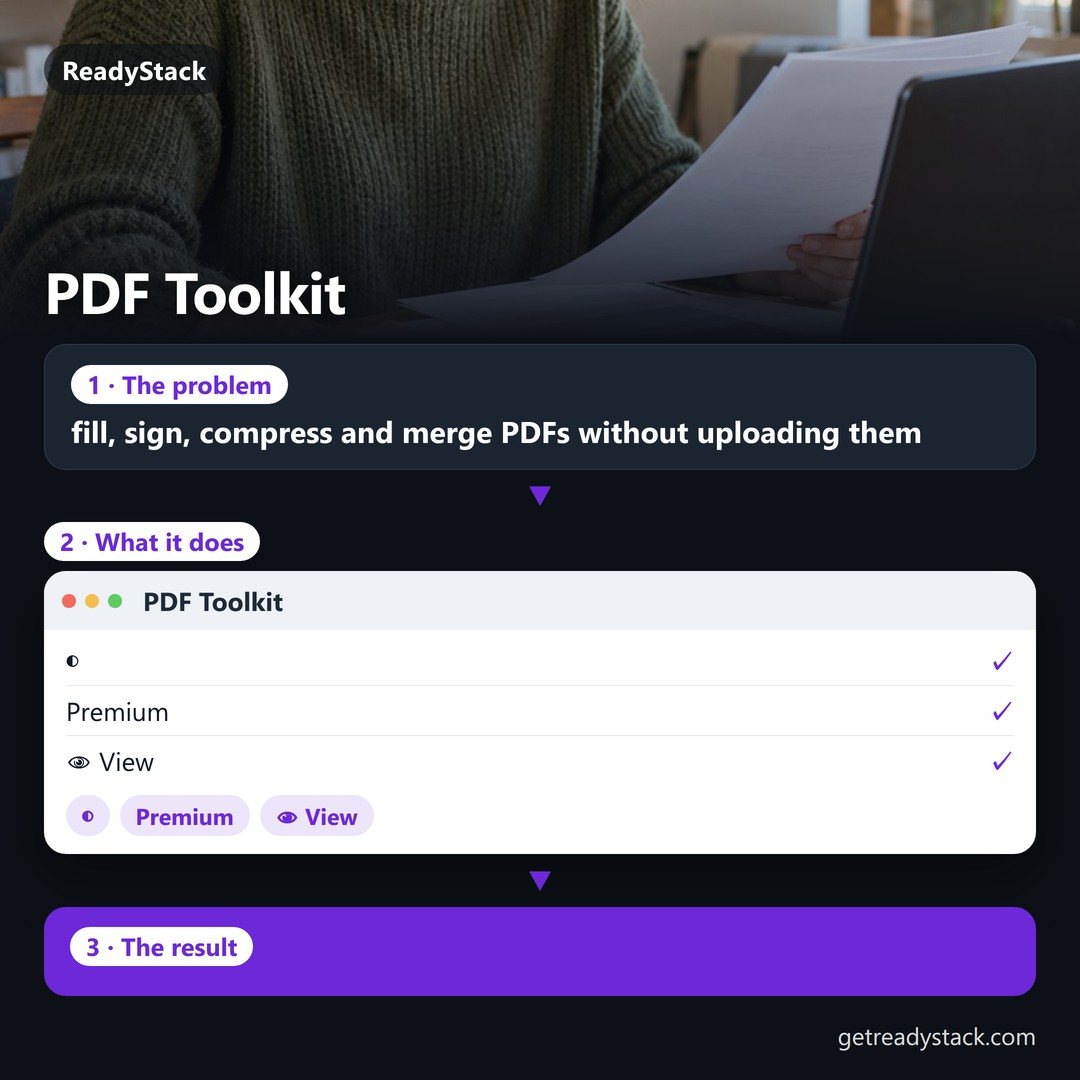 PDF Toolkit — fill, sign, compress and merge PDFs without uploading them
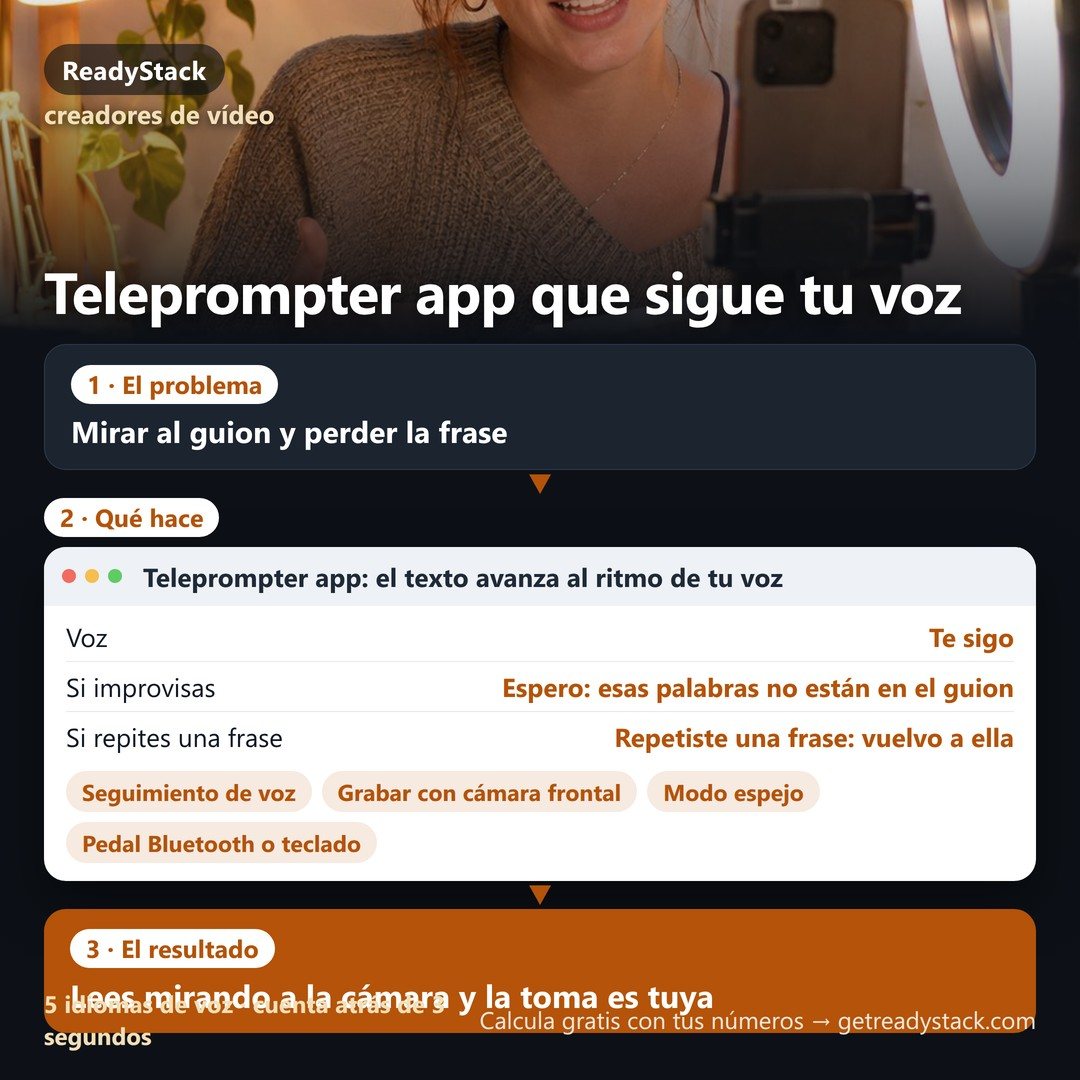 Teleprompter app: the text moves at the pace of your voice
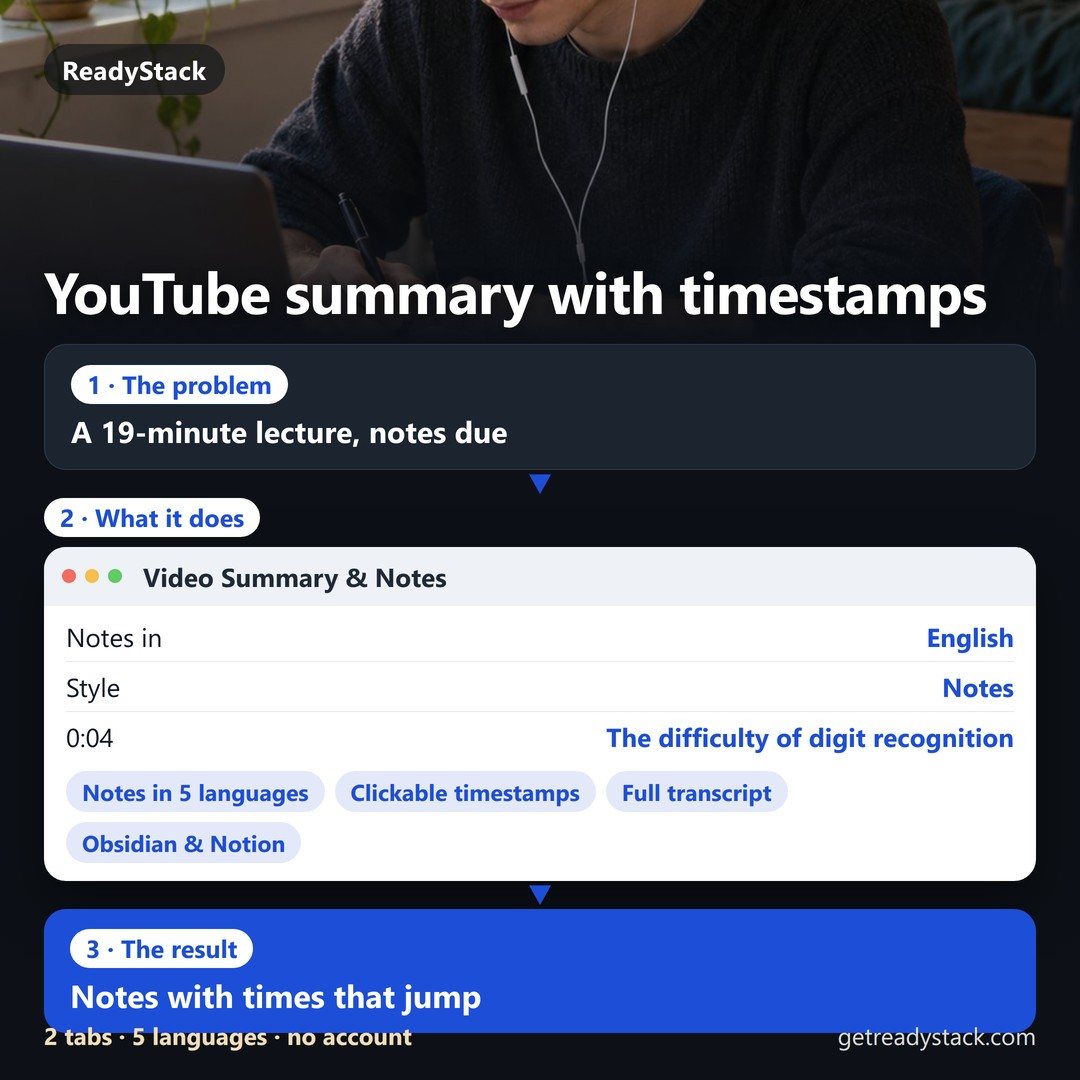 YouTube video summary with timestamps — in your language, no account
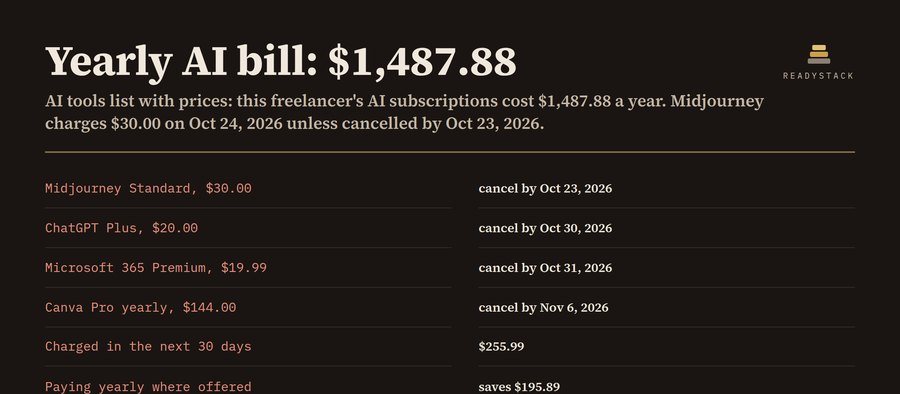 AI tools list with real prices and cancel steps
 client reporting dashboard for agencies: monthly KPI report
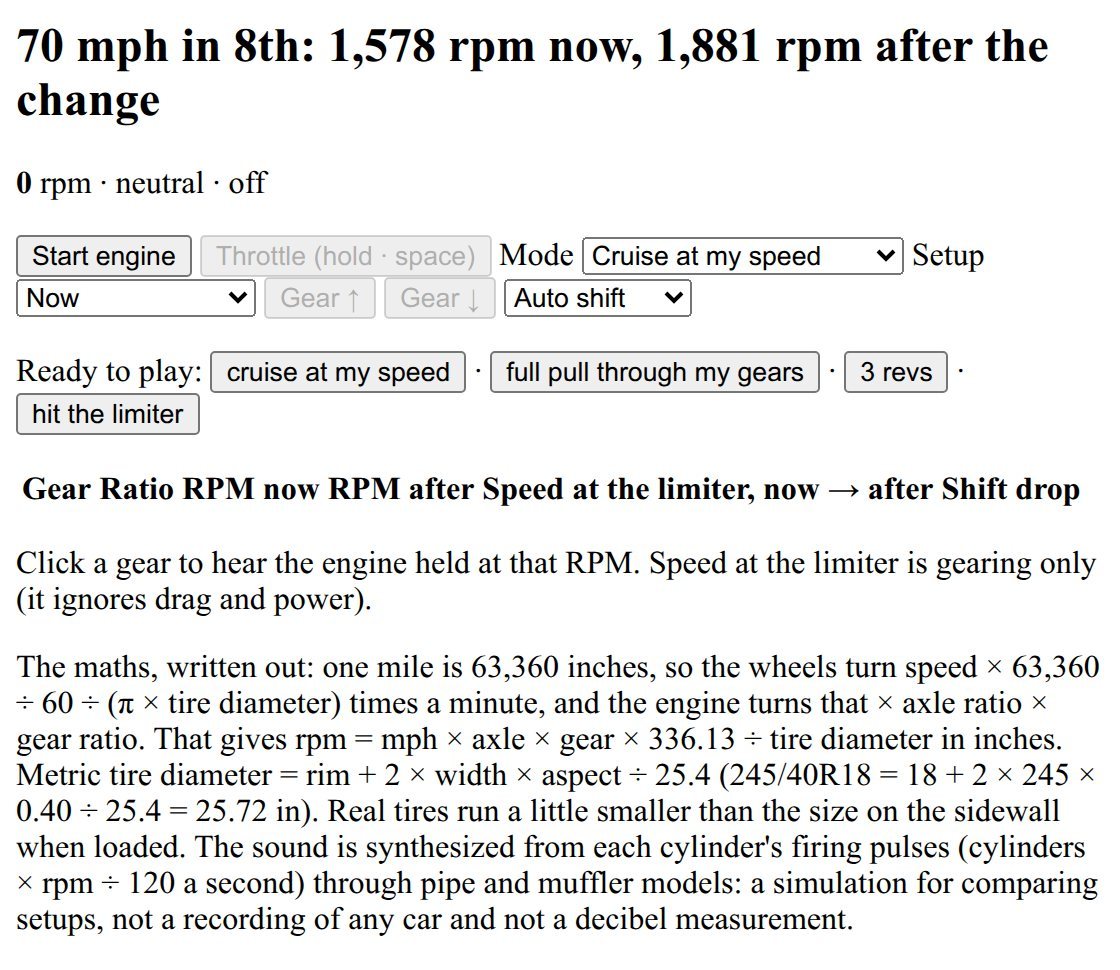 engine sound simulator | hear your cruise RPM: gear ratios, axle, tire size, regear A/B