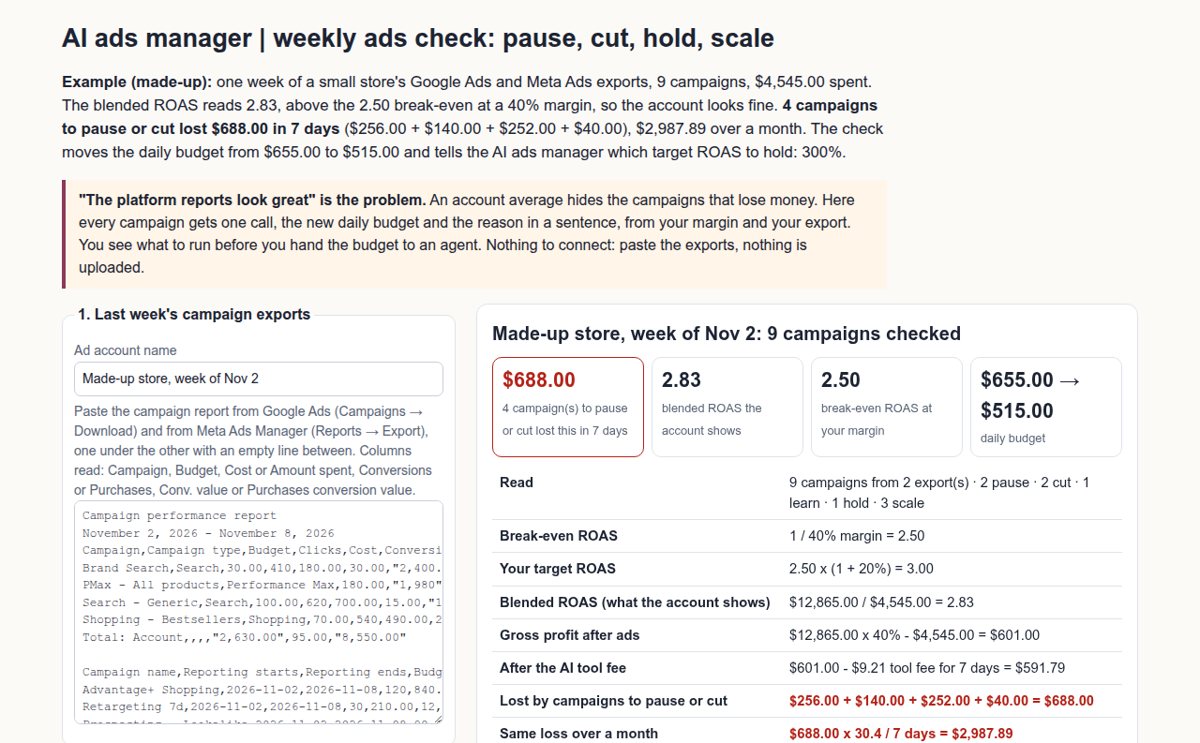
Example (made-up): one week of a small store's Google Ads and Meta Ads exports, 9 campaigns, $4,545.00 spent. The blended ROAS reads 2.83, above the 2.50 break-even at a 40% margin, so the account looks fine. 4 campaigns to pause or cut lost $688.00 in 7 days ($256.00 + $140.00 + $252.00 + $40.00), $2,987.89 over a month. The check moves the daily budget from $655.00 to $515.00 and tells the AI ads manager which target ROAS to hold: 300%.
"The platform reports look great" is the problem. An account average hides the campaigns that lose money. Here every campaign gets one call, the new daily budget and the reason in a sentence, from your margin and your export. You see what to run before you hand the budget to an agent. Nothing to connect: paste the exports, nothing is uploaded.
Made-up store, week of Nov 2: 9 campaigns checked
What to run next week
| Campaign | Call | ROAS | Gross profit | Daily budget | Why |
|---|
Type into the AI ads manager
Pro: the same check every Monday, one place per ad account
Pro adds 7 things: saved weeks per ad account, a "since last week" list that marks every campaign whose ROAS dropped 20% or more, export file import (Google and Meta files merged), the decisions CSV, the weekly report to print or save as PDF, a Monday reminder (.ics) and backup. $19 per month. Get Pro or $149 per year
Have a key?
How this AI ads manager check decides
Break-even and target. Break-even ROAS is 1 divided by your gross margin: at 40% it is 2.50, because each $1 of sales leaves $0.40 to pay for $0.40 of ads. Your target adds a safety share on top: 2.50 × 1.20 = 3.00, which an AI ads manager or Smart Bidding takes as a 300% target ROAS.
The five calls. A campaign with no sale after twice your maximum cost per sale is paused. Under your conversion count it is "learn": budget kept, judged next week. Under 80% of break-even it is paused, under break-even it is cut by your budget step, between break-even and target it is held, and at or above target it is scaled by your budget step. Brand campaigns are flagged: people who search your name may buy without the ad.
Before you raise a budget. Google Ads Help, "About spending limits" (read 2026-11-10): "For most campaigns, the daily spending limit is your average daily budget multiplied by 2", and the monthly limit is 30.4 times the average daily budget. The check prints what the new Google budgets may cost on one day.
What it does not do. It does not log in to your ad accounts, change budgets for you or make ads. You make each change in Google Ads or Meta Ads Manager. The calls are rules applied to your own numbers, not a promise of sales.

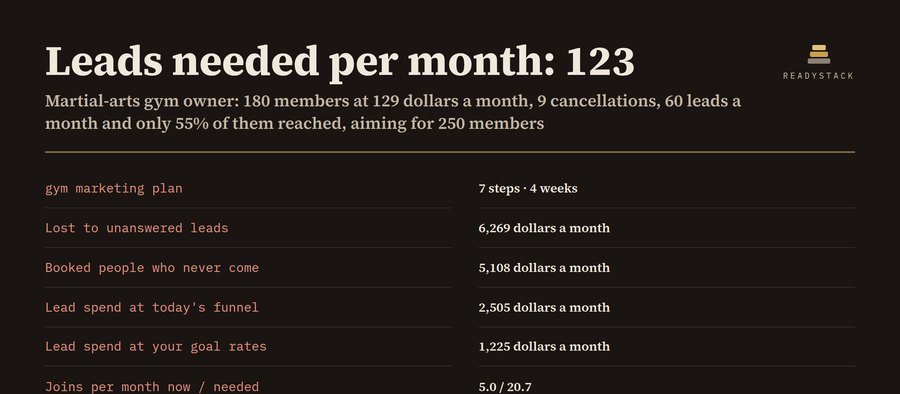 Gym Marketing Plan and Lead Follow-Up Tracker
 Keyword research and competitor gap for small sites — each search counted once, in 5 languages
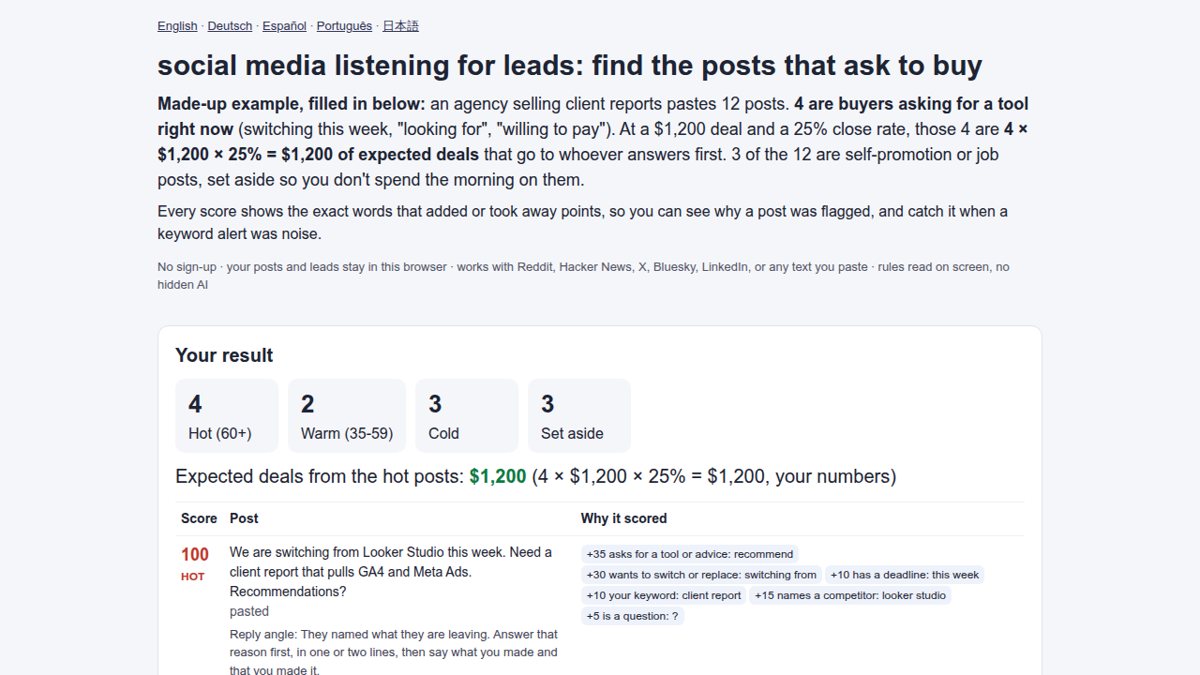 social media listening for leads: find the posts that ask to buy
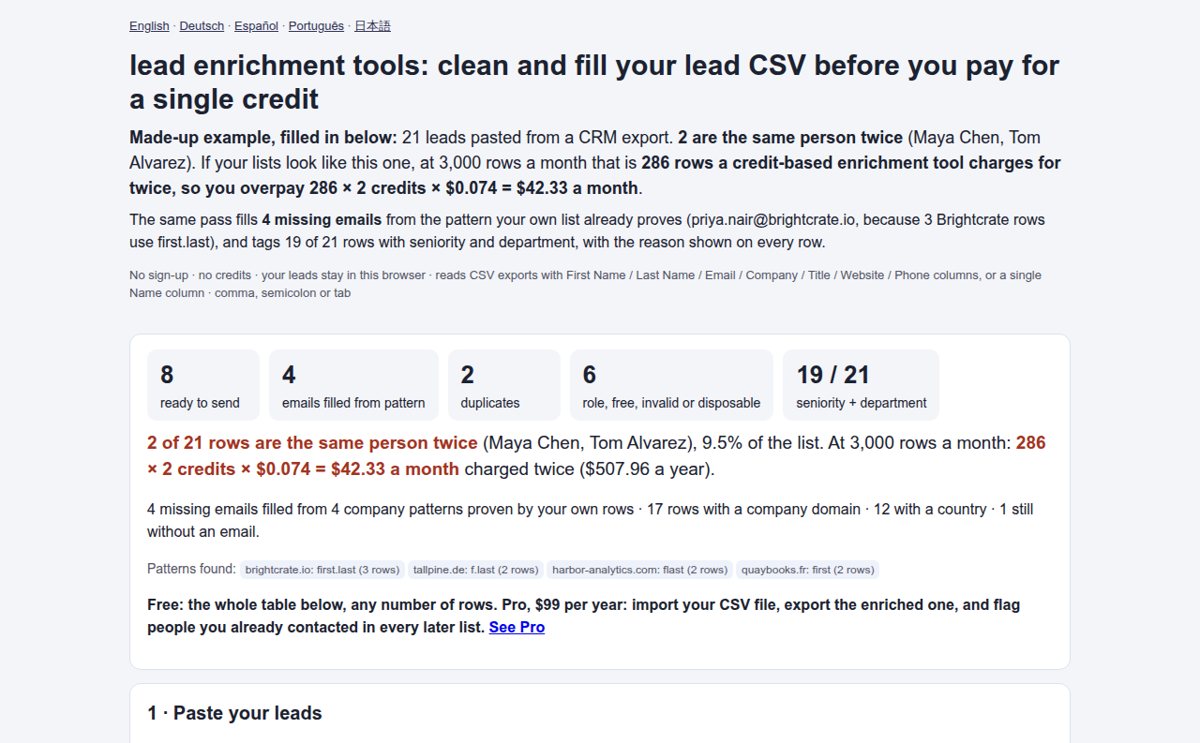 lead enrichment tools: clean and fill your lead CSV before you pay for a single credit
 Is this keyword worth your next upload?