 Google Ads Audit Tool — Weekly
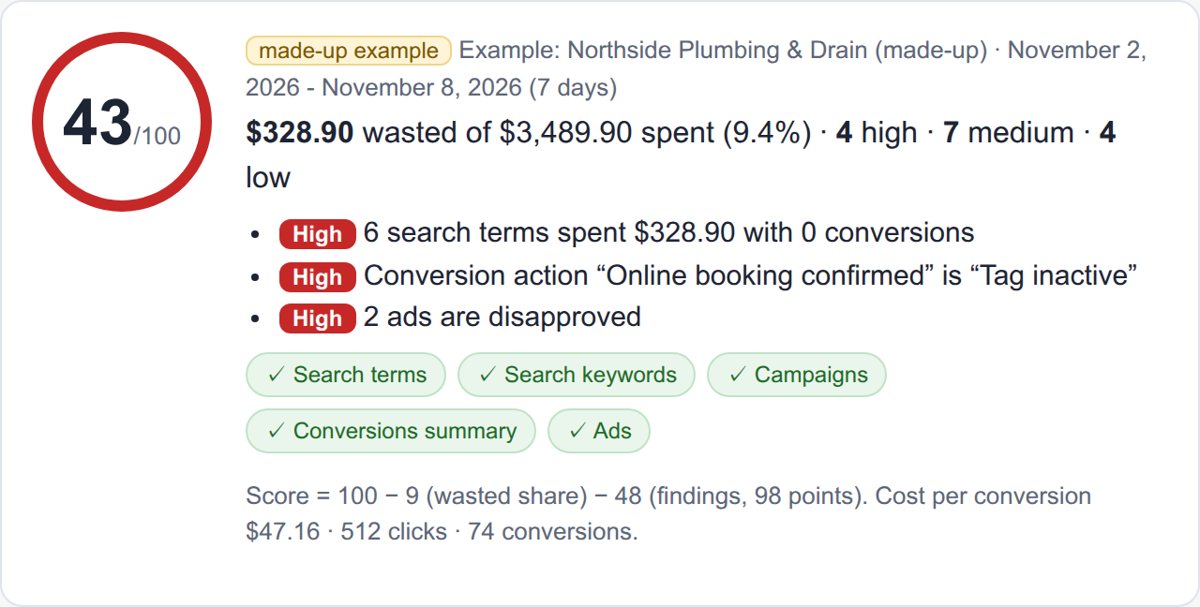
Example (made-up plumbing account): its search terms report shows 6 searches such as “plumber salary” ($64.80) and “plumbing jobs near me” ($58.40) that wasted $328.90 in one week with 0 conversions, while its “Online booking confirmed” tag went inactive. No account access to grant, and one flat price for every account that is not tied to your ad spend: drop the reports you already download from Google Ads, the audit runs in your browser, and every finding lists its rows and the exact fix.
Inside Google Ads: the extension (Edge, Firefox)
The extension puts an Audit this week button on every ads.google.com page, files each audit under the account’s customer ID, keeps the history in your browser and (Pro) reminds you every Monday at 09:00. Same audit, same licence key as this page. Store pages: in review at Microsoft Edge Add-ons and Firefox Add-ons — the links appear here when they are public. On Chrome, use this page.
Week over week
Accounts
Download the reports (2 minutes, from inside Google Ads)
Set the date range to last week (Monday–Sunday) and the display language to English, then use the download icon above each table → CSV. Any of the five works alone; together they run all 19 checks.
- Search terms — Insights and reports → Search terms. Columns: Search term, Match type, Added/Excluded, Campaign, Ad group, Clicks, Cost, Conversions. Checks: wasted searches, words to block, loose matching, one search in two ad groups, converting searches that are not keywords.
- Campaigns — Campaigns. Add Bid strategy type and Search lost IS (budget). Checks: account totals and cost per conversion, Smart Bidding with no conversions, budget-limited campaigns that convert cheaper.
- Conversions summary — Goals → Conversions → Summary. Checks: tags that stopped, primary actions counted twice.
- Search keywords — Audiences, keywords, and content → Search keywords. Add Quality Score, Exp. CTR, Ad relevance, Landing page exp. Checks: keywords with spend and no conversion, Quality Score 1–3 and which part is low, keyword status, duplicates.
- Ads — Campaigns → Ads. Add Ad strength and the status columns. Checks: disapproved ads, limited ads, ad groups with no ad that can run.
Pro
The audit of one account is free and complete on screen — every finding, every row, the negatives to paste. Pro is for doing it every week, for every client:
- Each account's audits saved by week (up to 2 years) and compared with the week before: conversions that dropped to zero, new wasted searches, fixed checks.
- All accounts in one table — score, waste, conversions and alerts per client.
- Client PDF (your agency name on it) and the files: negatives for Google Ads Editor, all findings as CSV.
- A Monday reminder in the extension (Edge, Firefox).
Licence key
After checkout the page that opens turns Pro on by itself. In the extension, paste the same key here.
Agency name on the PDF
FAQ
Do I have to connect my Google Ads account?
No. Nothing asks for access to your account or your Google login. You download the reports yourself (any user who can see the account can) and the audit reads those files in this browser tab. The files are not uploaded anywhere.
How is the money at stake counted?
A search term or keyword counts as wasted when it spent at least the account's cost per conversion in the period (total cost ÷ total conversions from your campaign report) and recorded no conversion. If the account recorded no conversions at all, the audit says so first and does not call anything waste, because tracking may be the problem.
How is the score made?
100 minus the wasted share of spend in percent (at most 30) minus the findings. Each finding has points (high 12, medium 6, low 2, opportunity 0; “no conversions recorded” 30); their sum S becomes at most 60 as 60 × (1 − e−S/60), so a new problem always lowers the score. Every finding shows its points.
Does it change anything in my account?
No. It only reads the files. You decide what to change; the negatives are ready to paste ([exact] and "phrase" notation) or, in Pro, as a Google Ads Editor list.
My reports are in another language.
This version reads English column names. Switch the Google Ads display language to English before you download; the numbers stay the same.
Cancel?
In your Whop account, any time. The free audit keeps working.
Not affiliated with Google. Google Ads is a trademark of Google LLC.
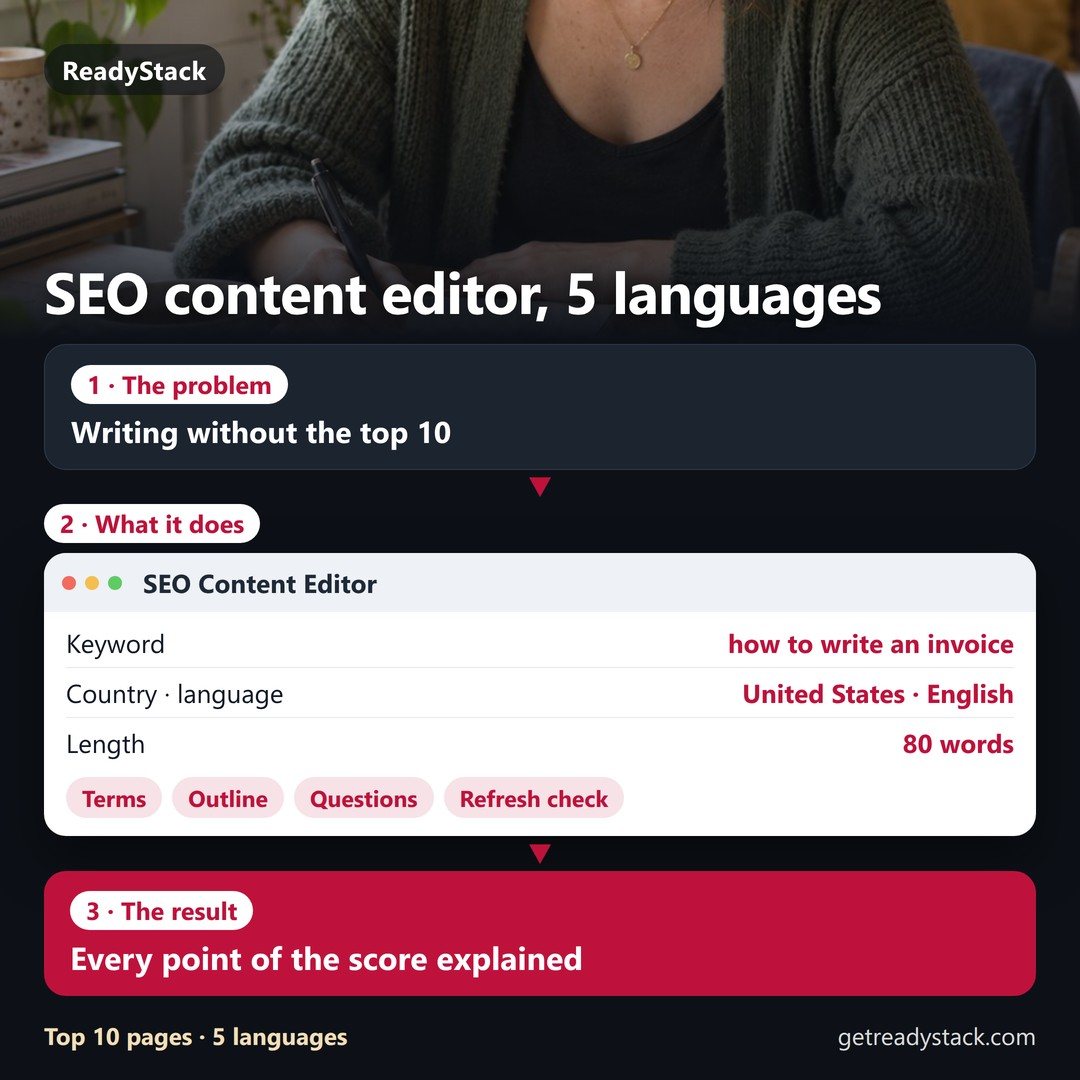
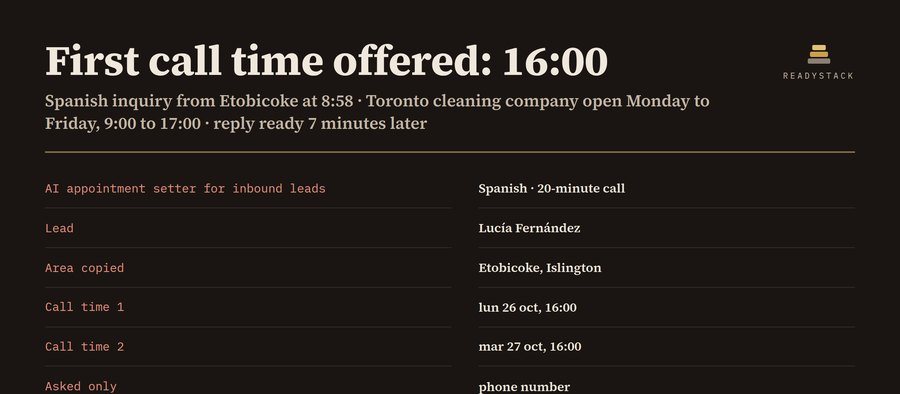 AI Appointment Setter for Inbound Leads
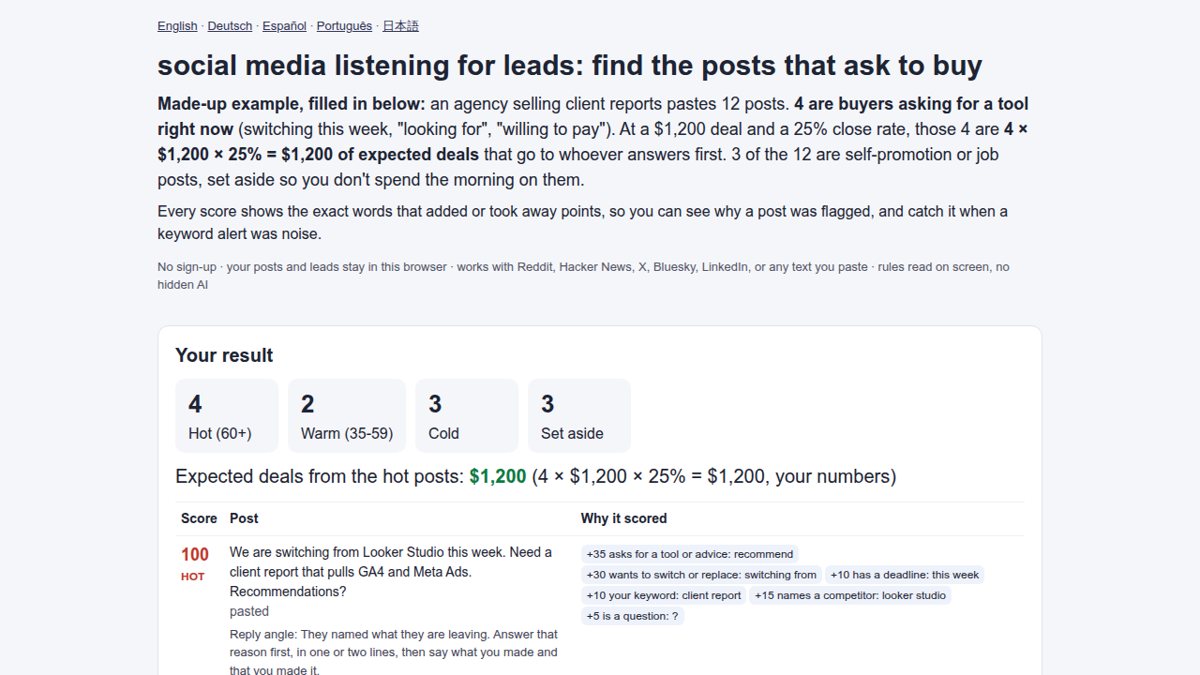 social media listening for leads: find the posts that ask to buy
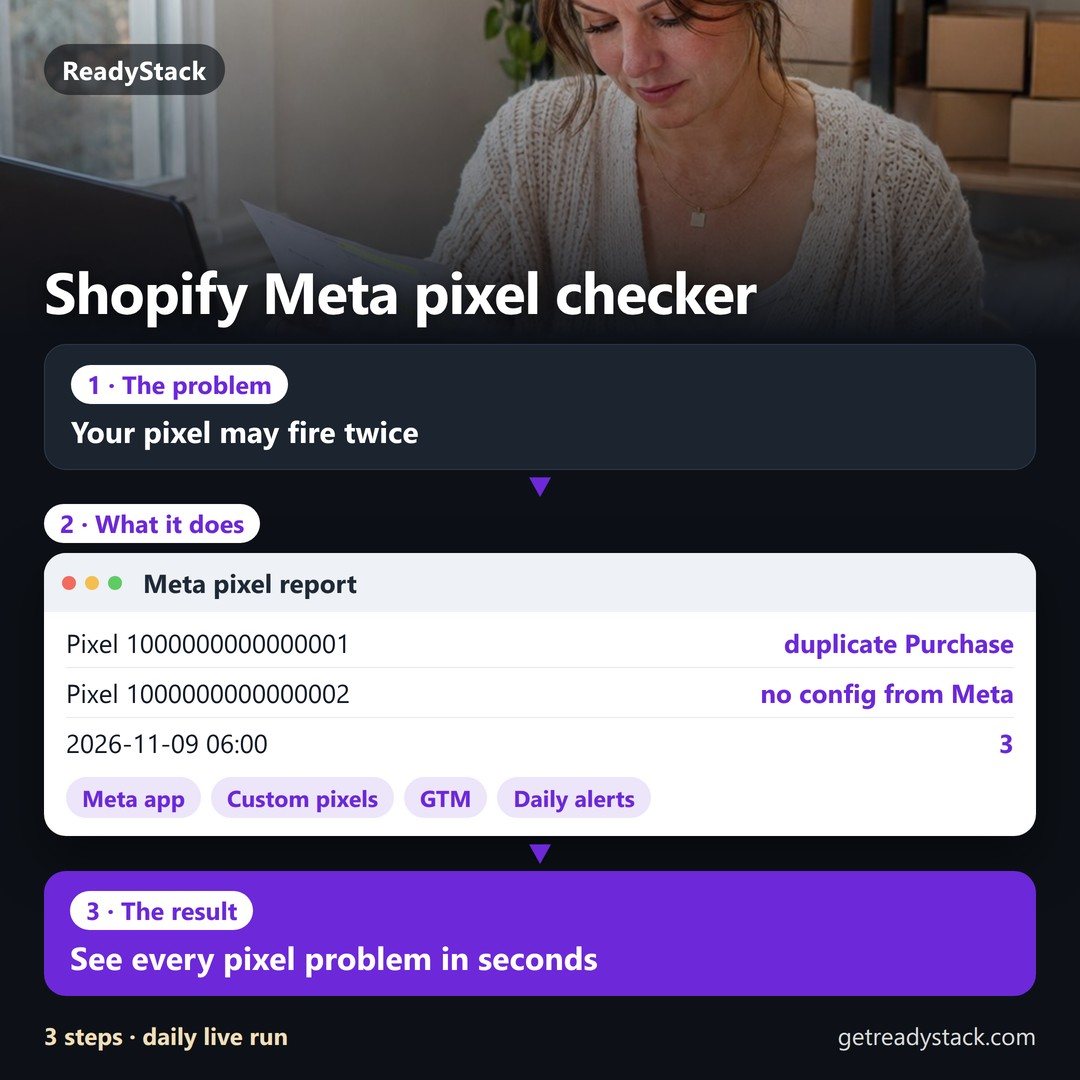 shopify meta pixel checker | page scan, consent, change log
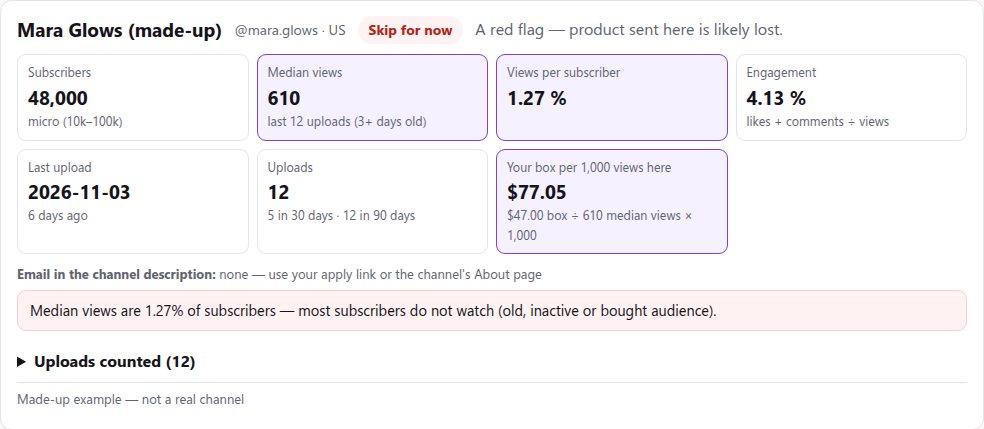 micro influencer platforms for small brands: find, contact and track seeding creators
 link in bio store: member login library, memberships, courses, own domain
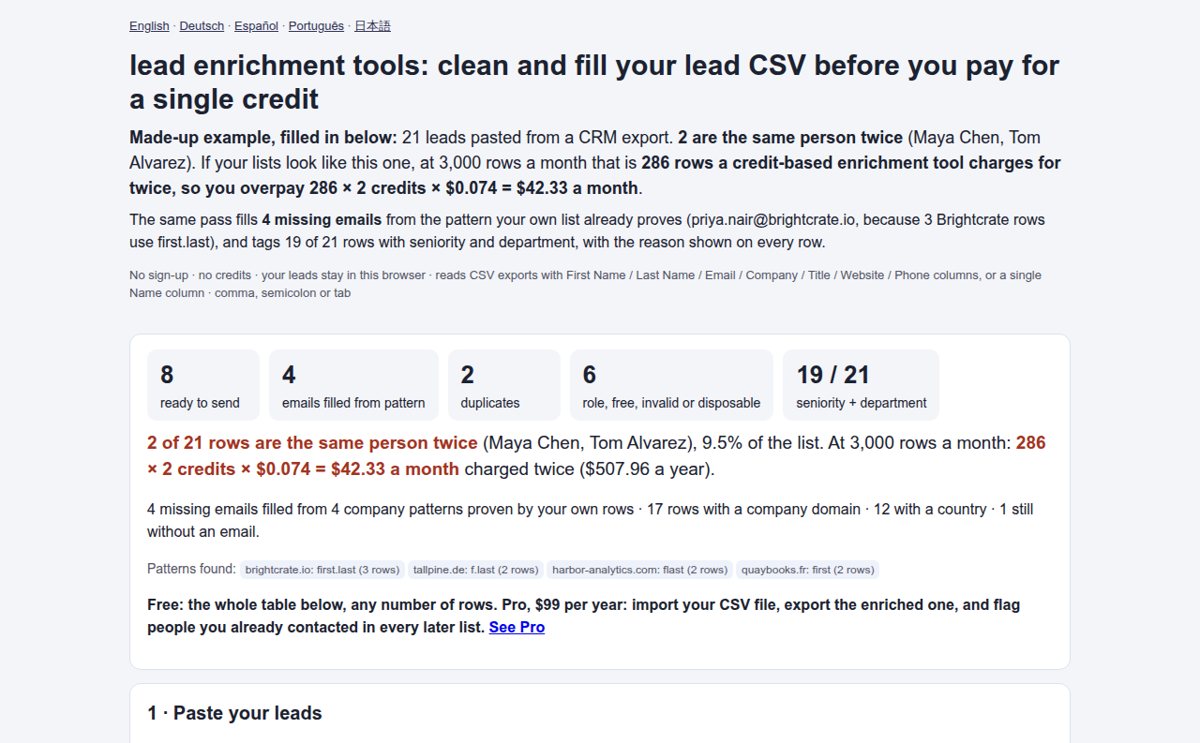 lead enrichment tools: clean and fill your lead CSV before you pay for a single credit