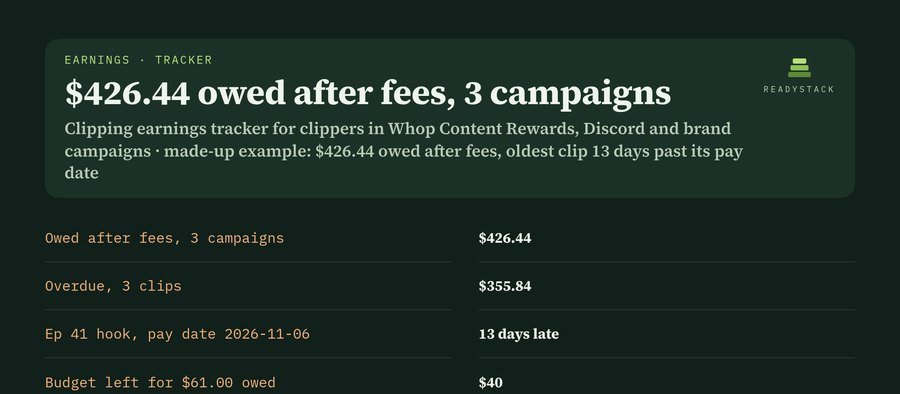
Your campaigns and clips
Columns: Campaign · Where · Rate per 1000 views · Minimum payout (the least a clip must earn before review, 0 = none) · Maximum per clip (0 = no cap) · Fee % (taken from your payout) · Days to pay (from approval to money) · Budget left (empty = unknown). Tab, comma, semicolon or | between columns, so you can paste from Google Sheets or Excel.
Columns: Campaign (the same name as above) · Clip · Platform · Posted · Views · Status (pending, approved, paid or rejected) · Approved (date) · Paid (what you received for this clip). Dates as 2026-11-19 or 11/19/2026; views as 48200, 48,200 or 48.2k.
Pro: your clipping earnings ledger, week after week
- A ledger that grows: save every check; new clips are added, updated clips keep every view count with its date, so a count that drops on a campaign's tracker is on record.
- Payout request for any campaign that owes you: every approved clip with views, approval date, net after fees, what you received, pay date and days late, ready to paste to the campaign owner.
- Pay-date reminders (.ics for Google Calendar, Apple Calendar or Outlook) on each campaign's pay date with the amount due.
- Approved net by month with fees and money past caps, CSV for Excel or Google Sheets, a statement to print or save as PDF, open a CSV file of your clips, JSON backup and restore.
Pro: $9 per month or $69 per year, any number of campaigns and clips.
How it is computed
- Gross = views ÷ 1,000 × the campaign's rate.
- Minimum payout: a clip whose gross is under the minimum earns $0.00 and, on Whop Content Rewards, does not reach the review queue. Whop's own example: a $3 rate with a $6 minimum means only clips with at least 2,000 views are reviewed. Views still needed = minimum ÷ rate × 1,000 − views.
- Maximum per clip: earnings stop at the cap. Whop's example: a $3,000 maximum at a $3 rate stops at 1 million views.
- Net = earned − fee %. Pay date = approval date + the campaign's days to pay. Overdue = net − what you received, for clips whose pay date is before the check date.
- Budget left: if what the campaign still owes you plus your clips in review is more than its budget left, the difference is shown.
- Earn-back = net from clips approved in the 30 days before the check date ÷ what you pay per month. Views a month to cover it = monthly cost ÷ your net per 1,000 counted views × 1,000.
- Worked example A, "Ep 41 marketing hook": 248,000 ÷ 1,000 × $1.50 = $372.00, cap $300.00 (48,000 views unpaid), fee 10% = $30.00, net $270.00; approved 2026-10-27 + 10 days = pay date 2026-11-06; on 2026-11-19 that is 13 days late.
- Worked example B: 30,100 counted views returned $33.85 net in 30 days, $1.12 per 1,000 after the 10% fee; a $97 a month community needs 86,255 views a month: 34.9% covered.
Rules from Whop's Content Rewards documentation (docs.whop.com, read 2026-11-19). Each campaign sets its own rate, minimum, cap and timing: copy them from the campaign page. You type in your own clips and views; this tracker does not log in to TikTok, YouTube, Instagram, X or Whop. Not affiliated with Whop or any platform. A record and calculation tool, not financial advice.
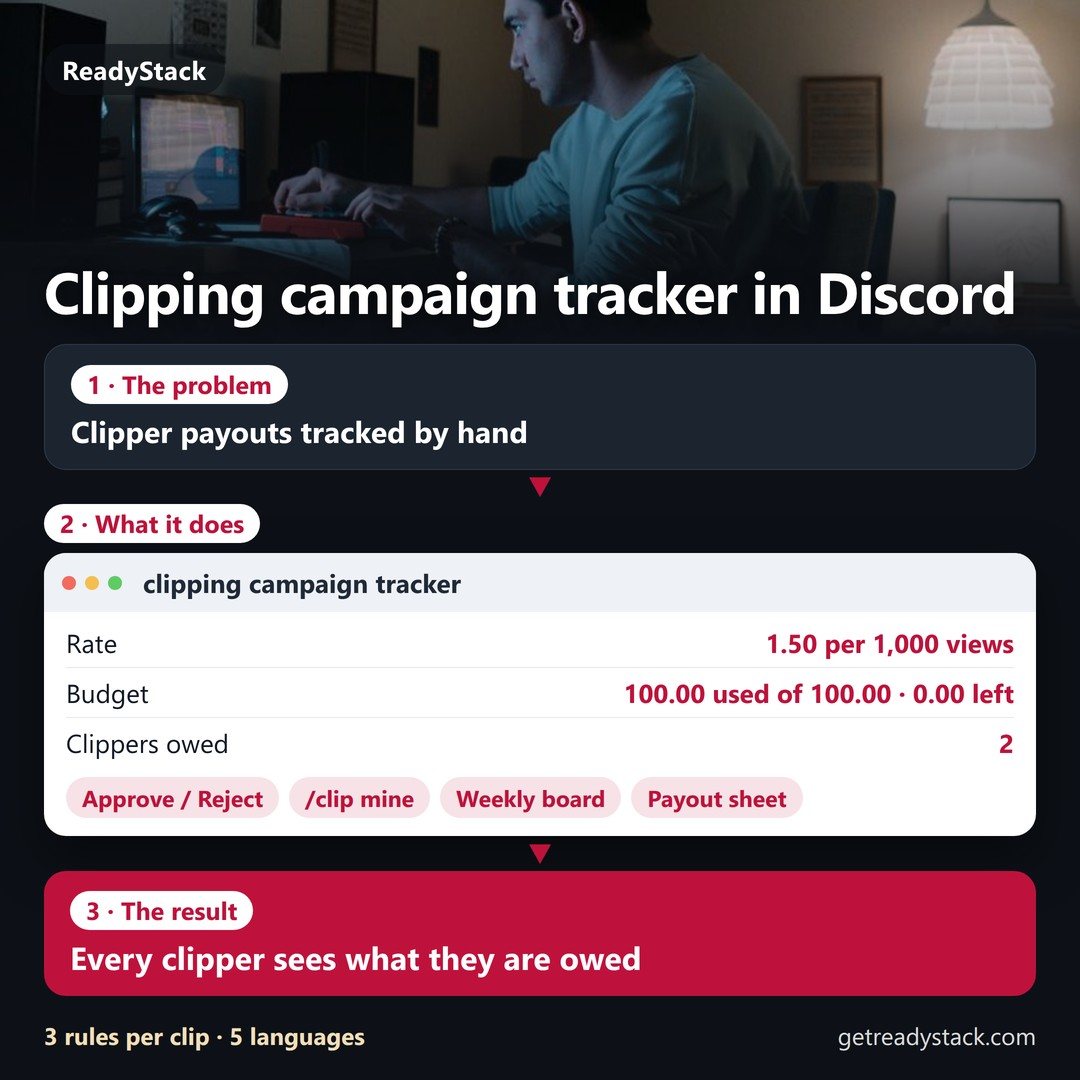

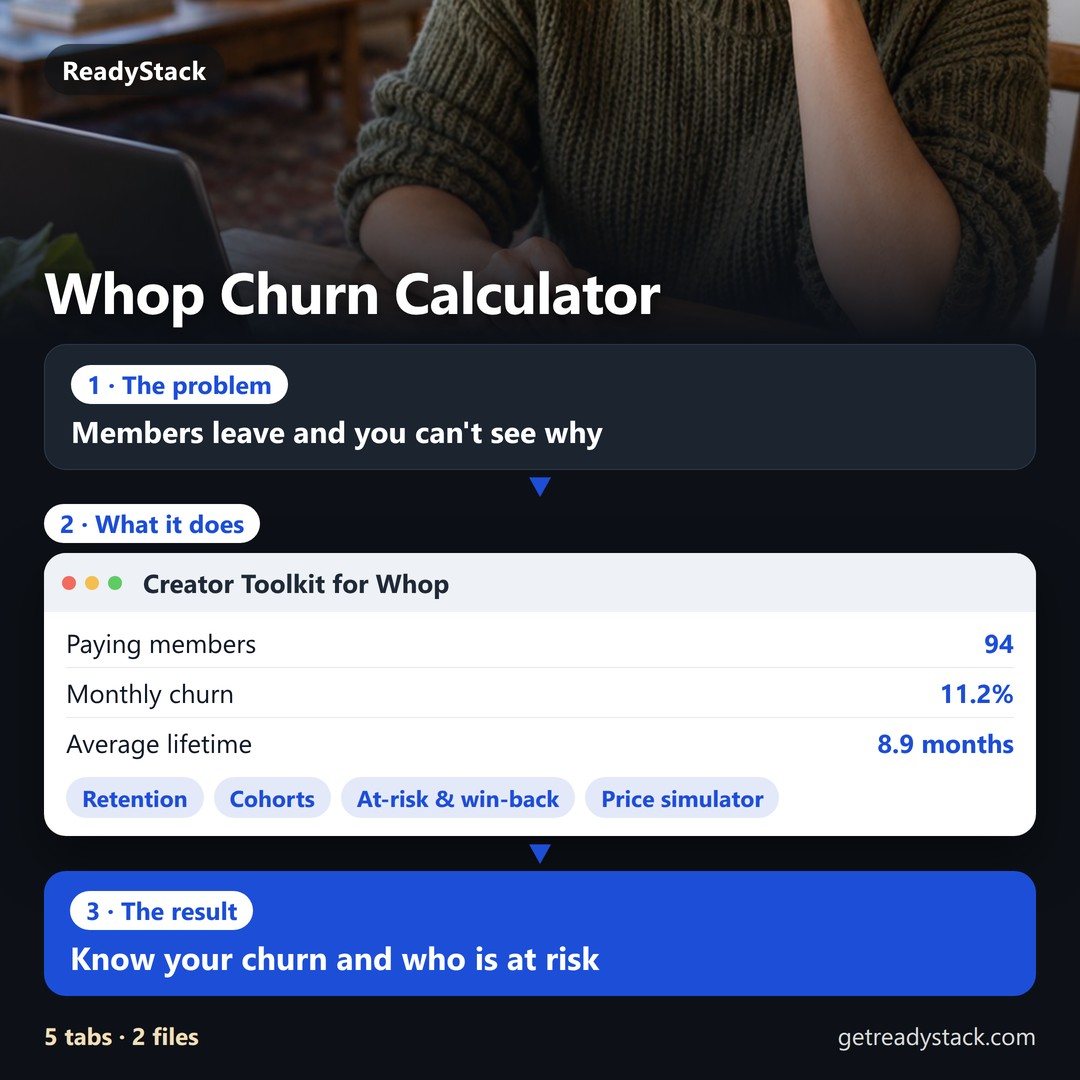
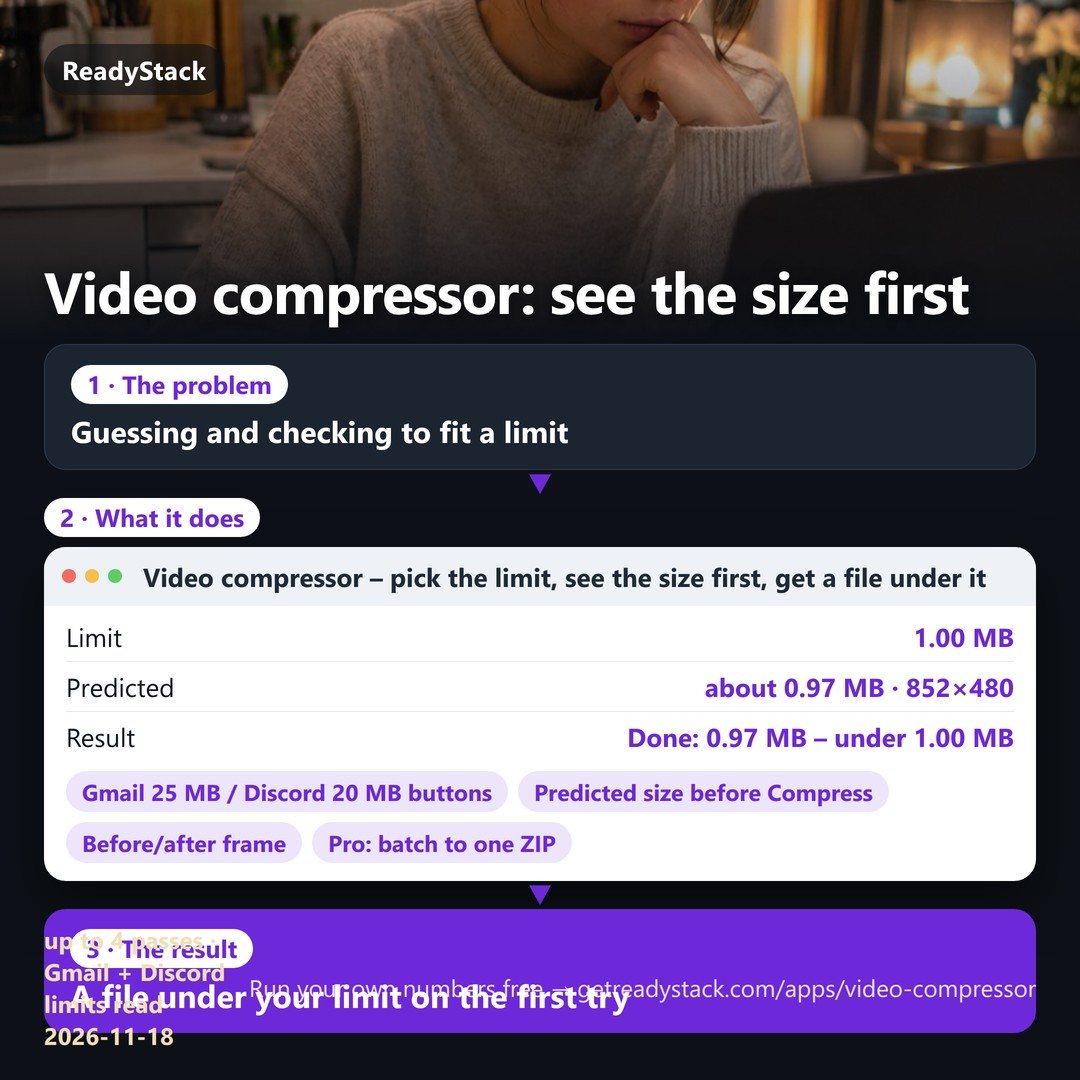
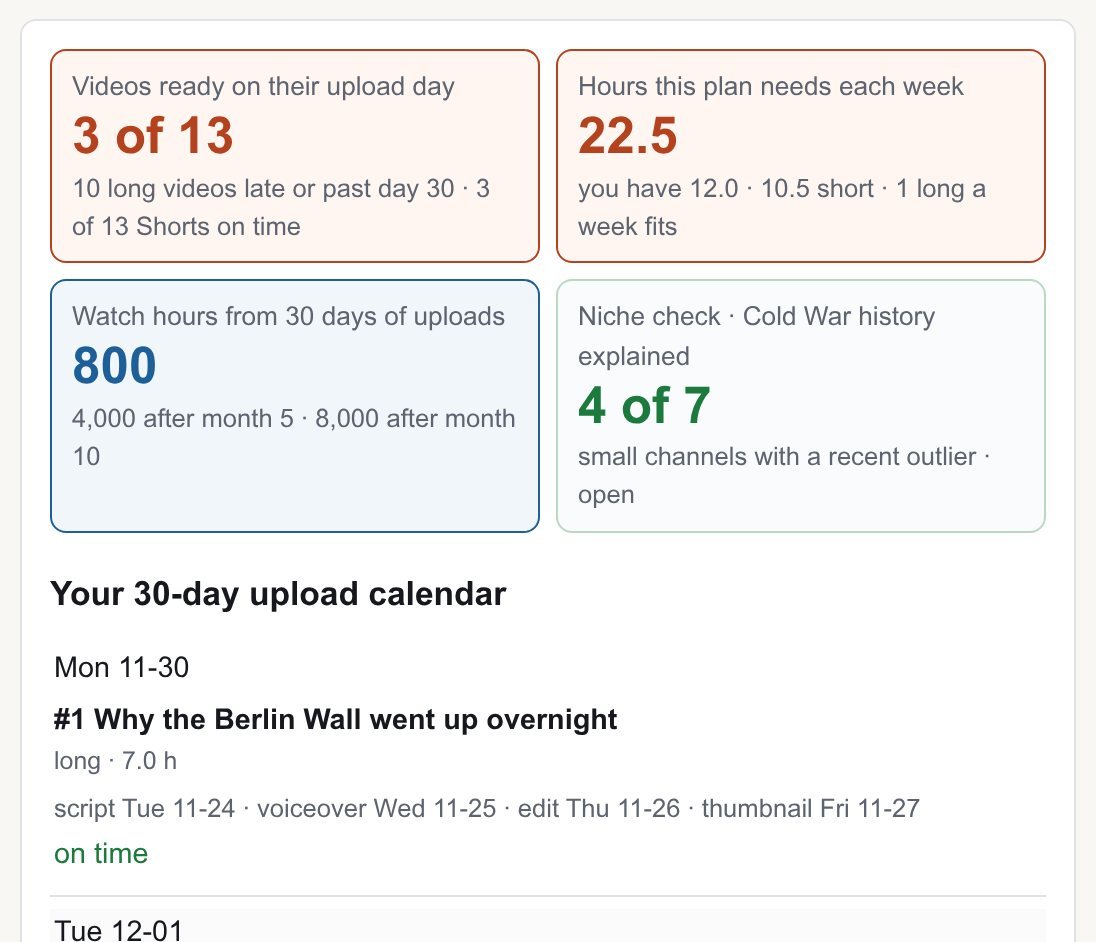 channel planner: faceless YouTube niche, calendar and outlines
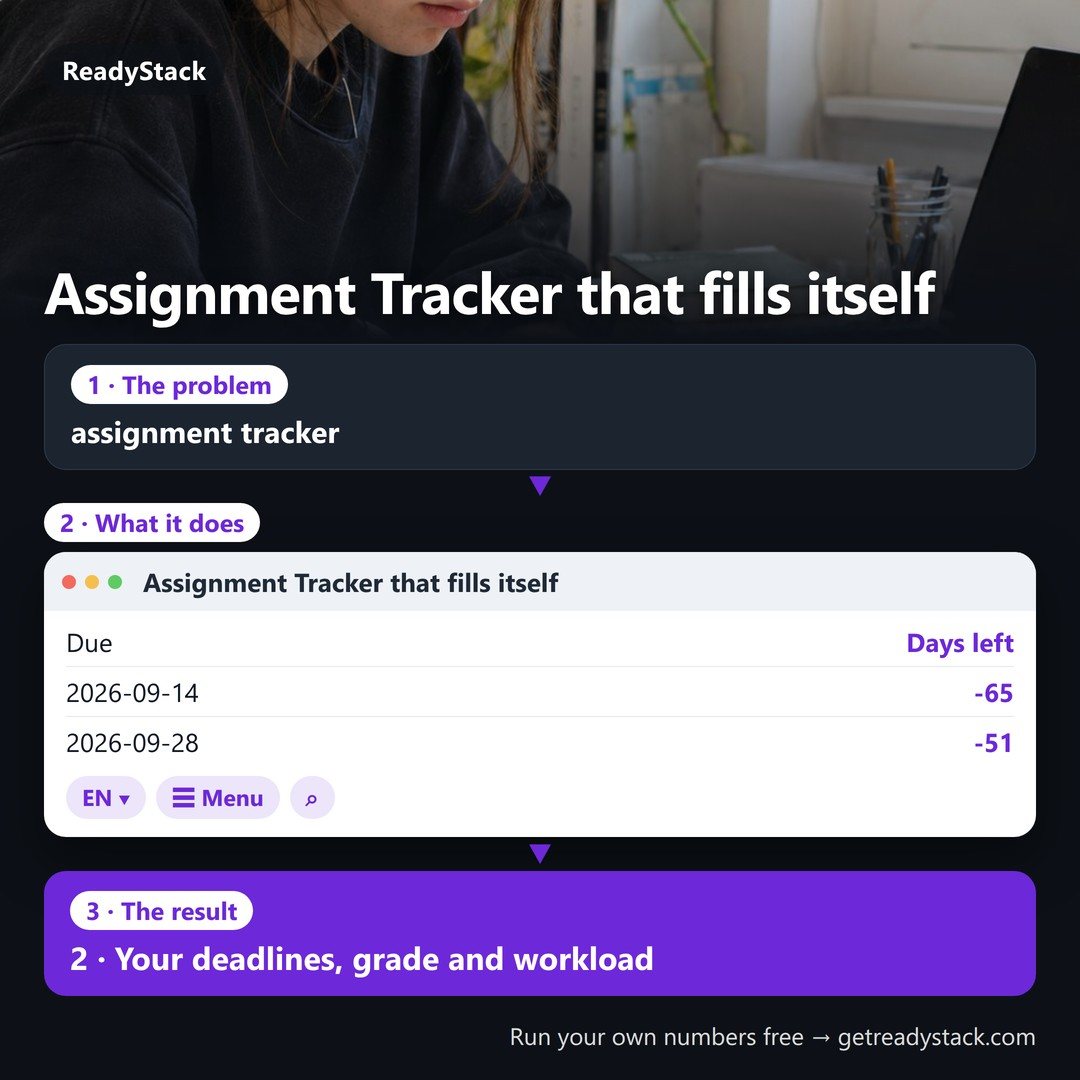 Assignment Tracker that fills itself from your syllabus
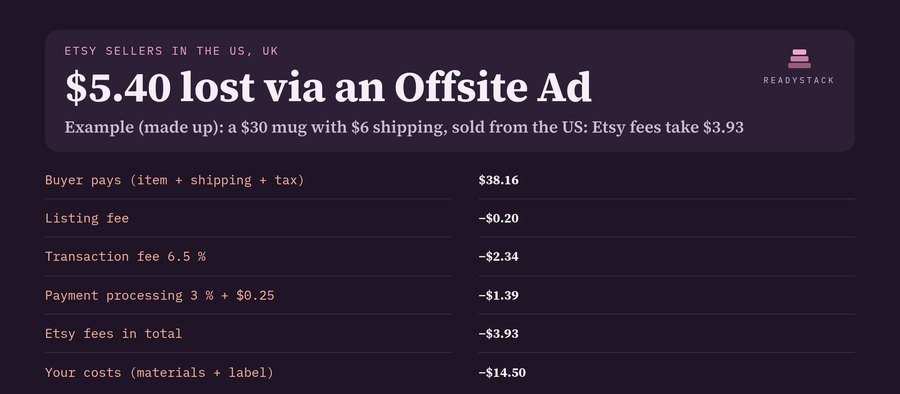 Etsy Fee Calculator: Country Fees, Profit and Monthly Report
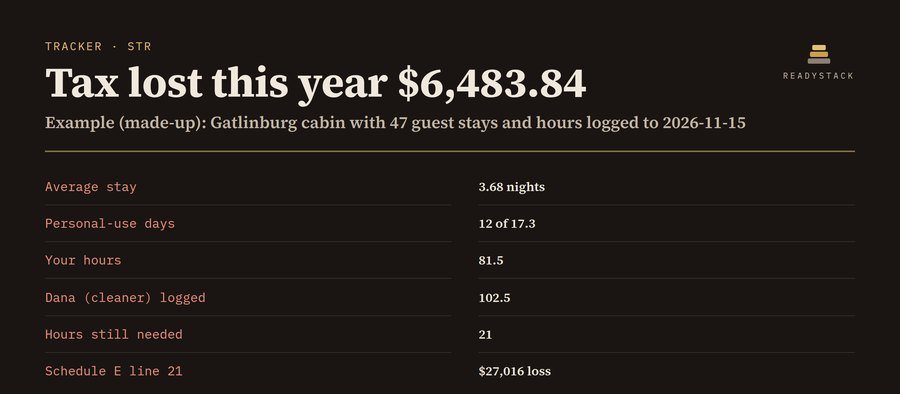 rental tracker: STR hours, 7-day stay, 14-day rule and Schedule E
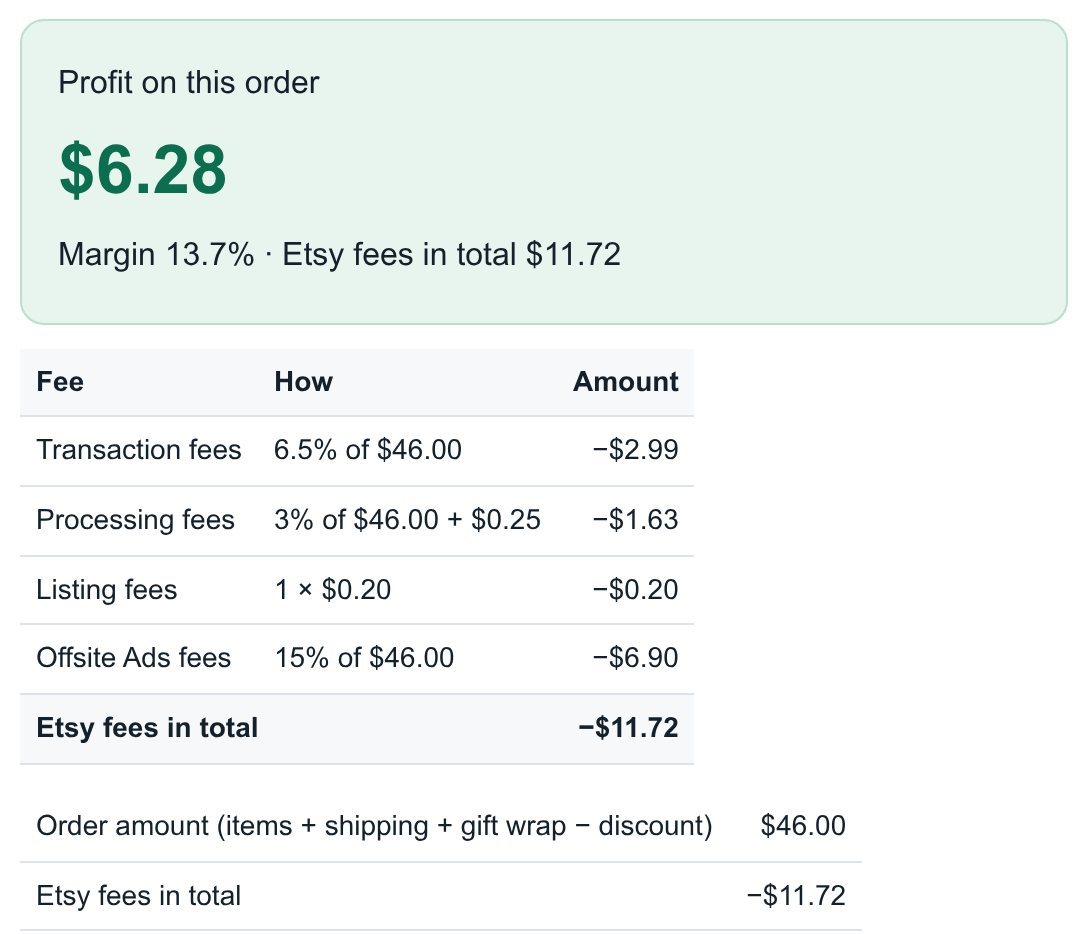 Etsy Profit Calculator: real profit per order from your Etsy CSV (2026 fees)
 organic dropshipping tracker: product tests, video log, real profit per order, kill or scale
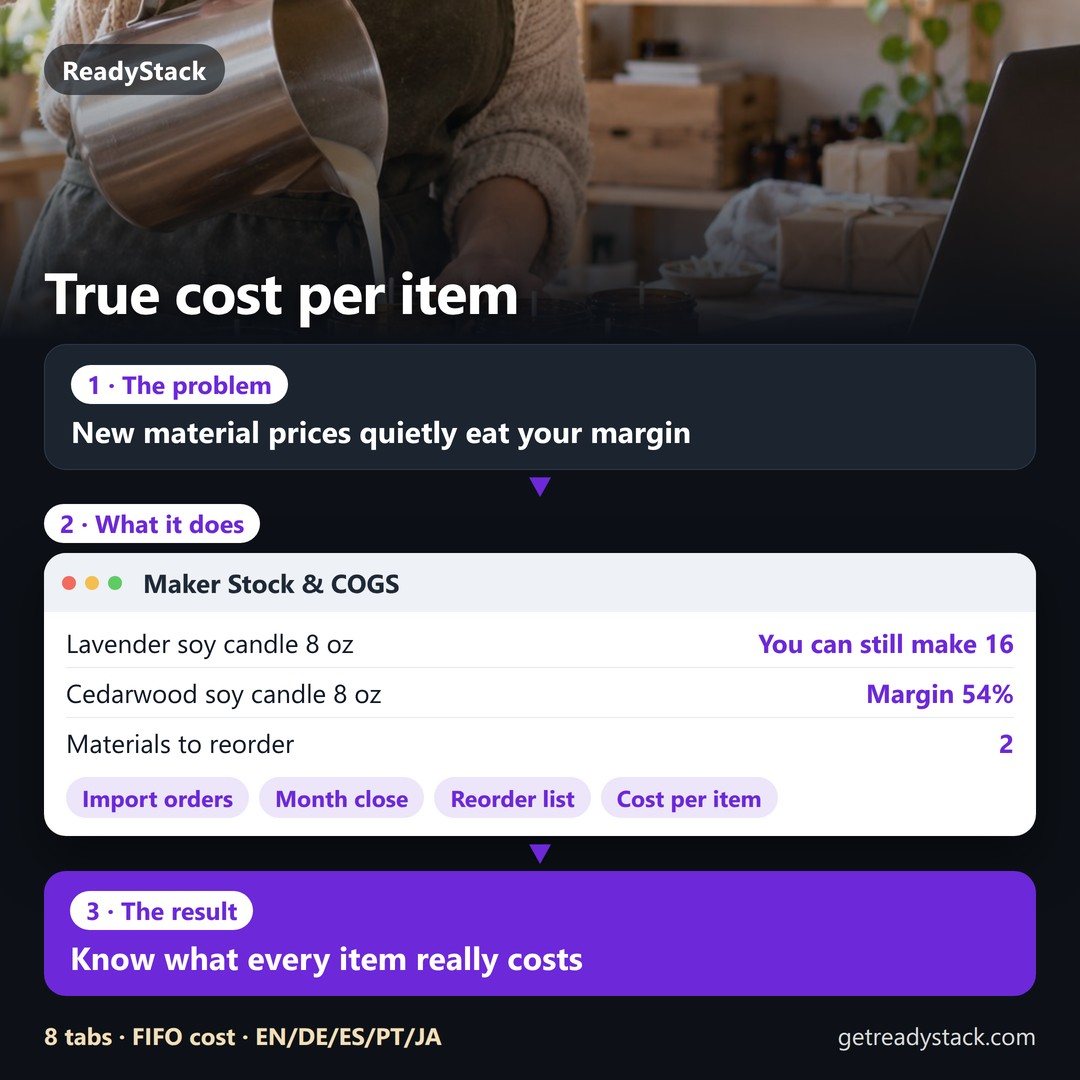 What does one handmade item really cost you? Materials, stock and cost of goods for small makers
 car flipping calculator: net profit per car, max bid price and dealer-license sale count
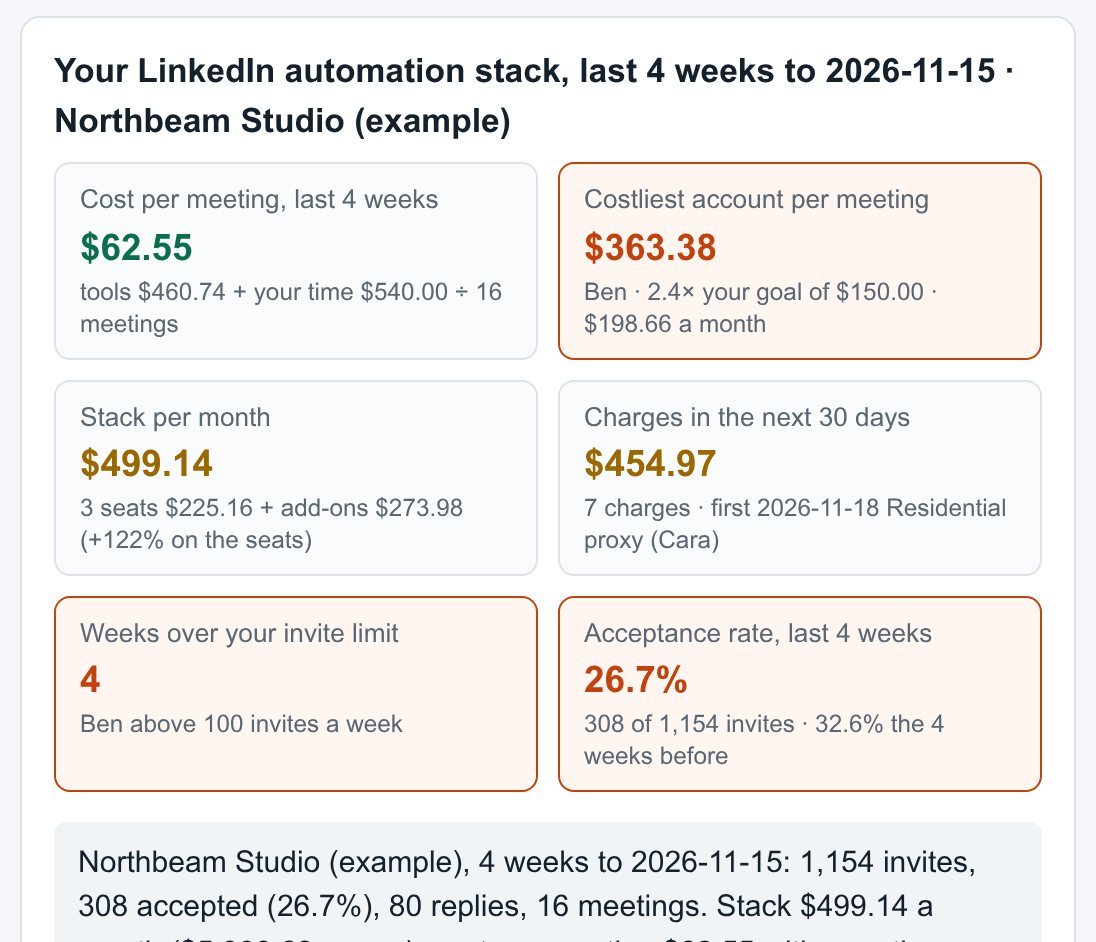 LinkedIn automation tool cost tracker: cost per meeting per account, add-ons and renewal dates