Real numbers from this tool, line by line.
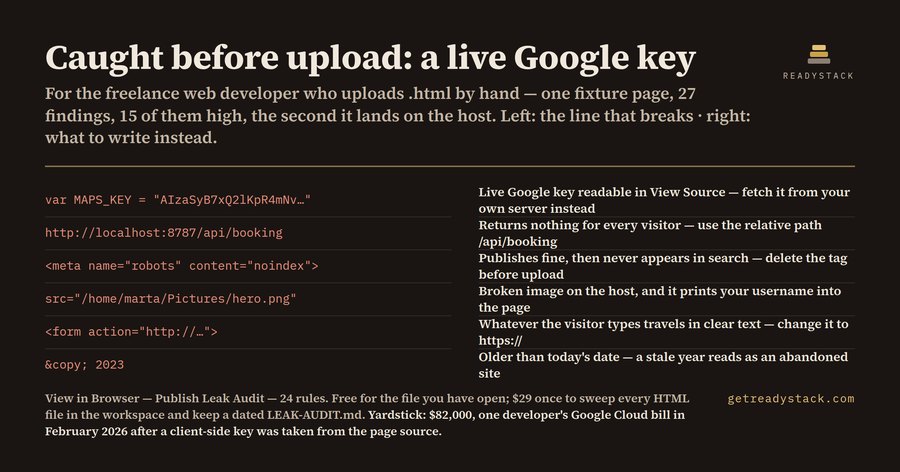
A freelance web developer in Lisbon uploaded one 46-line HTML page and published 27 leaks with it, 15 of them high severity. The page had rendered perfectly in the browser preview five minutes earlier. That is the whole problem with static HTML: the preview and the published page are the same file, so nothing in the preview can tell you which parts of it only worked because the file was sitting on your own disk.
Three kinds of things change the moment that file gets a public URL.
The first kind stops working. http://localhost:8787/api/booking returns your booking API on your machine and nothing at all for every visitor. file:///C:/Users/marta/Desktop/logo.png is blocked outright by every browser when the page is served over http. An <img src="/home/marta/Pictures/hero-final-v3.png"> is a broken image on the host, and it also prints your username into the page source for anyone who looks.
The second kind starts working, for strangers. An AIza... Google key, an AKIA... AWS access key id, a sk_live_ Stripe secret, a Firebase apiKey: literal, a PEM private key block pasted into a comment: all of these ship to the visitor exactly as written. Commenting a secret out does not hide it, because HTML comments are part of what the browser downloads. In February 2026 a developer reported an $82,000 Google Cloud bill after a key embedded in client-side Maps code was taken from the page source; their normal spend was $180 a month. GitGuardian's State of Secrets Sprawl 2026, which scanned 1.94 billion public commits, counted 28,649,024 new secrets pushed to public repositories during 2025, and found that more than 64% of credentials confirmed valid in 2022 were still valid when retested in January 2026. A key that ships in a page does not expire on its own.
The third kind is worse, because nothing fails. A <meta name="robots" content="noindex"> you added on a Tuesday to keep the staging copy out of Google publishes fine, renders fine, and quietly keeps the live page out of search for as long as it stays there. A <script> pinned to @latest on a CDN works until the vendor ships something else into your page. A copyright year older than today reads to a visitor as an abandoned site, and generated markup gets the year wrong constantly.
View in Browser — Publish Leak Audit is a VS Code extension that reads the HTML file open in your editor and applies 24 rules for exactly this gap. Each finding comes back with a severity, a line number, and the fix, not just the name of the problem. Nothing is uploaded; the check runs on the text in your editor.
The numbers above are measured on the two fixtures shipped with the extension. clean.html, the version that is safe to publish, returns 0 findings. dirty.html, the same page before cleanup, returns 27 findings: 15 high, 8 medium, 4 low. Between them they exercise all 24 rules.
Why not just read the page? View Source shows you the markup without judging any of it. A chatbot cannot see your file, so it guesses at line numbers. Push-time secret scanners watch git, not the .html you drag onto a host, and none of them look for a file:// path, a stale year, or a surviving noindex.
Auditing the file you are about to open is free, all 24 rules, no watermark and no locked answers. The paid tier changes scope only: one command sweeps every HTML file in the workspace and writes a dated LEAK-AUDIT.md you keep, so a forty-page site is one pass instead of forty.
Free web version, same engine, no install: https://getreadystack.com/tools/view-in-browser-leak-audit
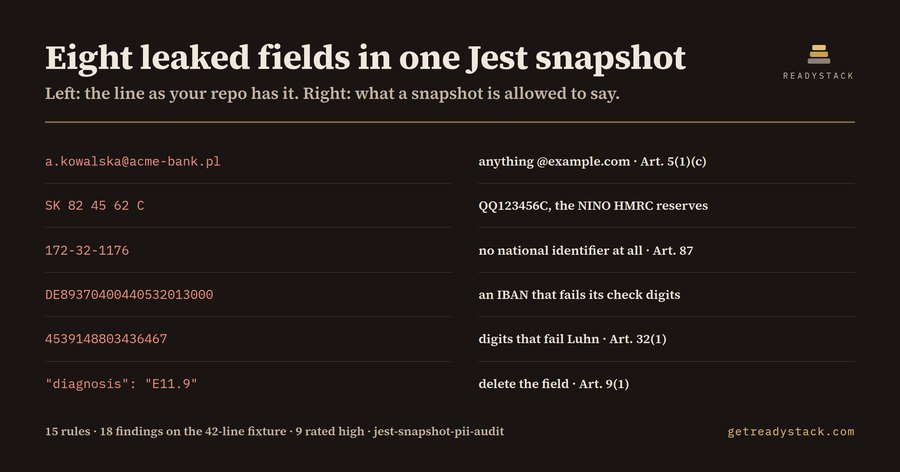 Jest Snapshot PII check — find sensitive data in snapshots
 Linker Map Auditor
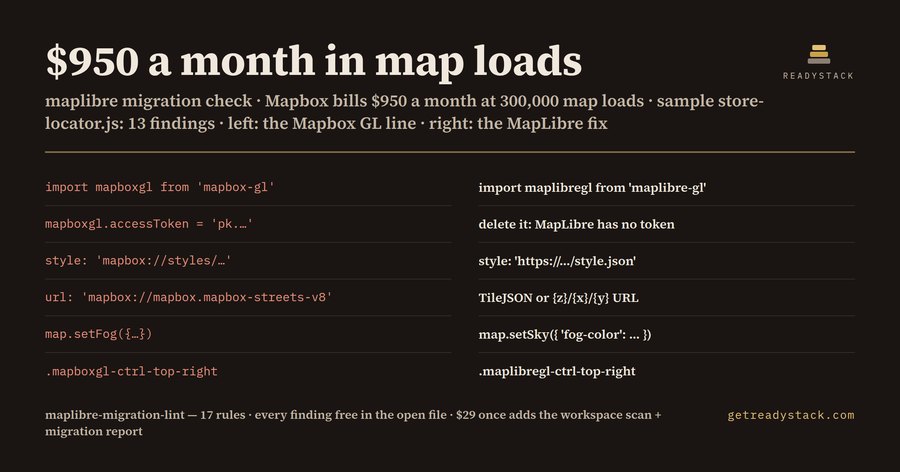 Mapbox Migration 2026 — check your code for free
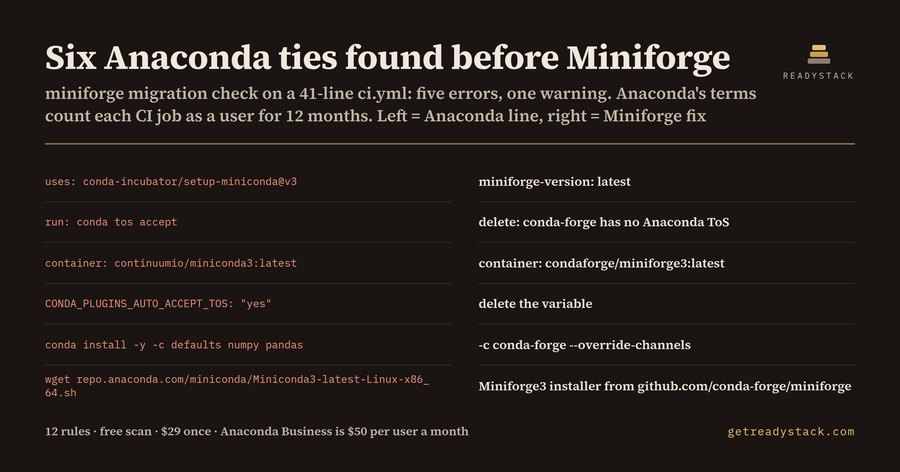 Miniforge Migration 2026 — find migration lines in your files
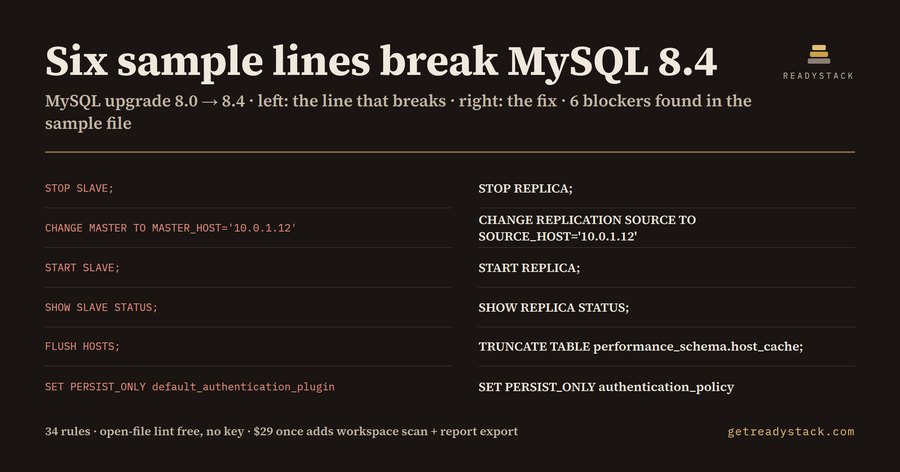 RDS MySQL 8.4 Upgrade — check mysql settings before upgrading
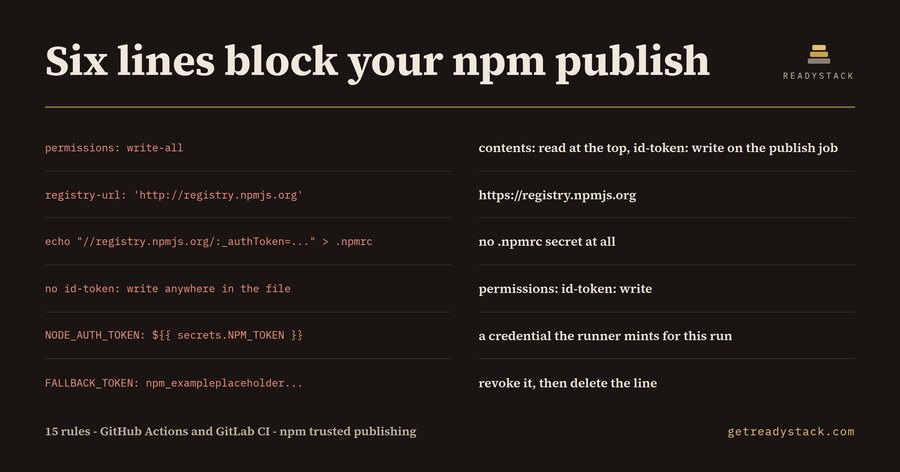 Npm Trusted publishing setup — check your npm release setup online