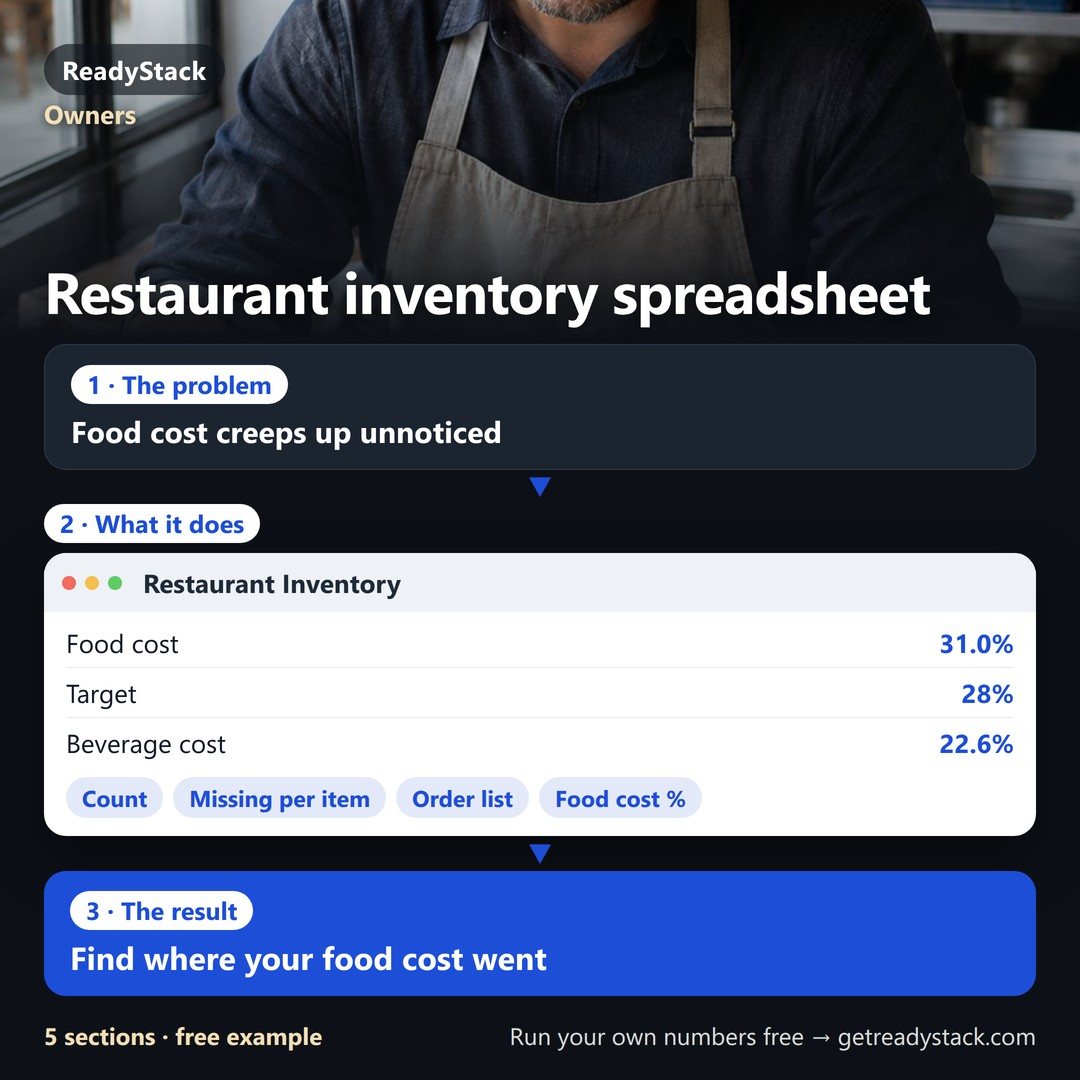
Food cost spreadsheet · inventory sheet for restaurants · in your browser
Not included yet: sending orders electronically to suppliers (EDI), pulling sales automatically from your POS, scanning invoice photos, and several staff counting at once on their own devices (one device at a time; Pro moves data by backup file).
Food cost %, the dollars that went missing per item and the order list per supplier, from your own count: the result is on screen at once, no demo call, no contract, no setup fee.
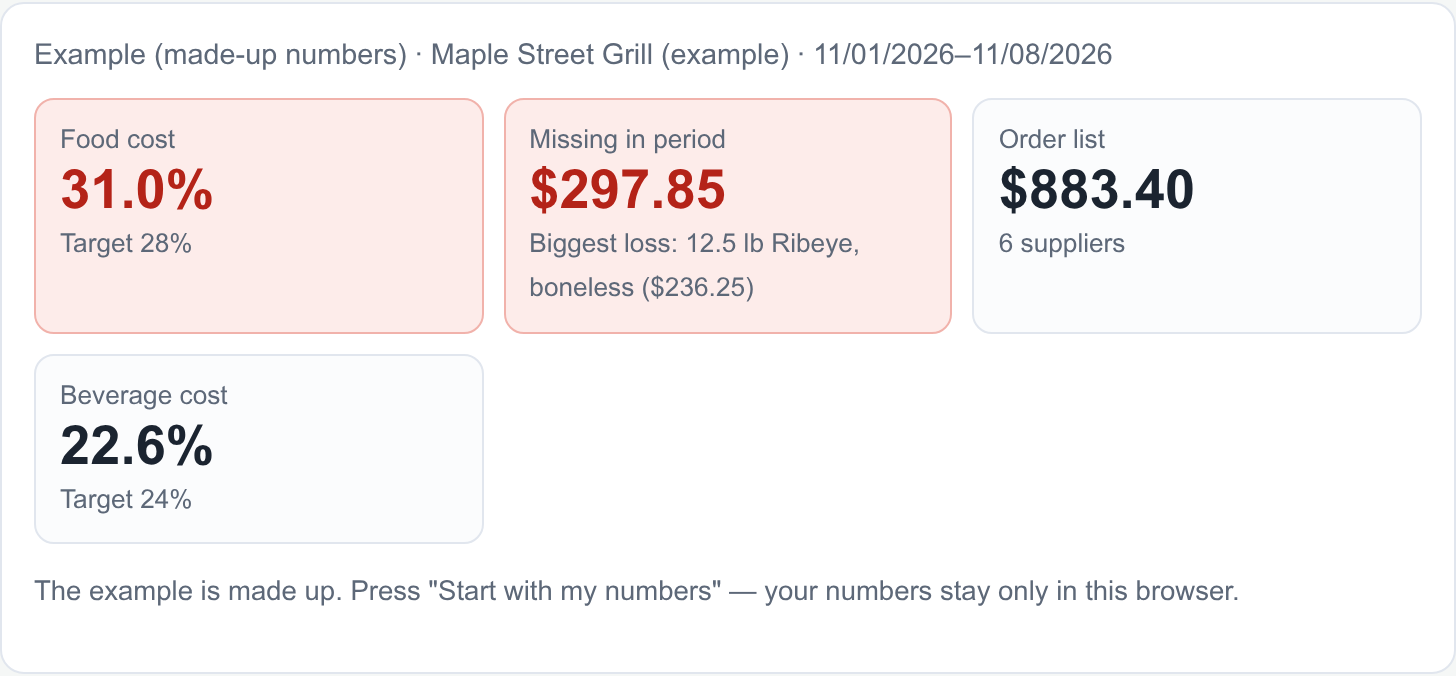
Example (made-up restaurant): in the week of Nov 1–8 the count shows 12.5 lb of ribeye ($236.25) that was neither sold nor logged as waste — $297.85 missing in total, and food cost is 31.0% against a 28% target ($128.98 over).
Example (made-up numbers) · Maple Street Grill (example) · 11/01/2026–11/08/2026
The example is made up. Press "Start with my numbers" — your numbers stay only in this browser.
What you get:
- Food cost % from your count and the dollars missing per item: used minus what your recipes needed for plates sold, minus waste. No POS integration.
- Order list up to par per supplier, in the case you buy (case 15 lb, case 24 × 12 oz, 1/2 bbl keg), and supplier price rises flagged with the invoice date.
- Every week: the closing count becomes next week's opening count, cost % history, items that go missing again and again, a printable count sheet.
Full version · $19 / month or $149 / year · Buy Pro
No demo call, no contract, no setup fee, no POS integration: paste your item list from Excel or Google Sheets, count on your phone, done. One price for one restaurant, month to month.
1 · Items and cases
One row per item: how you buy it (case and case price) and how you count it (count unit, count units per case).
Select and copy the columns (Ctrl+C / Cmd+C), paste here (Ctrl+V). First row = headers, e.g. Item · Supplier · Case · Price · Unit · Units per case · Par · Storage · Group.
2 · Count
Opening and closing count in the count unit; open cases and bottles as decimals (0.5 btl, 3.25 lb). Type it on your phone in the walk-in — everything stays in this browser.
3 · Invoices and waste
Each invoice line in cases. Type a case price only when it differs from the item price — then you see the price rise and its date.
Waste, spoilage, comps, staff meals
4 · Sales and recipes
Net sales for the period from your POS sales summary. Recipes with the plates sold (POS item report) show what your recipes say you should have used.
5 · Result
Missing per item (used − recipes − waste)
Order list up to par
Supplier price rises
Free and Pro
Free
One count period, any number of items: food cost %, beverage cost %, dollars missing per item, order list and price rises, all on screen.
Pro
Your result is already free on screen: food cost % and the dollars missing per item from your recipes — no POS integration, no demo call, no setup fee.
You count again every week or month: Pro carries the closing count into the next period and keeps the history.
- History of every period: food and beverage cost %, dollars missing, and the items that go missing period after period.
- Count sheet by storage area and a dated inventory valuation (quantity × cost) for your year-end, to print or save as PDF.
- Order sheet per supplier to print or as e-mail text, Excel export (XLSX), supplier price list import with a dated price log, count-day reminder in your calendar.
The subscription renews until you end it in your Whop account. Your numbers stay in your browser.
Year-end inventory: where the count goes on Schedule C (2026)
Schedule C (Form 1040) 2026, Part III Cost of Goods Sold: line 35 inventory at beginning of year · line 36 purchases · line 41 inventory at end of year · line 42 cost of goods sold (subtract line 41 from line 40). Line 33 asks the method used to value closing inventory: cost, lower of cost or market, or other.
The same formula runs every week here: opening count + purchases − closing count = cost of goods, valued at cost. Which lines apply to your business (a corporation or partnership files other forms) is for you and your tax preparer to confirm.
Read on 12 Nov 2026: irs.gov/pub/irs-pdf/f1040sc.pdf (Schedule C (Form 1040) 2026, page 2, Part III)
Questions
Also for your kitchen: Recipe costing: plate cost and menu price from your target food cost
 event booking system | seats, waitlist, door list, fees
 Jira automation usage tracker — daily step meter, month-end forecast, alert email before overage
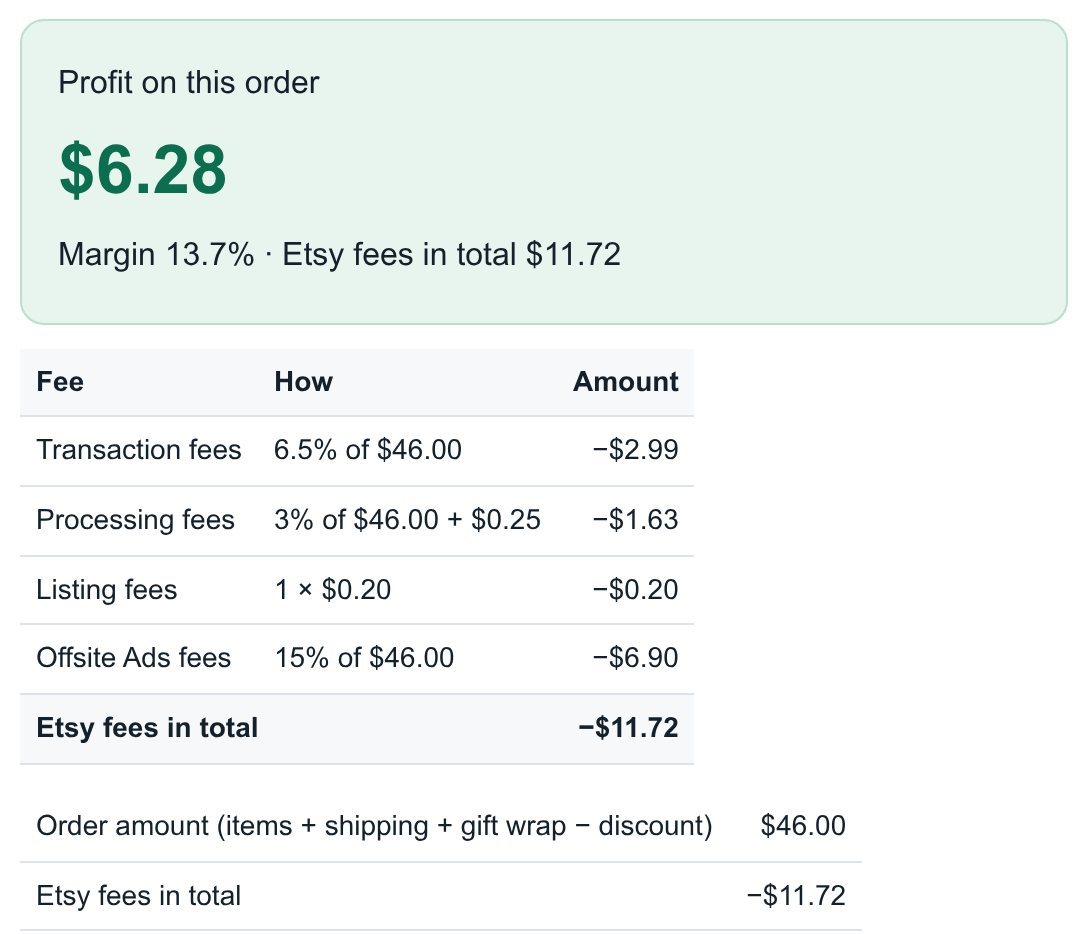 Etsy Profit Calculator: real profit per order from your Etsy CSV (2026 fees)
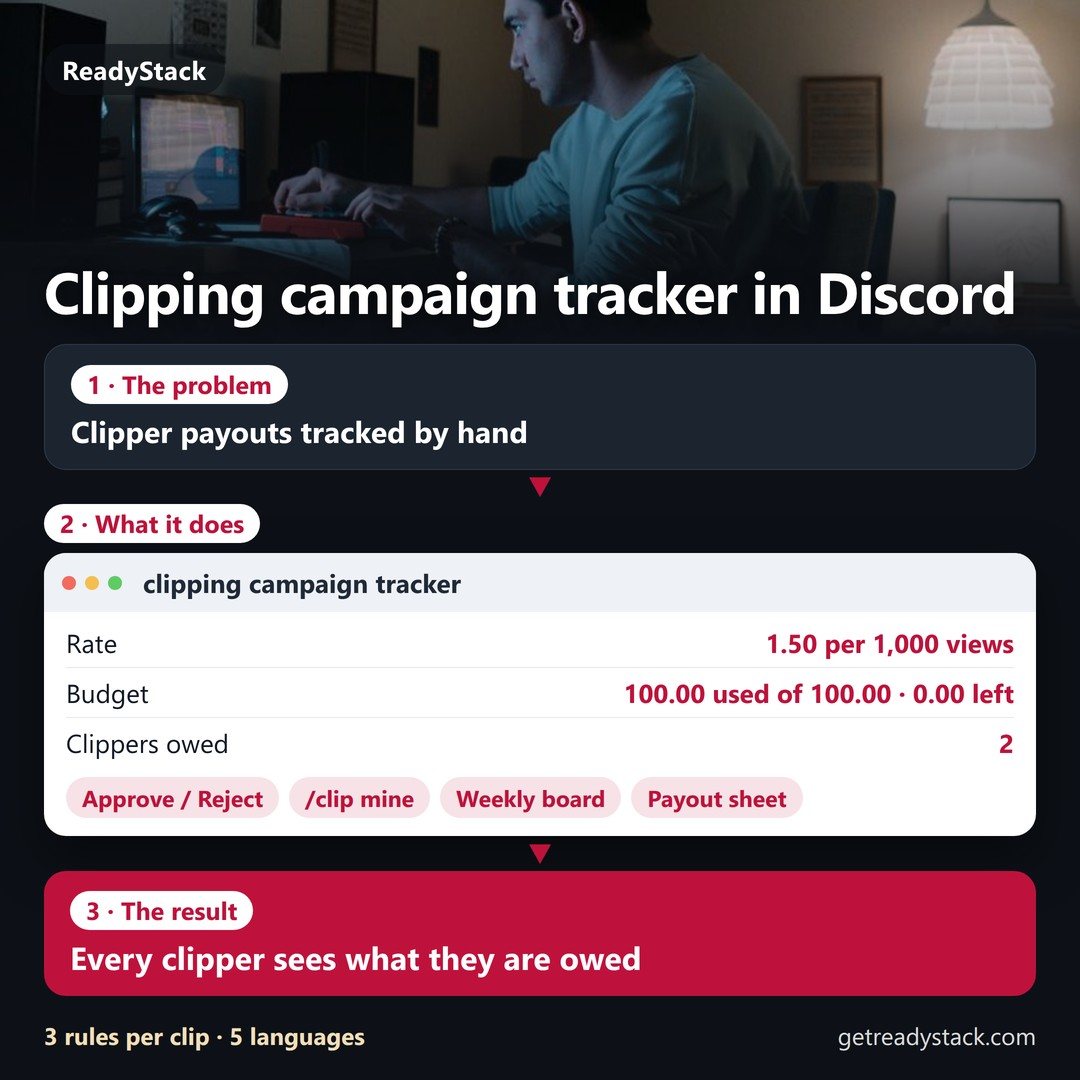 clipping campaign tracker for Discord | clips, views, caps, payouts owed
 amazon fba calculator + launch course 2026: your product's fees, cash and reorder date