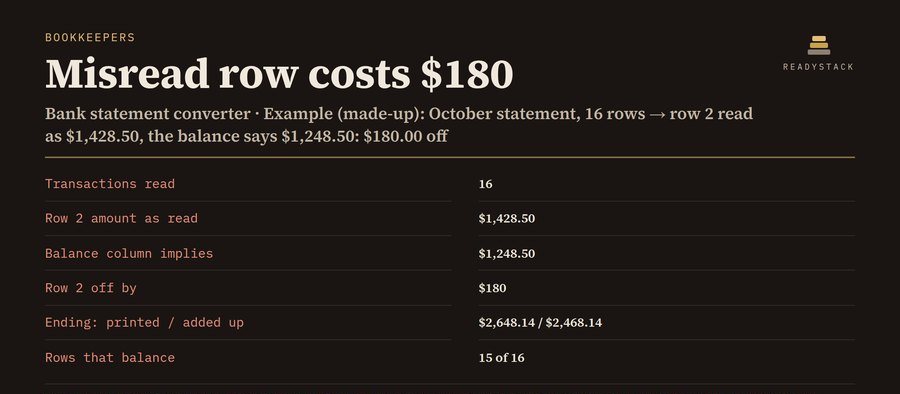
Example (made-up): a bakery's October statement, 16 rows. One withdrawal was read as $1,428.50, but the balance column says it was $1,248.50. That leaves a $180.00 variance in the books, and the converter marks the row red before it reaches your spreadsheet.
Your PDF is read right here in this browser tab. It is never uploaded. Every printed balance is checked against the one before it plus or minus the row, to the cent.
Pro adds the Excel download with live balance formulas, plus CSV and OFX, many statements at once with an opening = previous ending check, and saved statements: $13 per month. Get Pro · $13 / month
Pro: take the checked table with you
- Excel (.xlsx): real dates, debit and credit columns, the statement balance next to a computed balance formula, and an OK / CHECK cell on every row
- CSV and OFX files for your accounting software's bank import
- Many statements at once: a summary sheet that checks each opening balance against the previous statement's ending balance, so a missing month shows up
- Saved statements in this browser, and one Excel file of all of them
$13 per month. No page credits: every page of every statement.
Already paid? Paste your key:
Statements in this batch
What was read from the PDF
Each line is one line of the statement. Amounts under a Withdrawals column get a "-" and under Deposits a "+". If a line was read wrong, fix it here and the table checks again.
Saved statements (Pro)
How the balance check works
A bank prints a running balance after each transaction. Previous balance + deposit, or previous balance - withdrawal, must give the next printed balance, to the cent. The converter does that sum on every row. When a row does not add up, it shows what the balance column implies and how far off the amount is. That is the classic transposed digit that otherwise turns up at month-end reconciliation. In the example: $7,422.58 - $1,428.50 = $5,994.08, but the bank printed $6,174.08; $7,422.58 - $1,248.50 = $6,174.08, so the amount is $1,248.50, and the copied table adds up to $2,468.14 instead of the printed ending balance of $2,648.14. When a bank prints the balance only once a day, the rows of that day are checked together. On statements with no balance column, the total is checked against the ending balance.
What this version reads
PDFs that contain text, the kind you download from online banking. Amounts written like 1,234.56, with dates such as 10/02, 02/10/2026, 2026-10-02 or Oct 2. Scanned paper statements (images) are not read in this version: the page tells you when a PDF has no text. Password-protected PDFs ask for their password, which stays in this tab.
Questions
Is my bank statement uploaded anywhere?
No. The PDF is opened by code running in your browser tab, and the text never leaves your computer. Saved statements are kept in your browser's own storage on this device. Only a Pro licence key is checked with our server.
What is free and what is Pro?
Free: any statement, every page and every row, converted into the table on screen with the balance check. Pro ($13 per month): Excel, CSV and OFX downloads, many statements at once with the opening = previous ending check, and saved statements.
What does a red row mean?
The amount on that row plus the previous balance does not give the balance printed on the statement. Usually a digit was misread or the line was split. Open the text box, fix the line, and the row turns green when the sum is right.
Which formats do I get in Pro?
Excel (.xlsx) with a computed balance formula and an OK / CHECK cell on each row, CSV with debit, credit and amount columns, and OFX 1.0.2 for software that imports bank files in that format.
Are there page limits or credits?
No. The free table and the Pro downloads work on every page of every statement you open. There are no page credits to run out.
A conversion and checking tool for your own records. It does not give accounting, tax or financial advice.
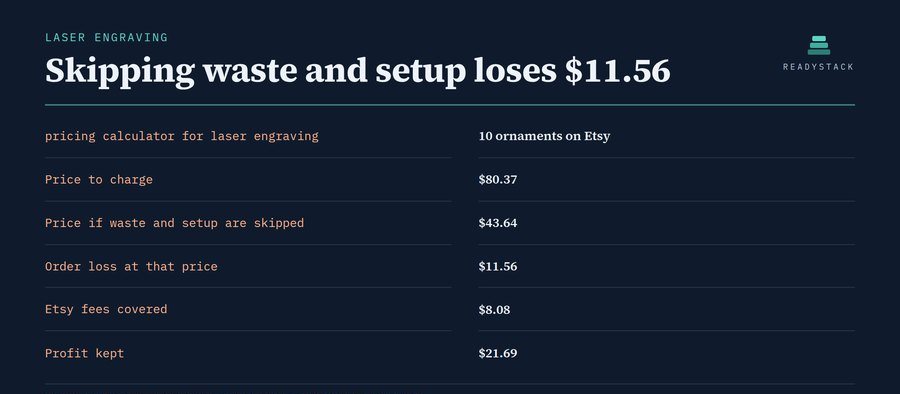 pricing calculator for laser engraving — job cost & profit tracker
 AI SEO tools: see if Google and AI search can read your page — and paste the fixes
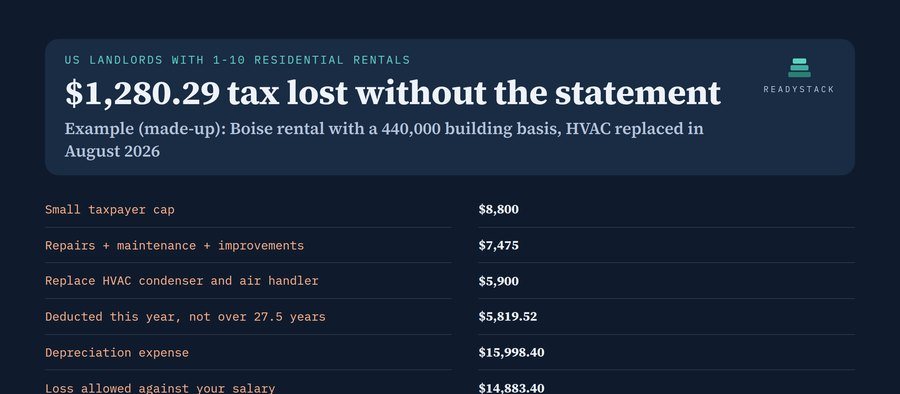 rental property spreadsheet: tax deduction tracker, safe harbors and Schedule E
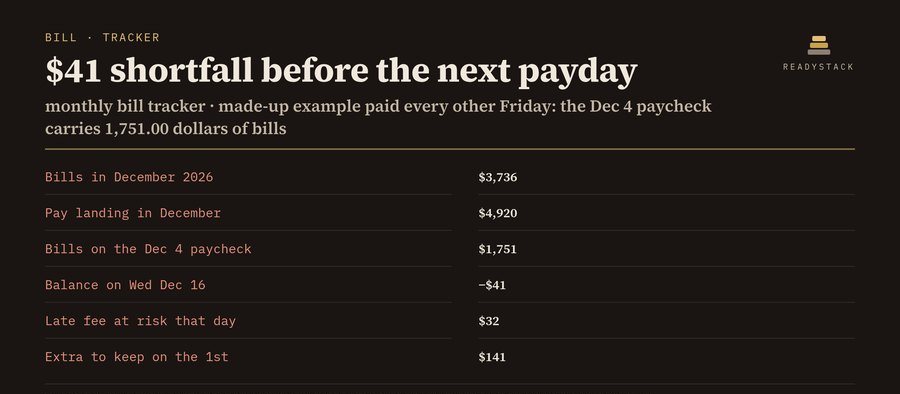 monthly bill tracker: pay-by date, which paycheck and late fee
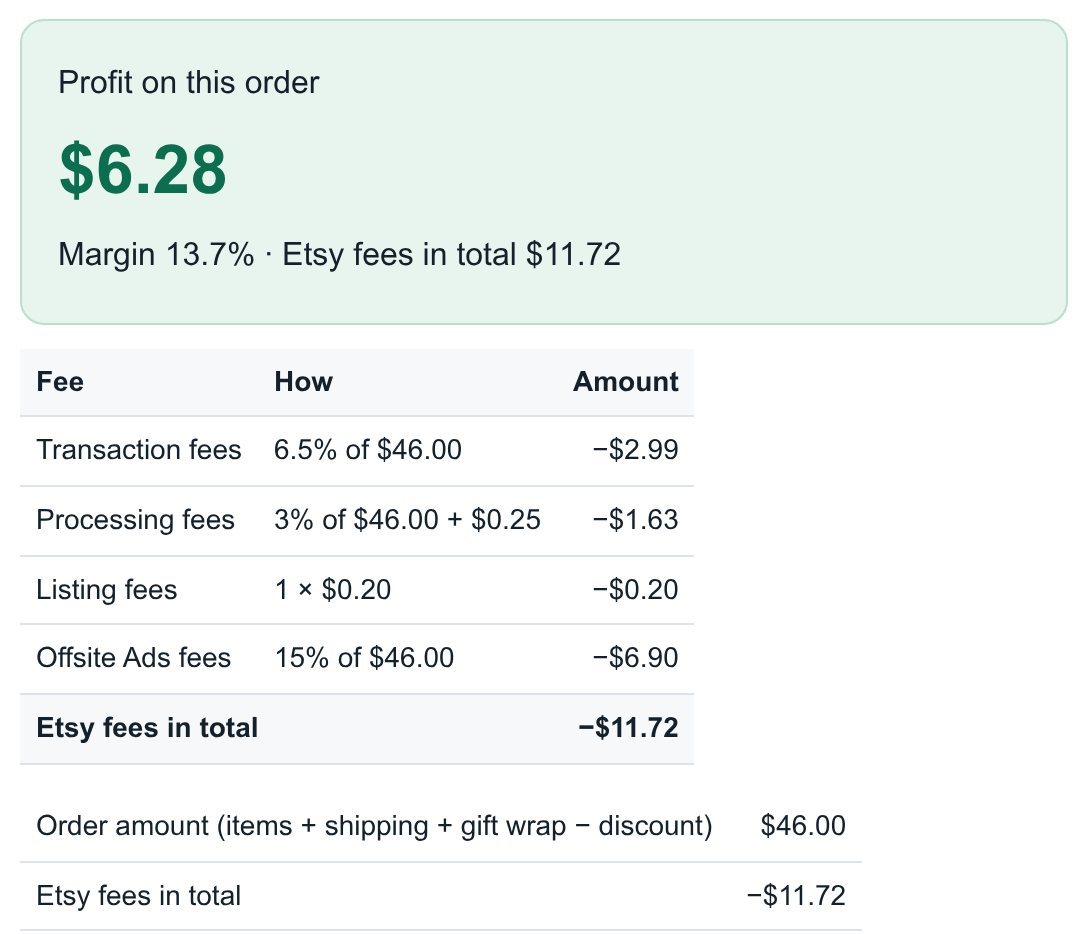 Etsy Profit Calculator: real profit per order from your Etsy CSV (2026 fees)
 organic dropshipping tracker: product tests, video log, real profit per order, kill or scale
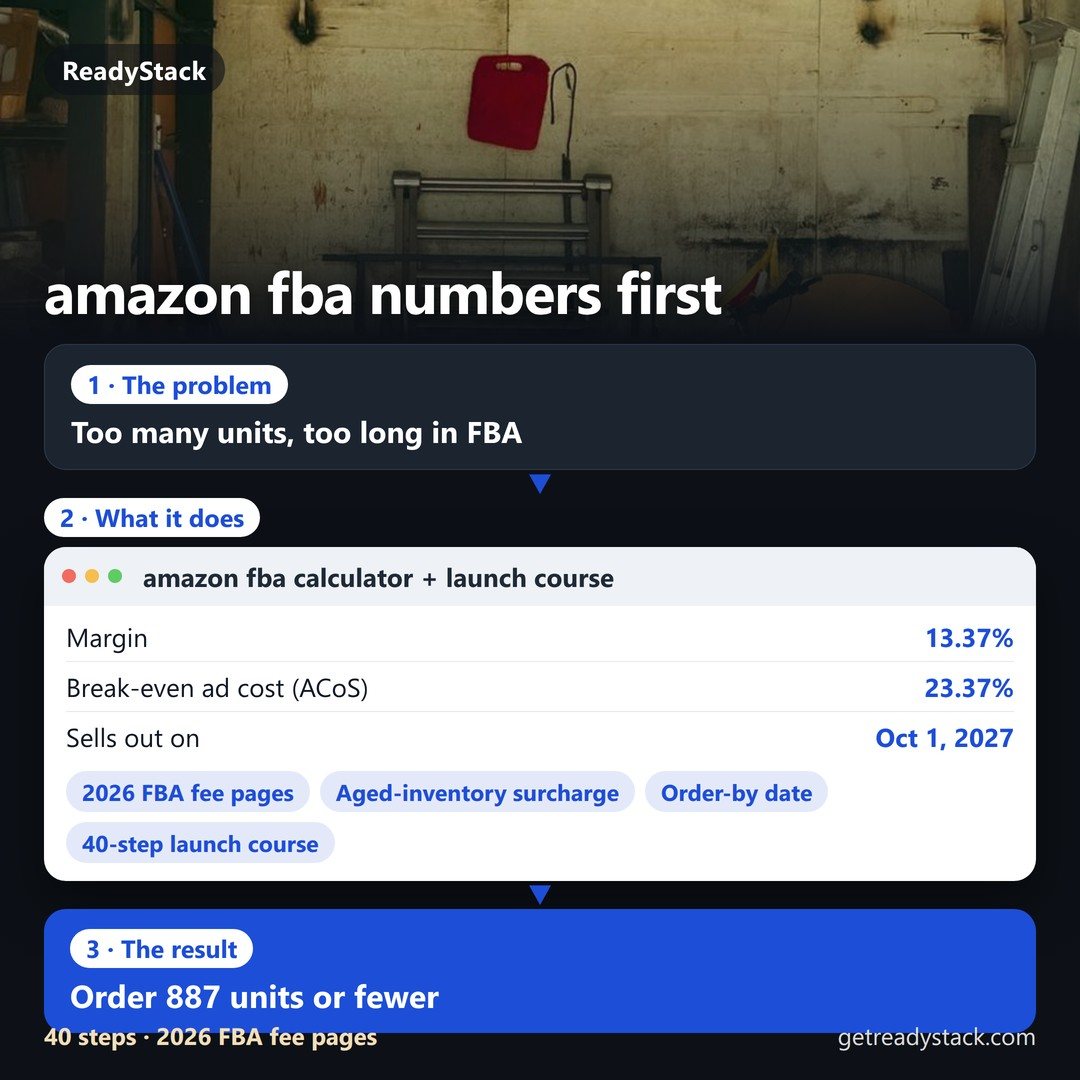 amazon fba calculator + launch course 2026: your product's fees, cash and reorder date
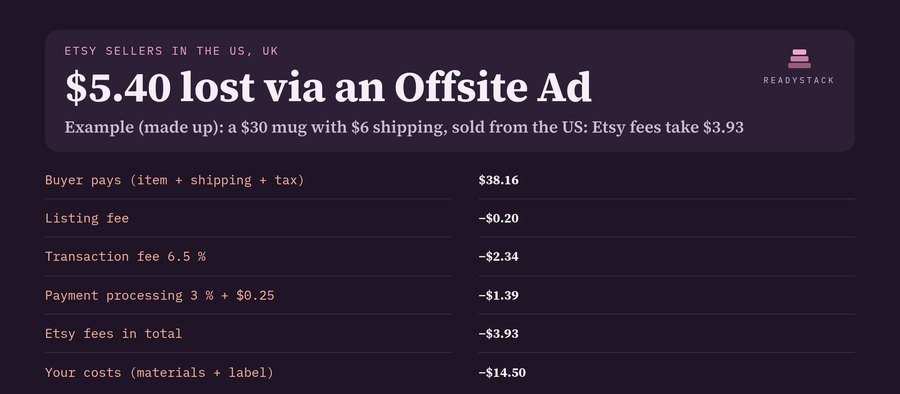 Etsy Fee Calculator: Country Fees, Profit and Monthly Report
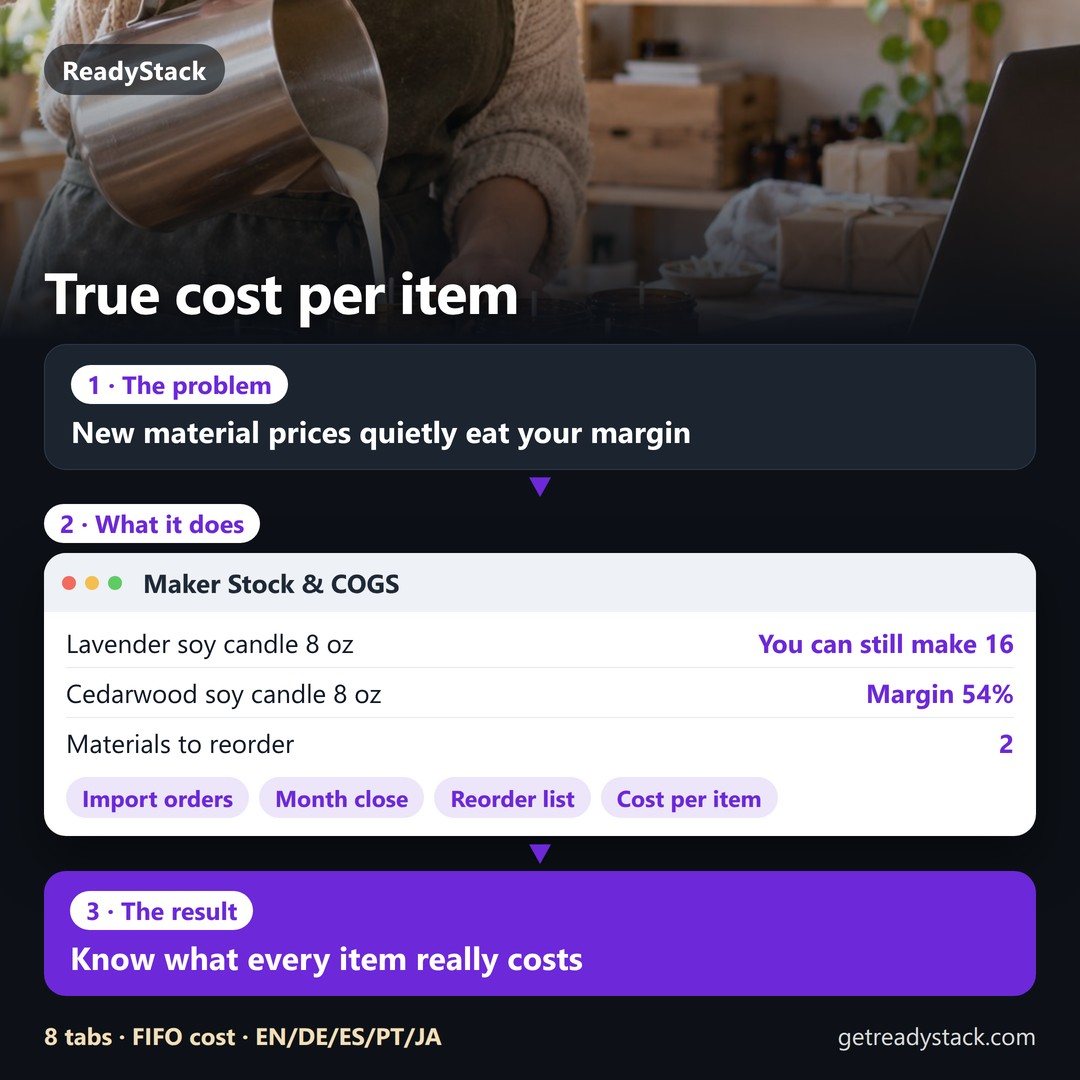 What does one handmade item really cost you? Materials, stock and cost of goods for small makers
 Budget planner spreadsheet google sheets excel – Wealth & Budget Planner for Excel and Google Sheets