Real numbers from this tool, line by line.
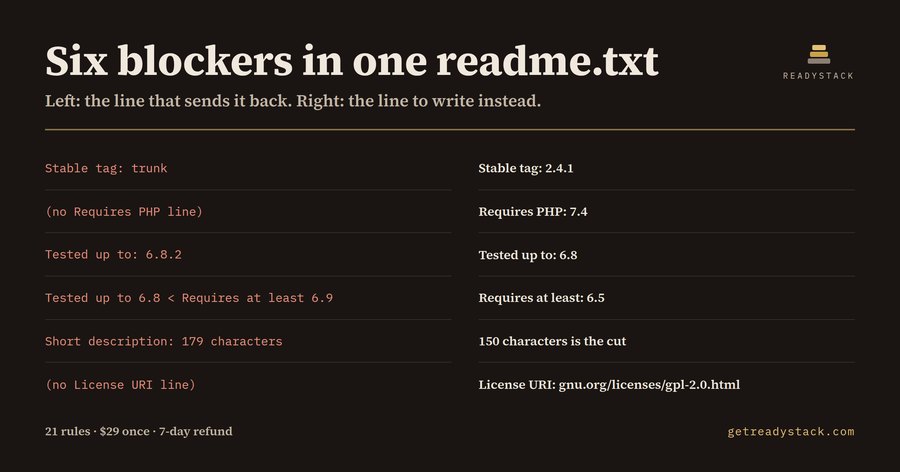
Six blockers in one readme.txt — that is what came back for a solo WordPress plugin developer in Porto who was one command away from submitting an SEO plugin to the wordpress.org directory. The PHP was fine. The header block was not:
=== Speedy SEO Toolkit === Contributors: alexdev Tags: seo, sitemap, schema, meta tags, performance Requires at least: 6.9 Tested up to: 6.8.2 Stable tag: trunk License: GPLv2 or later
Six things in those seven lines will either send the submission back or, quietly, stop the release from ever reaching the installs the plugin already has.
Stable tag: trunk. This is the expensive one, and it does not look like an error. The directory serves whatever sits in trunk to every install. You tag 2.4.1, you push, you write the changelog — and users get trunk, which may be the half-finished commit from Tuesday. The fix is one word: Stable tag: 2.4.1.
No Requires PHP line. Without it, WordPress offers the plugin to every PHP version there is. Requires PHP: 7.4.
Tested up to: 6.8.2. The directory reads the major version only. A patch number in that field is not the compliment you think it is; write Tested up to: 6.8.
Tested up to 6.8, Requires at least 6.9. Two lines that contradict each other: the plugin claims to need a WordPress newer than the newest one it was tested against, so no install satisfies both. One of the two numbers is wrong, and only you know which.
A short description of 179 characters. That line is the one sentence shown on the plugin card. The directory cuts it at 150, mid-word, so 29 characters are gone.
No License URI. License: GPLv2 or later is there; the URI line is not. The directory wants both, and a reviewer will ask.
None of these are code review. They are a reading of two files — readme.txt and the header comment at the top of the main plugin file — against the rules the wordpress.org Plugin Review Team reads them against. That is what WP Plugin Review Gate does: 21 rules, run on the file you have open in VS Code, each finding with a line number and the exact line to write instead. Run it on a clean readme.txt and it returns nothing at all.
The rest live in the plugin file: a header comment with no Version, no Requires PHP, no License or no Text Domain; no defined( 'ABSPATH' ) || exit; guard; wp_enqueue_script() pointing at a remote URL instead of a file you ship; eval() or base64_decode(), which a reviewer reads as obfuscated code; a hard-coded wp-content/plugins path.
Why not ask an assistant? An assistant writes a fresh, plausible readme.txt from a prompt; it has never seen your file. It does not know your Stable tag says trunk, that Tested up to picked up a patch number, or that your short description grew to 179 characters. The check has to run on the file in front of you, and it has to count.
The free part is the whole file you have open — all 21 rules, every line number, in the editor or in the browser at getreadystack.com/tools/wp-plugin-review-gate, with nothing uploaded. The paid part is a different axis, not a crippled version of the same one: the whole plugin folder in one pass, readme.txt read against the plugin header, Stable tag checked against Version across files, and a dated report you keep for the submission. $29 once, one licence key per person or team seat.
A freelance WordPress developer bills $30 to $90 an hour; a pre-submission read is an hour or two. The readme takes four minutes to fix. The queue does not give the four minutes back.
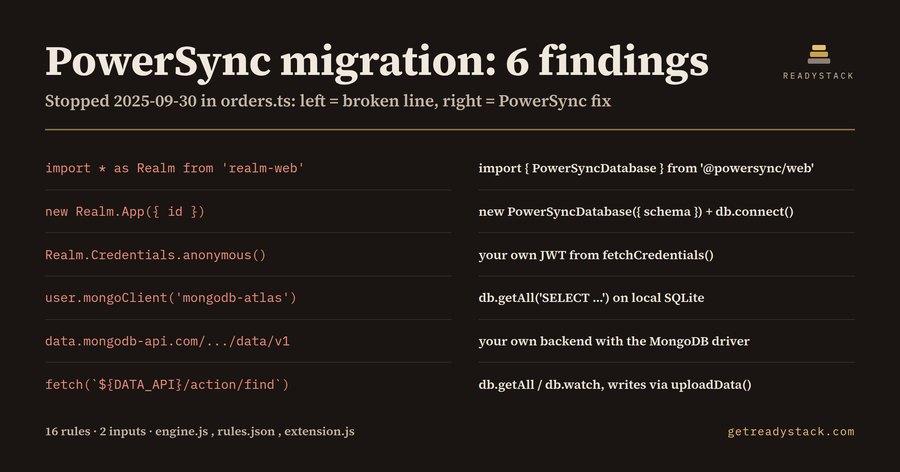 PowerSync Migration 2026 — check your code for free
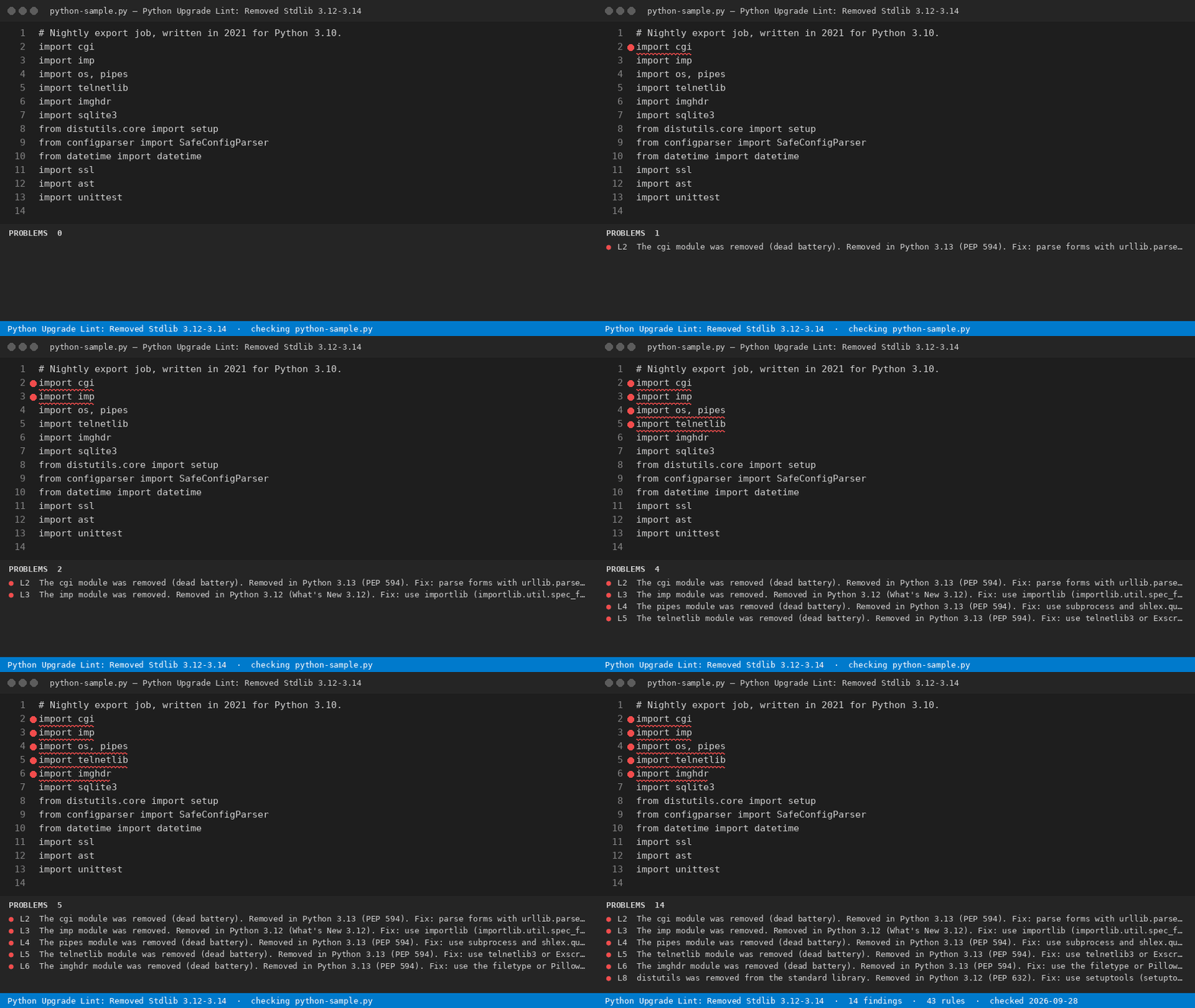 Python 3.12 Removed modules — check your python code free
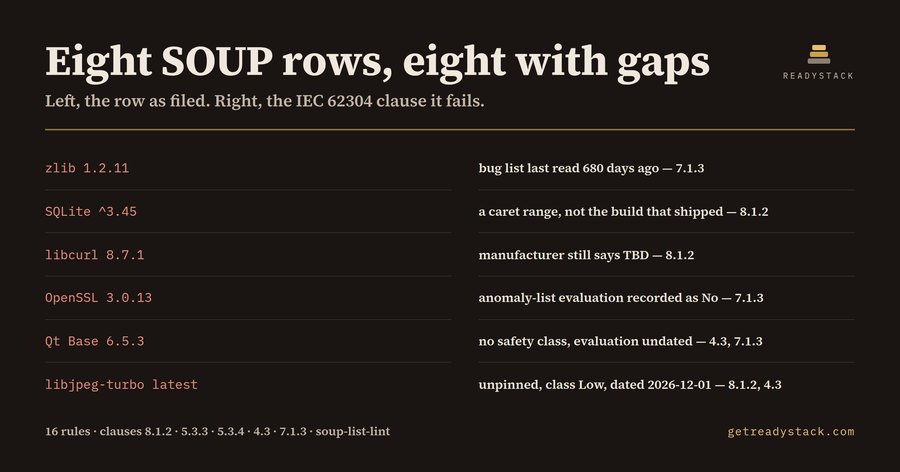 IEC 62304 SOUP List — check your SOUP list free
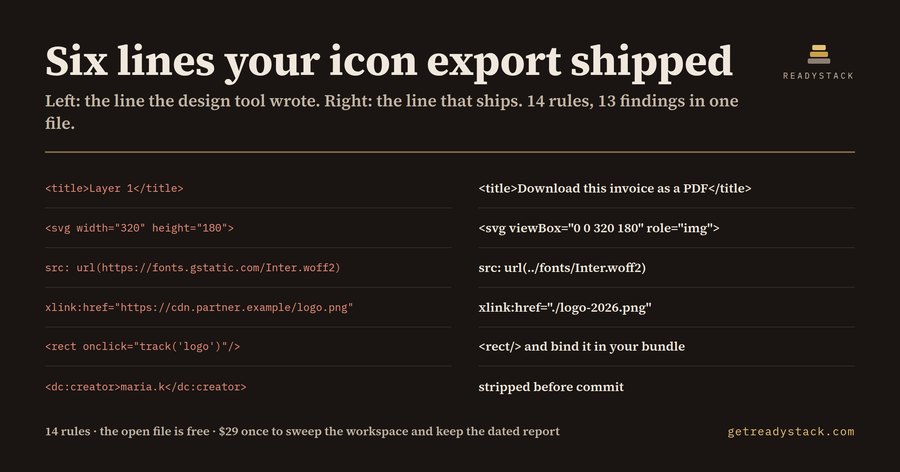 SVG accessibility name check — check your SVG assets free
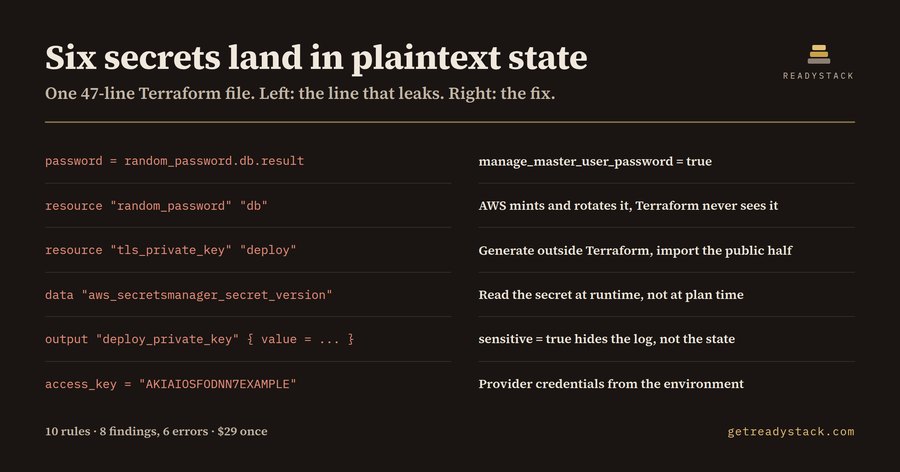 Terraform State secrets — check state secrets free