Real numbers from this tool, line by line.
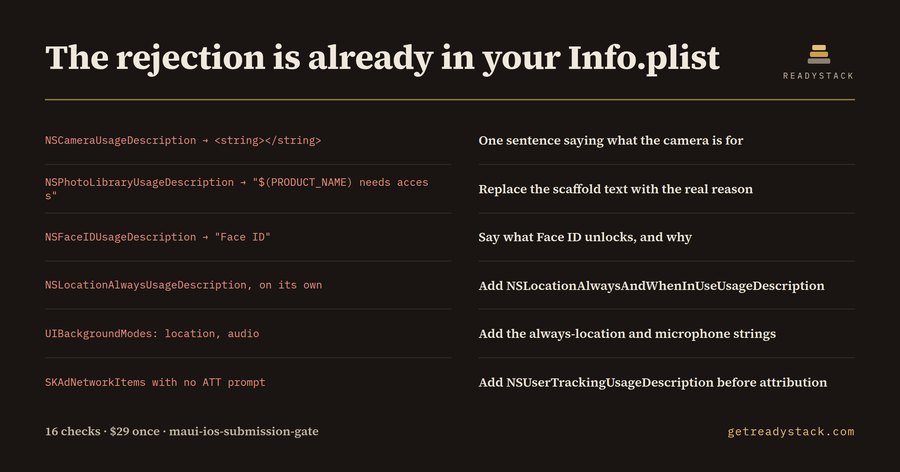
Thirteen findings, ten of them outright App Store rejections, came back from a single Info.plist — the sample that ships with this extension, modelled on a .NET MAUI field-service app whose developer owns the iOS release end to end.
App Review reads Platforms/iOS/Info.plist before it reads a line of your C#. In a MAUI solution that file is one of the last things still edited by hand: the XAML is generated, the bindings are generated, the Android manifest is half-generated, and then somebody drops an NSCameraUsageDescription into the plist at eleven at night and ships it.
Here is what came back from the sample, run through 16 checks:
NSCameraUsageDescription was <string></string>. An empty purpose string means the permission prompt shows the user no reason at all. Guideline 5.1.1(i) rejection.NSPhotoLibraryUsageDescription still held $(PRODUCT_NAME) needs access to your photos. Reviewers read scaffold text as no purpose string at all.NSFaceIDUsageDescription was seven characters long: Face ID. It names the data and never says the use.NSContactsUsageDescription read Contacts are used in the app. — still no reason clause.NSLocationAlwaysUsageDescription sat alone. That key has not driven the prompt since iOS 11; without NSLocationAlwaysAndWhenInUseUsageDescription the background permission is quietly denied.NSBluetoothPeripheralUsageDescription sat alone too. On iOS 13 and later the first Bluetooth call terminates the app instead of prompting.UIBackgroundModes declared location and audio with neither string behind them.SKAdNetworkItems was present with no NSUserTrackingUsageDescription, so attribution runs before the ATT prompt exists.NSAllowsArbitraryLoads was true, which App Review will ask you to justify in writing.UIApplicationExitsOnSuspend, removed in iOS 10, was still there.- And
ITSAppUsesNonExemptEncryption was written as <string>false</string>.
That last one is the interesting one, because it never announces itself. App Store Connect wants a boolean. Given a string it ignores the key, so the export-compliance questionnaire comes back on every upload and every developer on the team learns to click through it. When the flag is genuinely true and no ITSEncryptionExportComplianceCode sits beside it, the build also carries the US Bureau of Industry and Security annual self-classification obligation, which falls due each 1 February — next on 1 February 2027. Set the tool's date to March 2027 and the same file reports 1 February 2028 instead; the deadline is computed, not printed.
The same file with the strings written properly returns 0 findings. Both fixtures ship with the extension, so the numbers above are re-runnable rather than claimed.
A chatbot cannot do this, for a boring reason: it cannot see your Platforms/iOS folder. It answers about the plist you paste, which is rarely the plist you ship. Generic plist linters check that the XML parses — which the broken sample does, perfectly.
The free extension runs all 16 checks on any plist you open, with line numbers and the edit that clears each one, and it needs no licence key. The key buys one thing on a different axis: export. It writes a dated Submission Evidence report in Markdown covering every plist in the solution — a file you own, attach to the release ticket, or hand to a client who asked what you checked before you shipped.
Freelance iOS release consultants list $60 to $150 an hour on Upwork for submission review. One 5.1.1(i) rejection costs a re-cut build and a second review cycle.
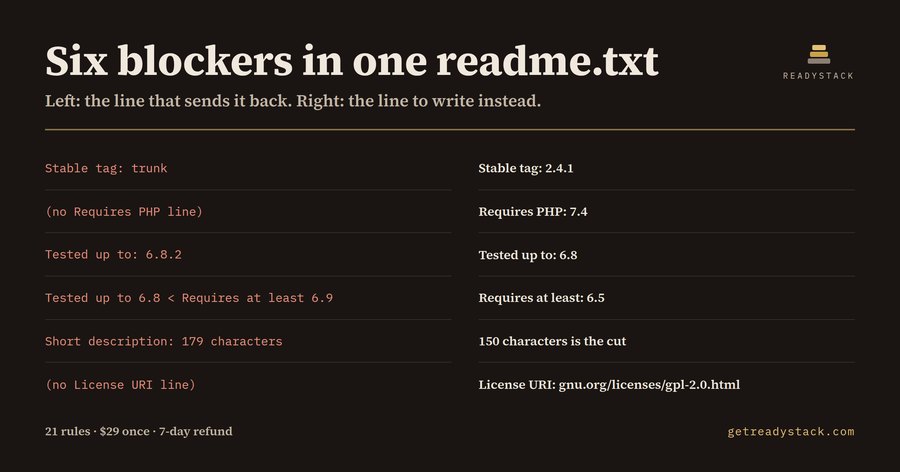 Wordpress Plugin Review check — check your plugin submission details
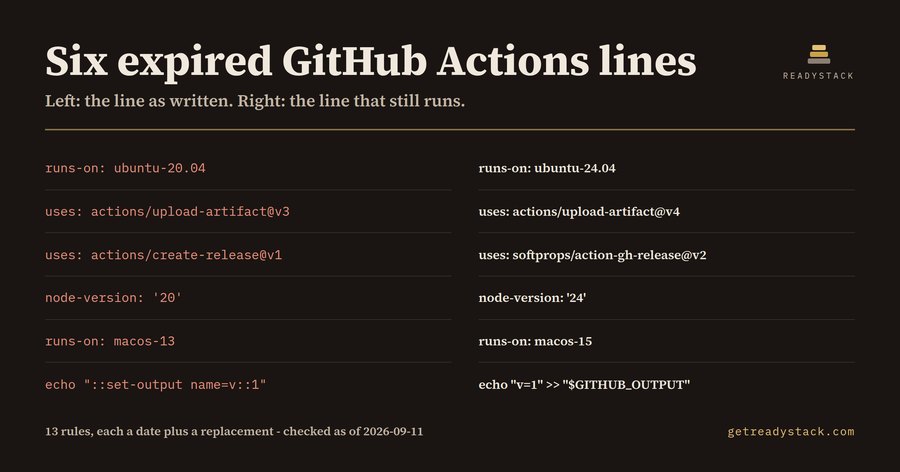 GitHub Actions expiration check — check action expiry dates
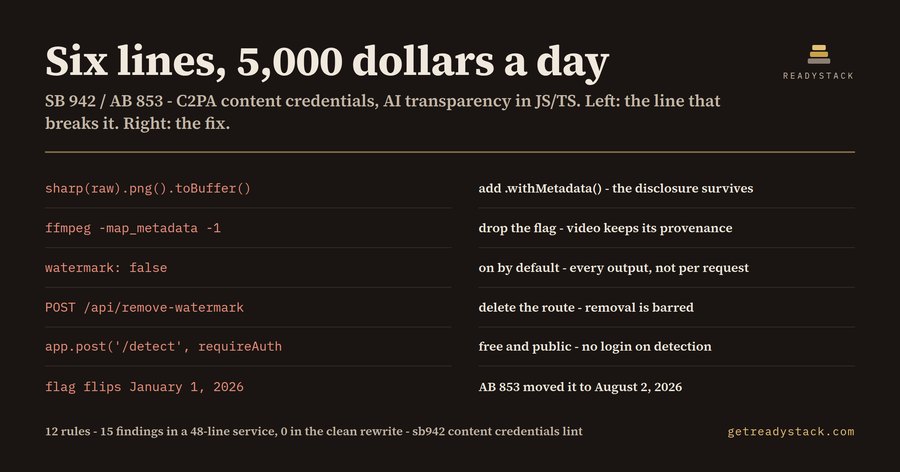 California AI Disclosure 2026 — check your code free
 Highcharts license 2026 — scan dependencies in your browser
 Aurora MySQL 8.0 Upgrade — check mysql files before upgrading
 Bitnami catalog change check — check your configs free