Updated:
Petty Cash Log Excel, Google Sheets
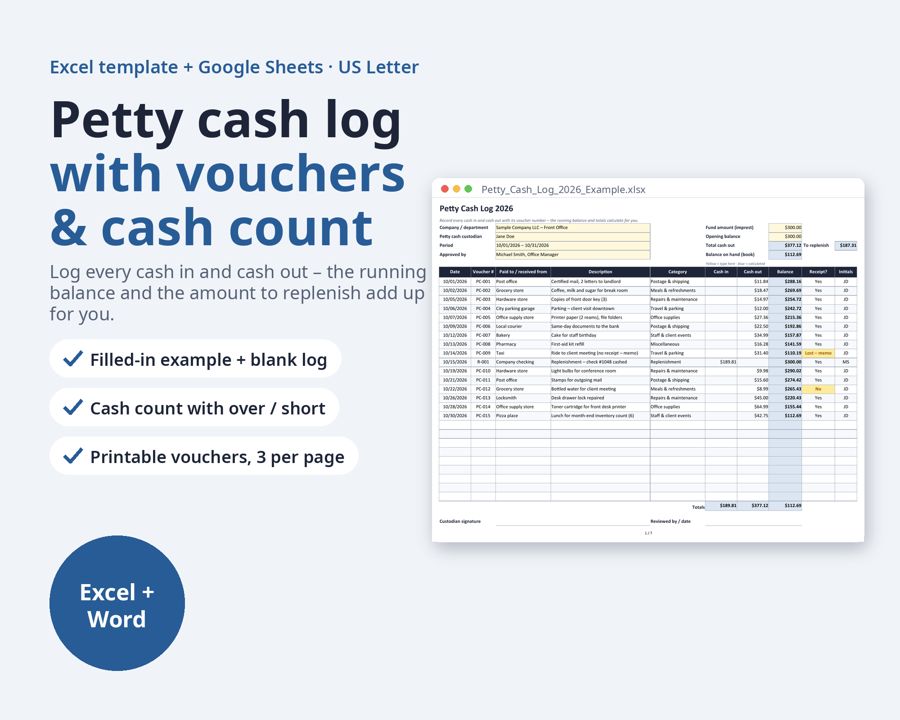
A petty cash log for Excel and Google Sheets: write down every cash in and cash out with its voucher number, and the running balance, totals and amount to replenish calculate for you.
Preview
What's inside
- Petty_Cash_Log_2026_Blank.xlsx
- Petty_Cash_Log_2026_Example.xlsx
- Petty_Cash_Voucher_and_Replenishment_Form.docx
What's included:
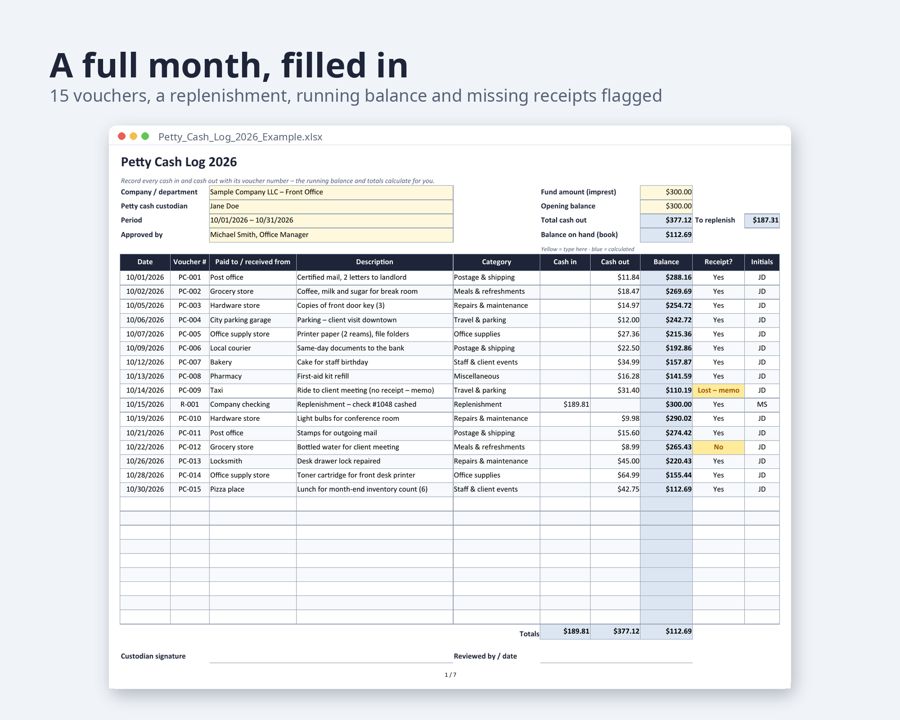
- Petty cash log, filled-in example (Excel): one month of a $300 office fund with 15 vouchers, a mid-month replenishment, running balance and a missing-receipt flag
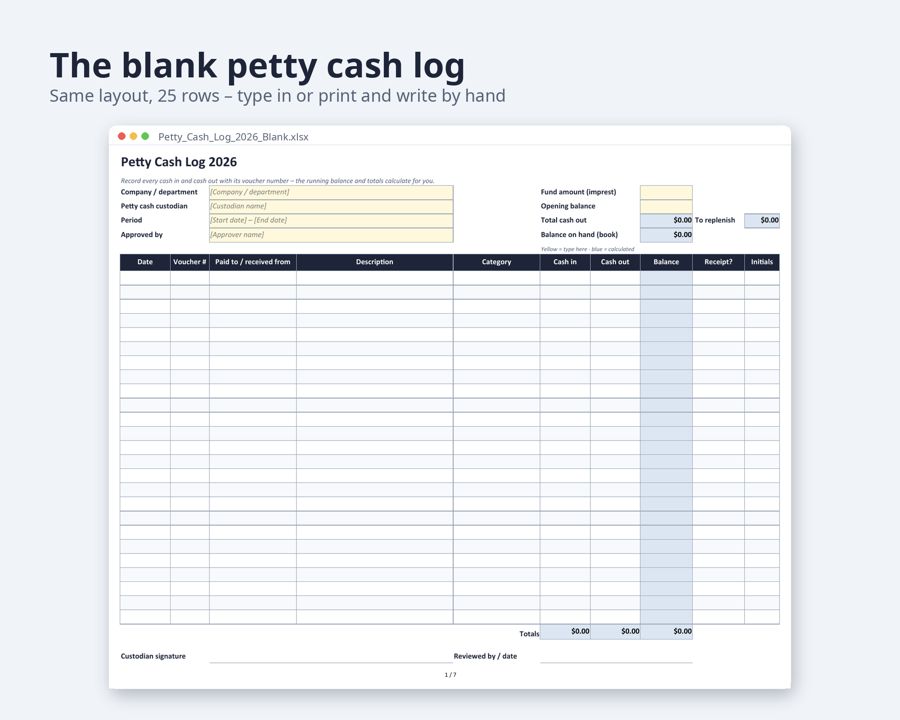
- The same petty cash log, blank: 25 rows, header for company, custodian, period and approver
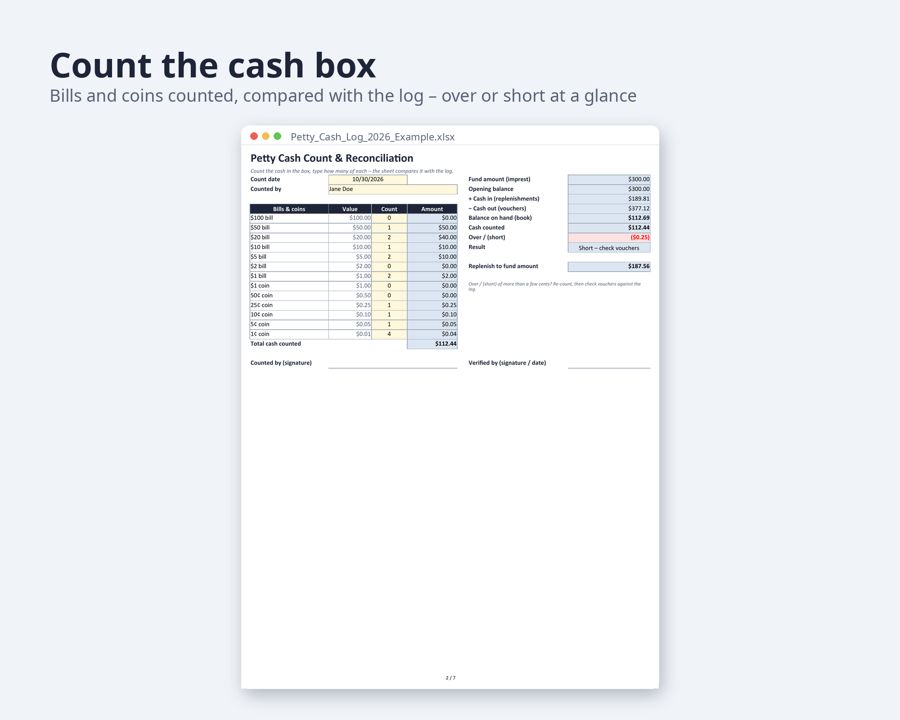
- Cash count & reconciliation sheet: count bills and coins, see cash counted vs. book balance and the over/(short) amount
- Spending by category sheet: totals per category and GL account number for the replenishment request and journal entry
- Printable petty cash vouchers, 3 per page, plus a petty cash replenishment request form with a sign-off checklist (Word)
Who it's for: office managers, bookkeepers, small business owners, churches, clubs, schools and anyone who looks after a petty cash box.
How it works: type the fund amount and opening balance once. Category and receipt columns use drop-down lists you can rename. Rows with no receipt turn amber, a negative balance turns red. The log follows the imprest method: replenish the amount spent and the fund returns to its fixed amount.
How to edit: Microsoft Excel, Google Sheets or LibreOffice Calc for the log; Word, Google Docs or LibreOffice Writer for the vouchers.
Format: US Letter, set to print one page wide (also prints on A4). US dollar amounts and MM/DD/YYYY dates. Files: .xlsx and .docx.
- Fill-in guide in every file: a “Fill in with AI” chapter with ready-made sentences for an AI chat assistant, matched to the template’s fields
Need more than this one? ReadyStack Pass opens all 517 files and 478 full versions — $29/month or $199/year. See the Pass →
A template you fill in yourself — not legal or tax advice.