Real numbers from this tool, line by line.
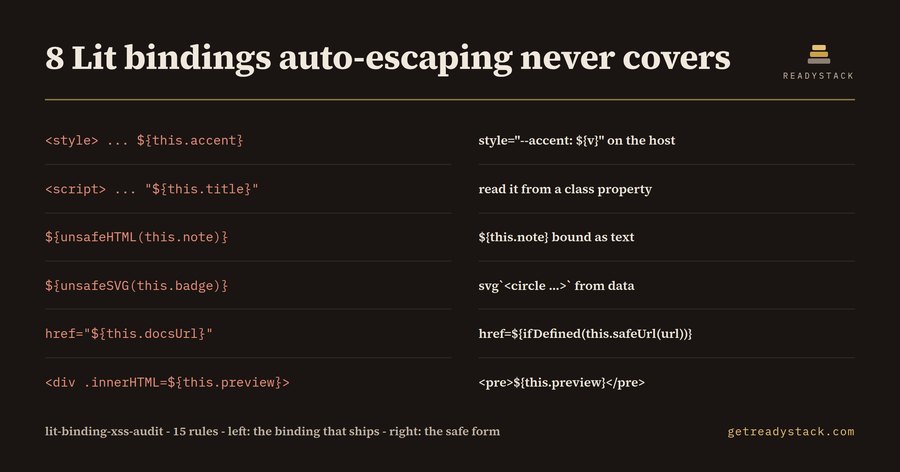
Eight binding positions in one 46-line Lit component ship markup that lit-html never escapes - and if you maintain lit-html web components for a product sold in the EU, those eight are yours to close before anyone starts counting hours.
Here is the measurement. The audit ships two fixtures: a ticket-card component written the way component code drifts, and the clean rewrite of the same component. The dirty one raises 15 findings - 12 high, 2 medium, 1 informational - which is every rule the audit has. The clean rewrite of the same component raises zero. The rules are line-addressed patterns over a rule file you can read.
The reason there is anything to find is that lit-html's escaping is real but narrow. A value dropped into a child position is escaped. A value that reaches the parser by another route is not, and a Lit template has more routes than most people hold in their head at once:
html`
  <style>.card { border-left: 4px solid ${this.accent}; }</style>
  <div class="note">${unsafeHTML(this.note)}</div>
  <a href="${this.docsUrl}">Open the ticket</a>
  <div .innerHTML=${this.preview}></div>
  <iframe srcdoc="${this.preview}"></iframe>
  <button onclick="${this.handler}">Assign</button>
`
Every line above is a finding. The binding inside <style> lands in CSS text, where no escaping applies. unsafeHTML hands its string to the HTML parser by design. The href binding is escaped character by character and still keeps whatever scheme the data brought with it, javascript: included. A .innerHTML property binding writes raw markup into the element; srcdoc is a whole document body; and onclick="${...}" is compiled as an inline handler string rather than the listener @click=${this.assign} would have given you.
The safe forms are unremarkable once they are named: a CSS custom property on the host instead of a binding in <style>; the value bound as text instead of unsafeHTML; href=${ifDefined(this.safeUrl(url))} with a helper that accepts only http: and https:; <pre>${this.preview}</pre> instead of .innerHTML; an iframe src you control instead of srcdoc; @click instead of onclick. That is what the clean fixture does, and why it reports nothing.
There is a clock behind this now. EU Cyber Resilience Act Article 14 reporting has been in force since 11 September 2026: an actively exploited vulnerability in a product with digital elements means an early warning within 24 hours, a notification within 72 hours and a final report within 14 days. An injection in a shipped web component is exactly that shape of defect, which is why the audit adds one informational finding naming those three windows whenever a high finding exists.
A general linter will not do this for you. ESLint reads html... as a plain tagged template literal, so a binding in a style block or an onclick attribute is ordinary text to it. A chatbot can explain lit-html escaping and still cannot hand you a file and a line number.
The audit of the file you have open is free and complete: all 15 rules, every line number, every suggested fix, no watermark and no run limit. The licence buys a different job - one command sweeps every component in the workspace and writes a dated evidence report listing each unsafe binding with its file and line. For scale, an application-security contractor reviewing component code bills roughly 150 to 250 an hour.
The same rule file and the same engine.check() run in the browser page, so you can paste a component in and get the identical findings before you install anything.
 Outlook Email HTML Lint - Classic vs New
 Postgres Migration Lock check — check migration locks free
 Docker Desktop alternatives — check your files for free
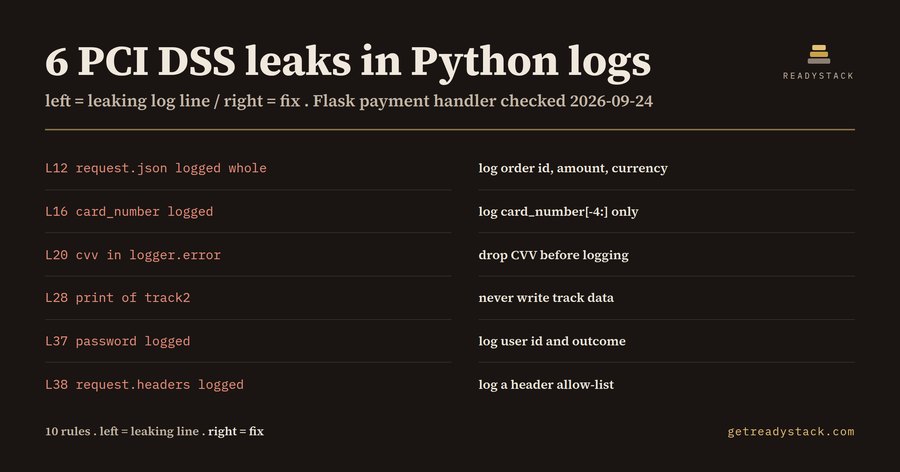 PCI DSS Log requirements — check Python logs for card data
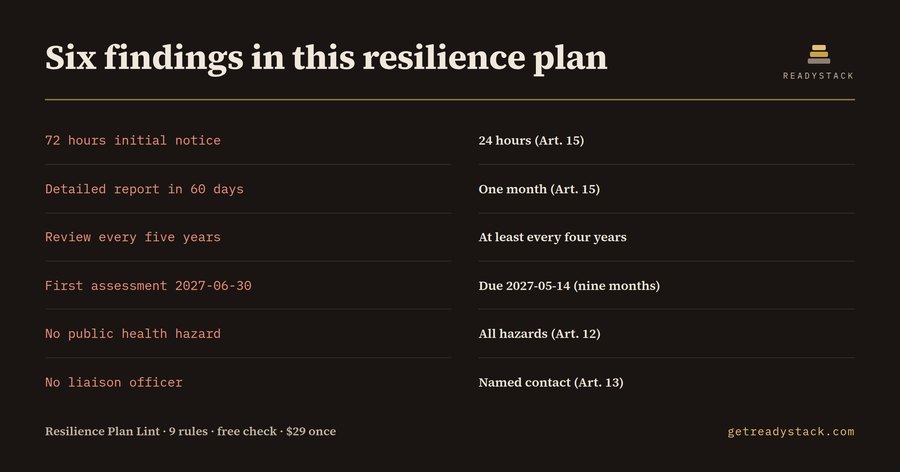 Critical infrastructure risk assessment — check your resilience plan
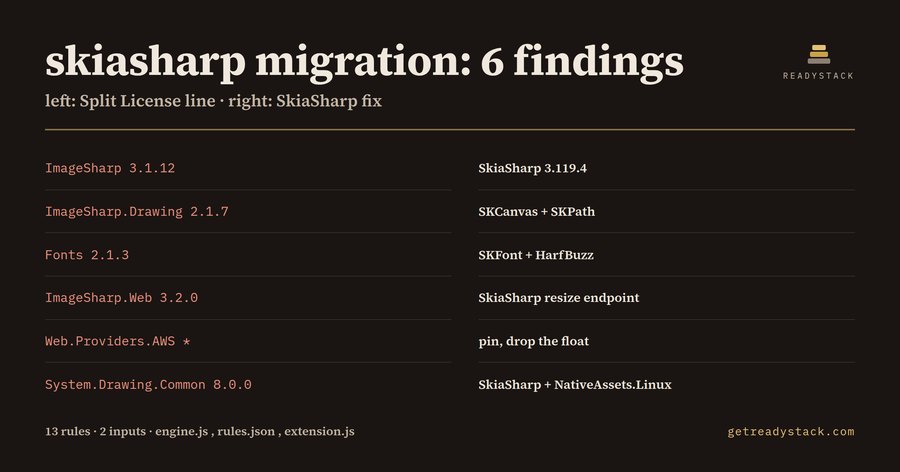 Six Labors Split License — check your code for free